
Turn ChatGPT, Midjourney, and Gemini into a sticker design partner, then print the results as real vinyl you can hold, peel, and stick.
AI art tools have made it easier than ever to generate sticker concepts without hiring an illustrator. But a good AI image and a print-ready sticker are two different things. This guide covers the prompt structures that produce clean, stickerable artwork, how ChatGPT, Midjourney, and Gemini differ for this use case, and what happens after you export your favorite design. Once you have artwork you like, Stickers.com prints it as a real die-cut, kiss-cut, clear, or holographic sticker and ships it to your door. No subscriptions, no third-party plugins required, just your art turned into a physical product.
How to Write AI Prompts for Sticker Designs That Actually Print Well
A sticker prompt needs more structure than a general art prompt because the output has to survive cutting, lamination, and small-scale printing. Start with the subject, then add style, background instruction, color palette, and line quality. A reliable formula looks like this: [subject] + [art style] + [background: white/transparent] + [color palette] + [line style: bold outline or clean vector]. For example: 'a cartoon corgi wearing sunglasses, kawaii sticker style, thick white border, isolated on a plain white background, flat pastel colors, bold black outline.' Naming the border and background explicitly is what separates a usable sticker prompt from a generic AI art prompt, since most die-cut and kiss-cut sheets need a clear edge to cut along.
Popular Sticker Design Styles to Prompt For
Once you have the basic formula down, style keywords shape the personality of the sticker. Cute and kawaii prompts (think rounded shapes, big eyes, pastel palettes) tend to perform well for anyone building on the momentum of cute animal stickers. Funny, meme-inspired prompts work great for bumper stickers and laptop stickers where a bold punchline needs to read from a few feet away, similar to the ideas covered in fun bumper sticker designs. Aesthetic and minimalist prompts (line art, single-color logos, muted tones) suit small businesses and Etsy sellers building a cohesive brand look. If you want something with more visual punch, prompt for a retro shine or prismatic gradient and pair the result with a holographic sticker print for extra shelf appeal. Whatever style you land on, keep the subject simple. Complex multi-layer scenes are harder for AI tools to render cleanly and harder for our machines to cut precisely.
From AI Prompt to Printed Sticker: Prepping Your Artwork
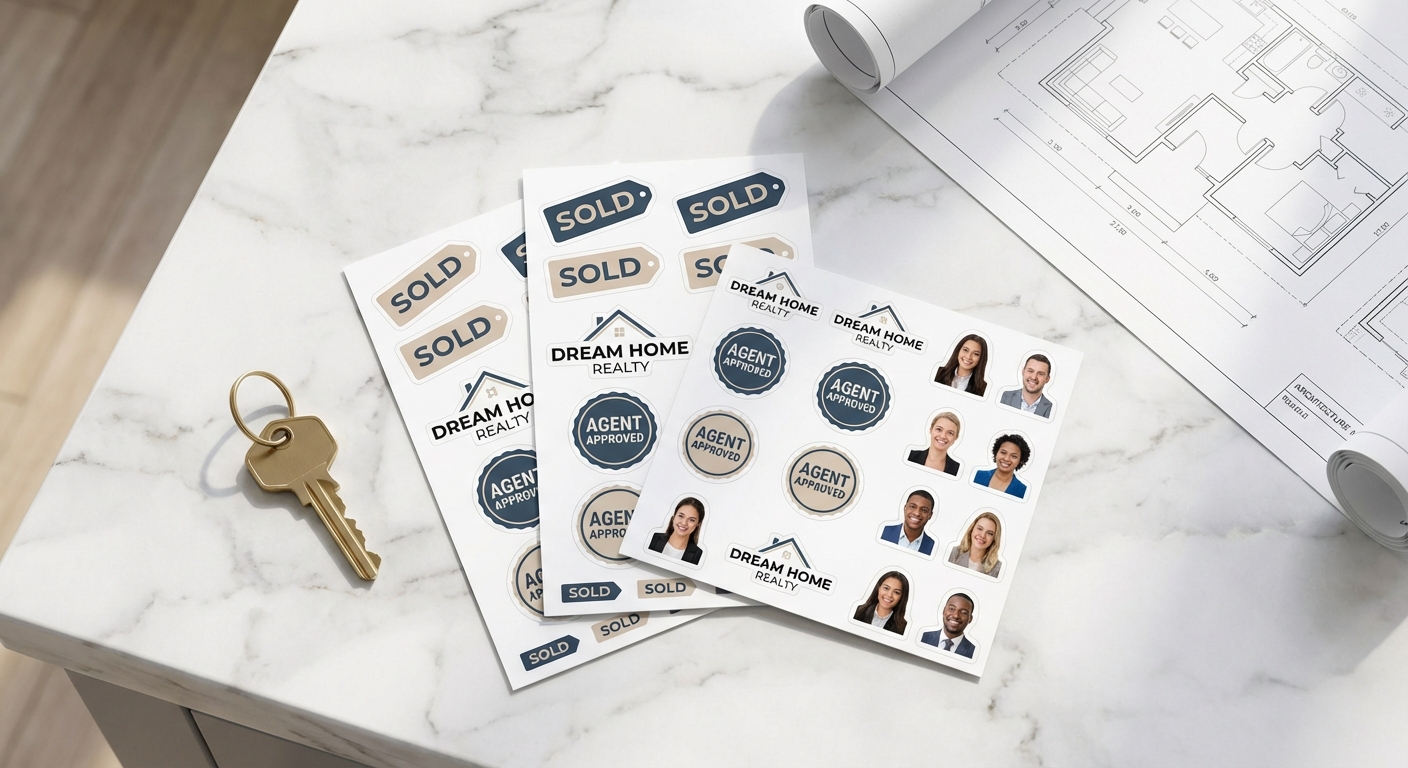
After you generate a design you like, check three things before uploading: resolution, background, and edges. Export at the highest resolution your tool allows (aim for 300 DPI at your intended print size), remove or flatten the background depending on whether you're ordering a die-cut shape or a rectangular sheet, and zoom in to check for jagged or half-rendered edges that AI models sometimes leave behind. If you're printing several AI-generated designs at once for a product line, sticker pack, or client project, a custom cut sticker sheet lets you group multiple images on one sheet and kiss-cut them individually. For a deeper look at how die-cutting actually works and why edge quality matters so much, our guide on die-cut stickers breaks down the process.
Which AI Tool Should You Use for Sticker Design Prompts?
ChatGPT, Midjourney, and Gemini each handle sticker prompts differently. Here's how they compare for generating print-ready artwork.
| AI Tool | Best For | Prompt Style | Typical Output | Good Fit For |
|---|---|---|---|---|
ChatGPT | Quick concepts and iterating on text feedback | Conversational, plain-language prompts | PNG, often with transparent background support | Beginners and fast concept testing |
Midjourney | Highly detailed, stylized artwork | Structured prompts with style modifiers and parameters | High-resolution JPG/PNG requiring background cleanup | Crafters and creators wanting a distinct art style |
Gemini | Simple, clean graphics and logo-style marks | Short, direct prompts | PNG, generally simpler compositions | Small businesses wanting minimalist or icon-style stickers |
Buying Custom Stickers Made from AI Art: Common Questions
- Can I use AI-generated artwork to make custom stickers?
- Yes. Any image you generate with ChatGPT, Midjourney, Gemini, or another AI art tool can be uploaded as your design file. We print exactly what you upload, so the quality of your prompt and export settings determines the quality of the finished sticker.
- What file format should I upload after generating an AI sticker design?
- A PNG with a transparent background at 300 DPI is ideal, especially for die-cut shapes where the background needs to disappear around the artwork. If your AI tool only exports JPGs with a solid background, you can knock out the background before uploading or ask our design team for help through our design services page.
- Will my AI-generated design get cut out correctly as a die-cut sticker?
- Die-cut accuracy depends on contrast between your subject and the background. AI prompts that specify a clean, isolated subject on a white or transparent background cut much more cleanly than busy scenes. If your artwork has soft or blurry edges, a kiss-cut sticker sheet or a square/circle shape is often a safer bet than a tight die-cut.
- How fast can I get my AI-designed stickers printed and shipped?
- Standard production runs 3 business days, with rush and express options available if you're in a hurry. That production window is separate from FedEx or UPS transit time, so factor in a few extra days for delivery when you're planning a launch or event.
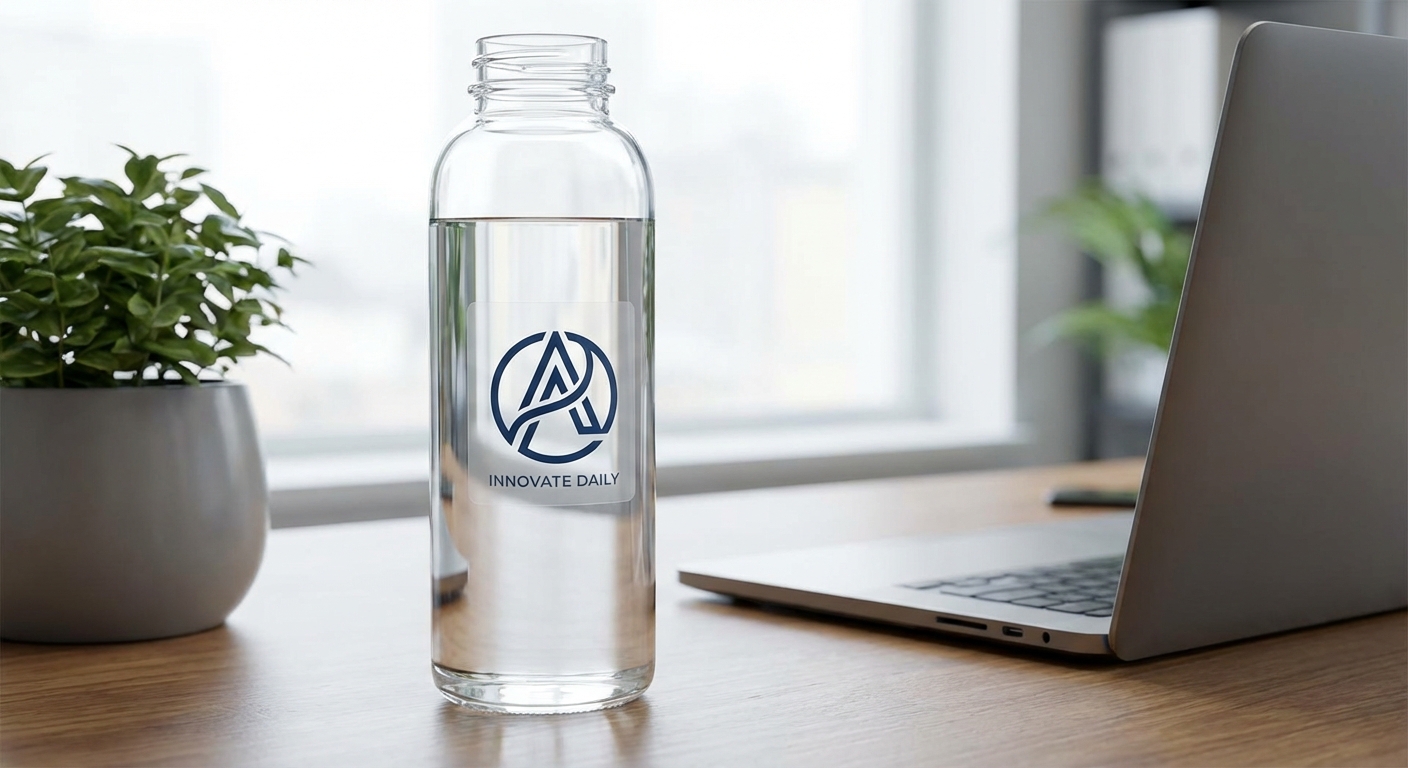
- Will my AI-designed sticker hold up outdoors or on a water bottle?
- That depends on the material you choose, not the AI tool you used. Economy vinyl is built for laptops, novelty items, and indoor use with a 3-5 year lifespan. Standard and premium vinyl add UV, scratch, and moisture protection, with premium rated for up to 8 years outdoors on vehicles, equipment, or marine surfaces.
- Do I need design experience to turn an AI prompt into a print-ready sticker?
- No. Most customers generate an image, upload it as-is, and let our production process handle sizing and cutting. If your file needs cleanup, vectorizing, or color correction, our design services team can prep it for you before it goes to print.
Print Your AI-Generated Sticker Designs
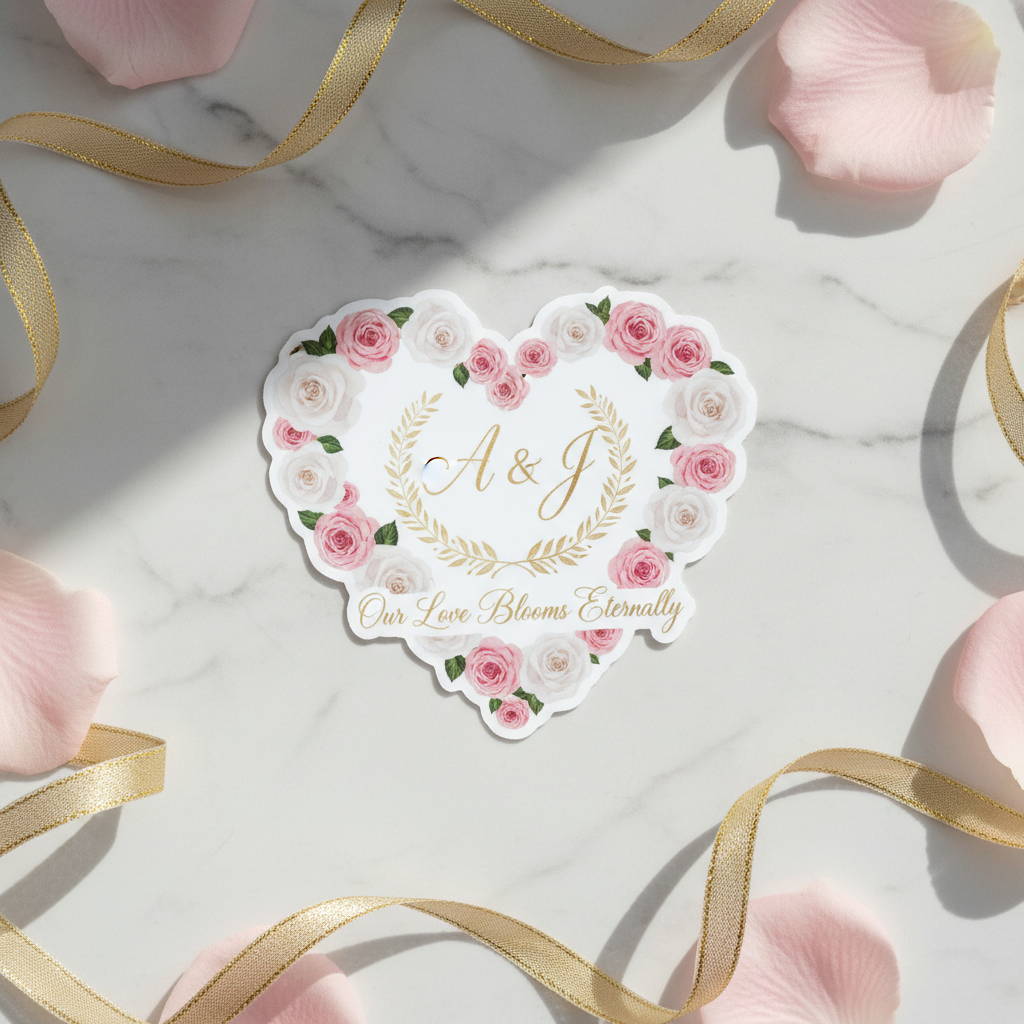
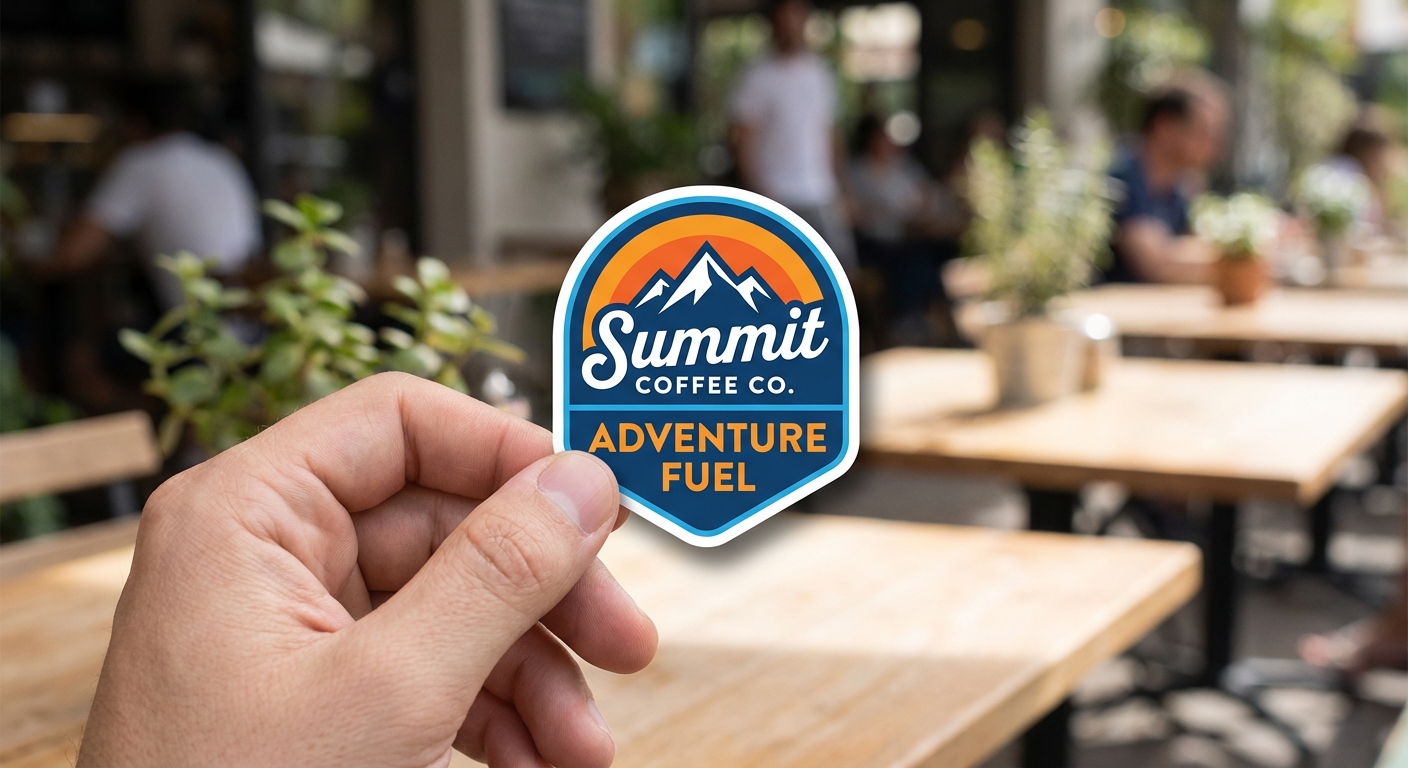
Once your AI prompt produces artwork worth keeping, here's where it becomes a real, adhesive product.
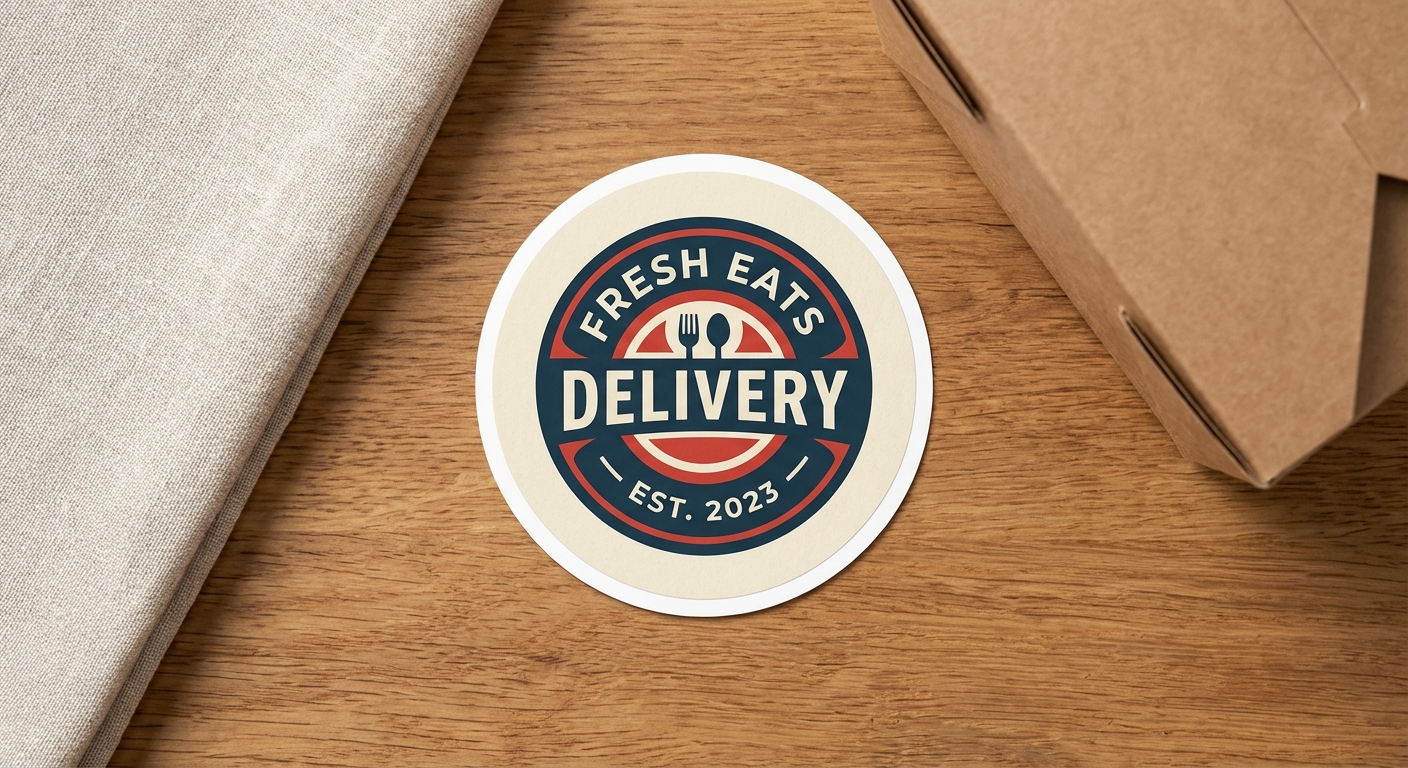
Ready to Print Your AI-Generated Sticker Design?
You've written the prompt and picked your favorite render. Now upload it and let us handle the rest, from precise cutting to durable, weather-ready materials. Every order ships as a real product you own and apply yourself, printed in 3 business days with your exact artwork.