
A practical comparison of matte, glossy, and clear laptop sticker finishes to help you pick the right look and durability for your device.
Choosing between matte laptop stickers, glossy laptop stickers, and clear laptop stickers comes down to two things: how you want your design to look, and how much handling it needs to survive. Every laptop sticker finish we print is custom-made to your artwork, cut to your shape, and shipped straight to your door. This guide breaks down the differences in appearance, material, and durability so your next custom laptop sticker order is the right one the first time.
Laptop Sticker Finishes: Common Buyer Questions
- What's the real difference between matte, glossy, and clear laptop sticker finishes?
- Matte finish uses a low-glare lamination that mutes colors slightly and gives a soft, modern look. Glossy finish is a shiny, reflective lamination that makes colors pop and gives designs more contrast and brightness. Clear stickers print directly onto a transparent film with a glossy lamination, so the laptop's color shows through anywhere there's no ink, which gives a seamless, no-background look. You can read more about how transparent printing works in our breakdown of clear sticker benefits.
- Which laptop sticker finish holds up best to daily handling?
- All three finishes are laminated for protection, but the material underneath matters more than the finish itself. Economy Vinyl is rated for 3-5 years of everyday use and is the standard choice for laptop stickers, while Premium Vinyl adds scratch and moisture protection rated up to 8 years. If your laptop sticker gets tossed in a bag daily, adding the UV + Scratch protection option is worth it. Our custom vinyl stickers page breaks down material options in more detail.
- What size should I order for a laptop sticker?
- Most single laptop stickers fall between 2 inches and 5 inches depending on where you're placing them on the lid. We print custom sizes from 2x2 inches up to 12x12 inches, so you can go small for a corner logo or large for a full-lid wrap design. If you want several designs at once, ordering a sheet through custom cut sticker sheets is often more cost-effective than ordering individual die-cuts one at a time.
- Can I order just one custom laptop sticker, or do I have to buy in bulk?
- Minimum order is 1 unit, so a single custom laptop sticker is completely fine. If you're outfitting a team, a classroom, or selling stickers yourself, bulk orders of 50 or more unlock tiered pricing that brings the per-unit cost down significantly.
- How fast will my custom laptop stickers ship?
- Standard production is 3 business days, and that's before shipping transit time. If you need them sooner, rush production options are available down to 1 business day. If you have more flexibility, a slower 5 business day option can shave a bit off the price.
- Is it actually a good idea to put stickers on a laptop?
- For most laptops, yes. Vinyl laptop stickers applied to the outer lid are cosmetic and don't interfere with hinges, vents, or ports. The main things to watch for are avoiding the keyboard deck, trackpad, and any vent openings, and understanding that some adhesive residue can remain if you remove a sticker later (especially on painted or textured finishes). If resale value is a concern, placing stickers on a case or skin instead of directly on the chassis is a common workaround. See our guide on removing a laptop sticker for residue-safe removal methods.
- How do I remove a laptop sticker without damaging the lid?
- Heat is your friend. A hair dryer on low heat softens the adhesive so you can peel slowly from one corner without pulling off paint or coating. If residue remains, rubbing alcohol or a dedicated adhesive remover usually lifts it safely. Full step-by-step instructions are in our laptop sticker removal guide.
Matte, Glossy, and Clear Laptop Sticker Finishes Explained
Glossy laptop stickers are the default finish on most die-cut stickers, and for good reason: the shiny lamination makes colors brighter and gives photos, illustrations, and gradients more visual punch. If your design relies on bold color or detailed artwork, glossy is usually the better showcase.
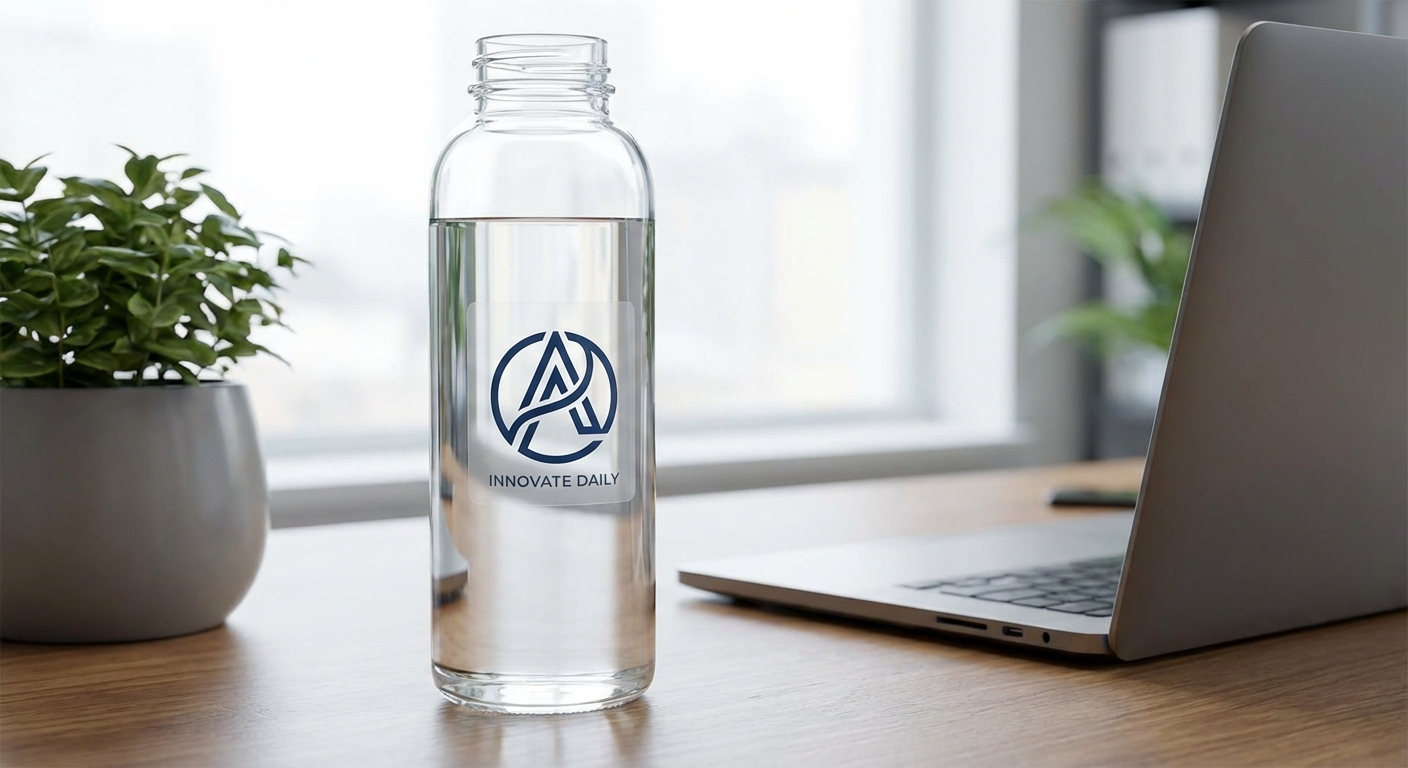
Clear laptop stickers skip the background entirely. Instead of a white or colored base, the design prints on a transparent film with glossy lamination, so the surface underneath shows through. This is the go-to option for logos or wordmarks that need to look like they're floating directly on the laptop lid rather than sitting on a sticker shape. You can order clear stickers as back-adhesive (applied to the outside) or front-adhesive depending on the surface.
Choosing the Right Material for Durable Laptop Stickers
Economy Vinyl is the standard laptop sticker material, rated for 3-5 years of use and available in both matte and gloss. It's laminated to protect colors from fading and is the most common choice for laptop stickers, water bottles, and everyday novelty items.
Standard Vinyl adds UV, scratch, and moisture-protective lamination with air release technology, built more for outdoor signage and car use but still a solid upgrade if your laptop travels with you constantly.
Premium Vinyl is the toughest option, rated up to 8 years outdoors, with the same scratch and moisture protection plus air release technology. It's overkill for most laptops but a smart choice if the sticker will see rough handling, like on a work laptop that gets tossed in and out of a bag daily.
Whichever tier you choose, adding the UV + Scratch protection upgrade at checkout gives extra peace of mind for stickers that get a lot of hand contact. Browse the full material breakdown on our custom vinyl stickers page.
What Are the Different Types of Laptop Stickers?
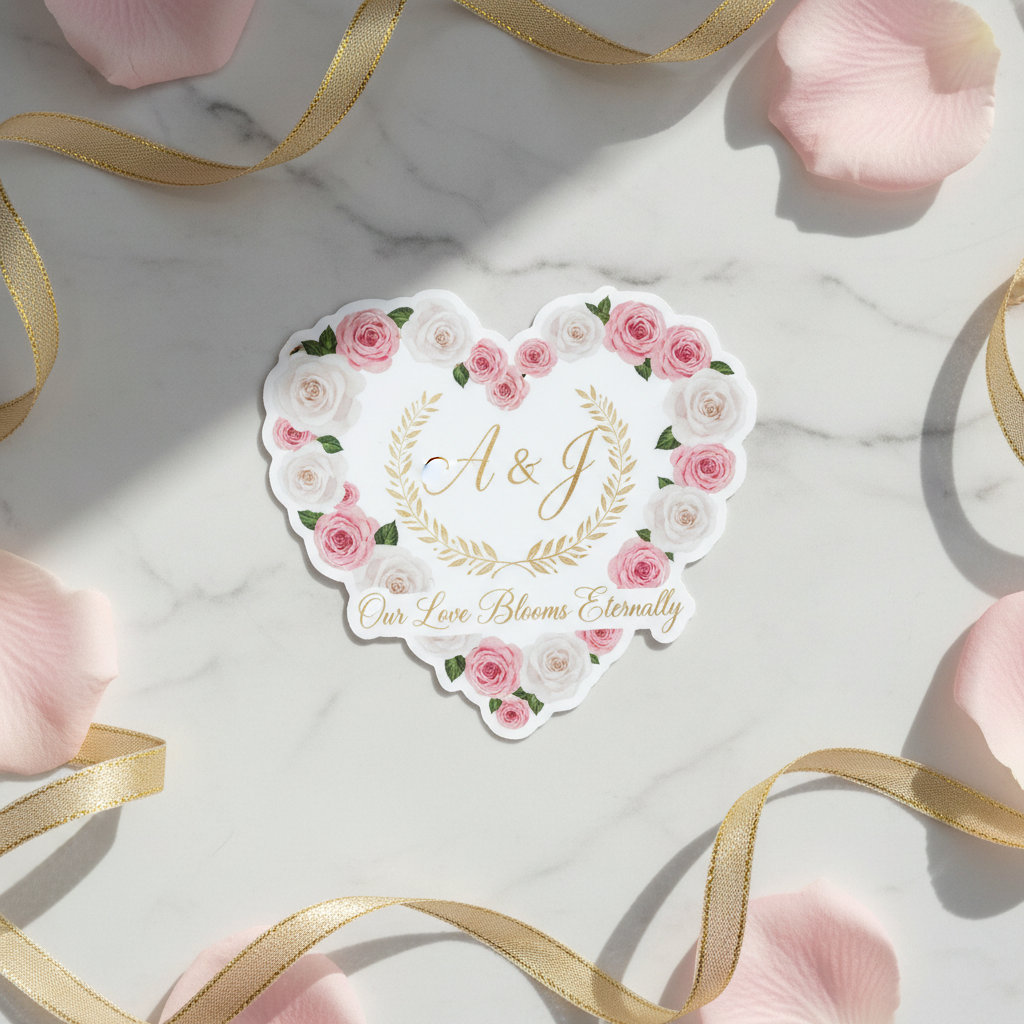
Die-cut stickers are cut precisely to the outline of your artwork, so a logo or character shape stands alone without a background box. These are the most popular laptop sticker format. Read more about how the cutting process works in our die-cut sticker guide.
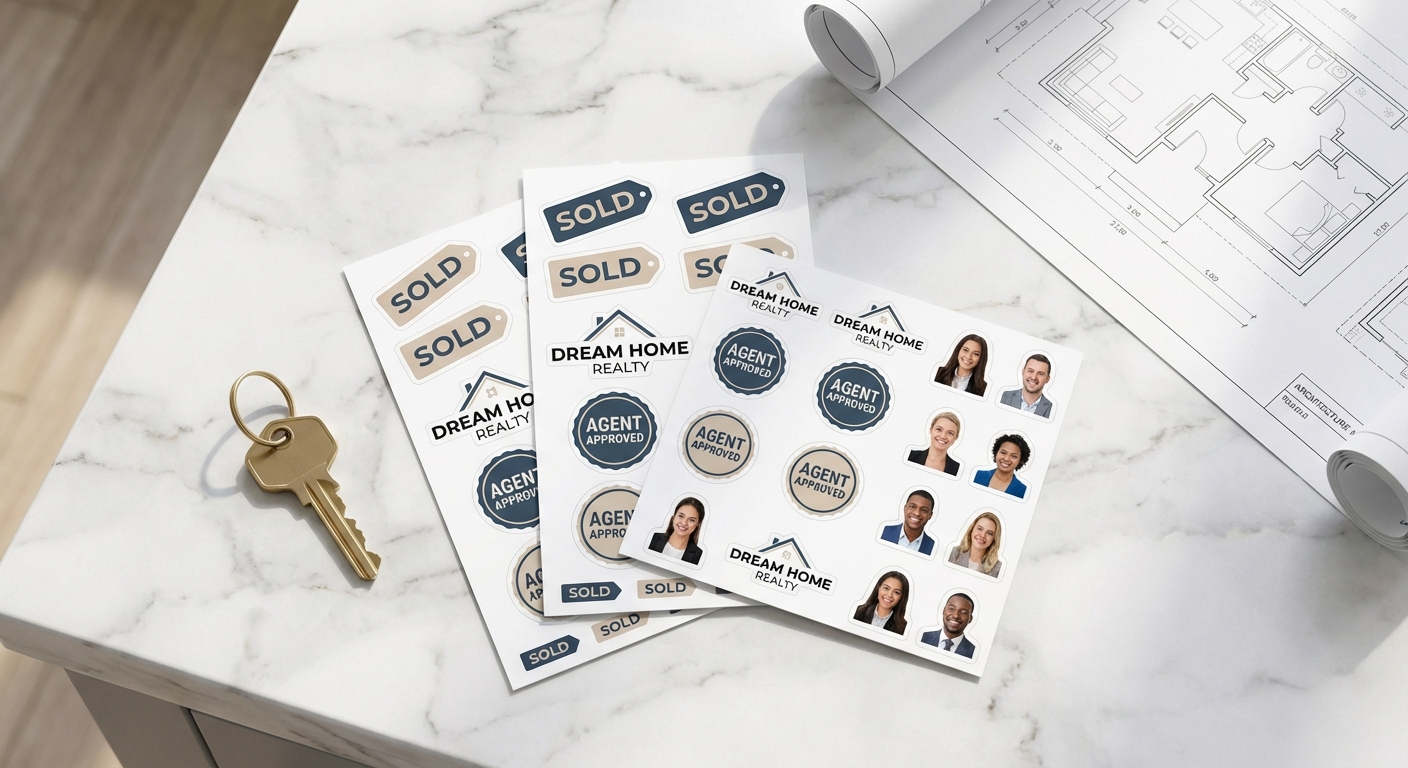
Kiss-cut sticker sheets keep multiple designs on one backing sheet with a light cut around each shape, so you can peel individual stickers off as needed. This is a great option if you want a variety pack of designs rather than one large sticker. Learn more about the format in our kiss-cut stickers explainer.
Clear stickers skip the visible background entirely, as covered above, and work well for subtle branding.
Sheet-based options like custom cut sticker sheets let you fit several designs onto a single order, which is popular with content creators and Etsy sellers who want a laptop sticker pack rather than a single design.
As for what makes a "good" laptop sticker: durable vinyl, a finish that matches your design's vibe, and sizing that fits the available space on the lid without covering vents or hinges. Original artwork, brand logos, favorite quotes, and fandom art are all common picks. See more real-world examples on our laptop stickers use case page and our general custom stickers use case page.
Matte vs Glossy vs Clear: Quick Comparison
Here's how the three most common laptop sticker finishes stack up side by side.
| Finish | Appearance | Best For | Glare & Fingerprint Resistance | Typical Durability |
|---|---|---|---|---|
| Matte Finish | Soft, non-reflective, muted tones | Minimalist logos, text-based designs, subtle branding | High, hides smudges well | 3-5 years on Economy Vinyl, longer on Premium Vinyl |
| Glossy Finish | Shiny, vibrant, high-contrast colors | Bold artwork, photos, colorful illustrations | Lower, shows fingerprints more easily | 3-5 years standard, up to 8 years on Premium Vinyl |
| Clear Sticker | Transparent background, design appears to float | Logos and wordmarks without a visible sticker shape | Moderate | Glossy lamination standard, 3-5 year typical lifespan |
Shop Custom Laptop Stickers by Finish and Format

Ready to Print Your Own Laptop Stickers?
Pick your finish, choose your material, and upload your artwork. We'll produce it in as fast as 1 business day and ship it straight to you, ready to apply to your laptop.
Start Your Custom Laptop Sticker