Know the difference before you upload your artwork
If you have ever uploaded a logo to a sticker order form and gotten a warning about low resolution, you already know why this question matters. Vector artwork and raster images print very differently, and picking the wrong one can mean fuzzy edges, pixelated text, or a die-cut shape that does not follow your design. This guide breaks down vector vs raster for sticker printing in plain terms, so your custom stickers come out sharp no matter which format you start with.
What Is Vector Artwork?
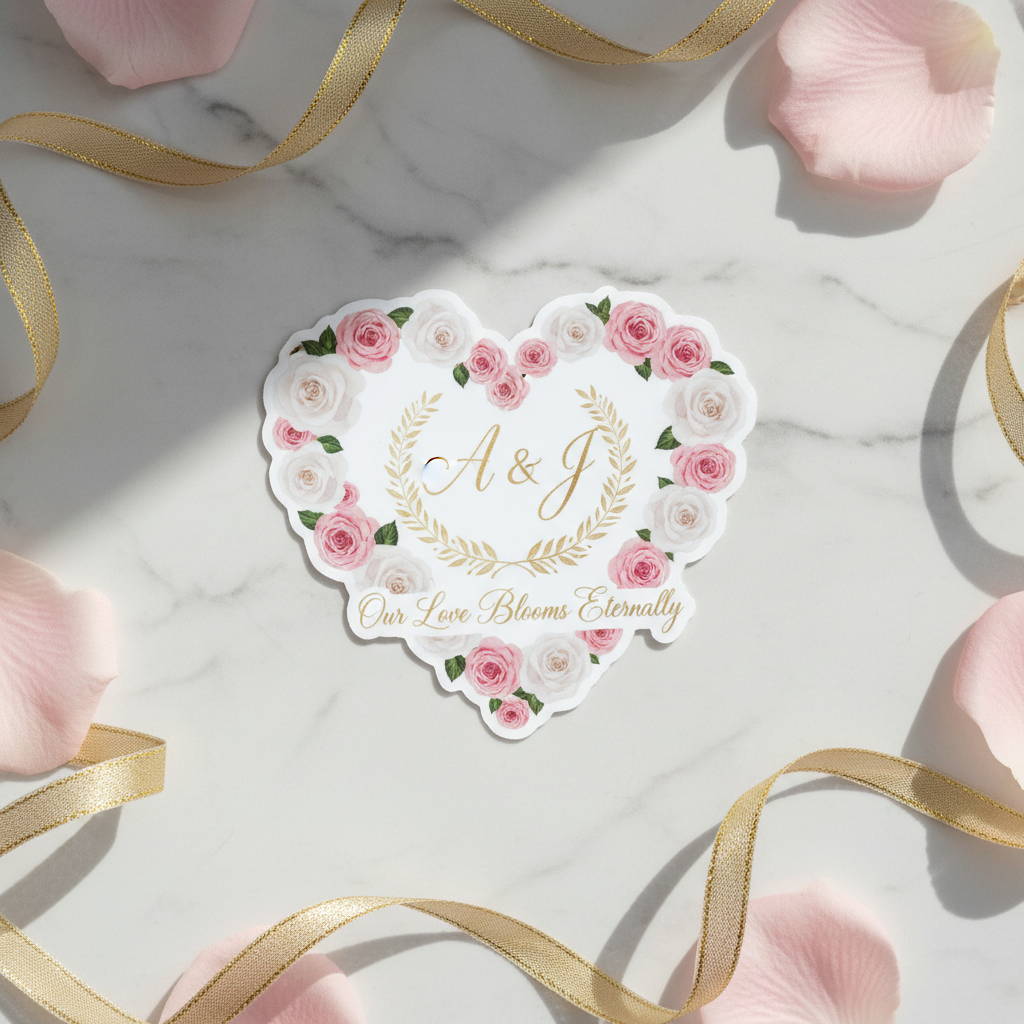
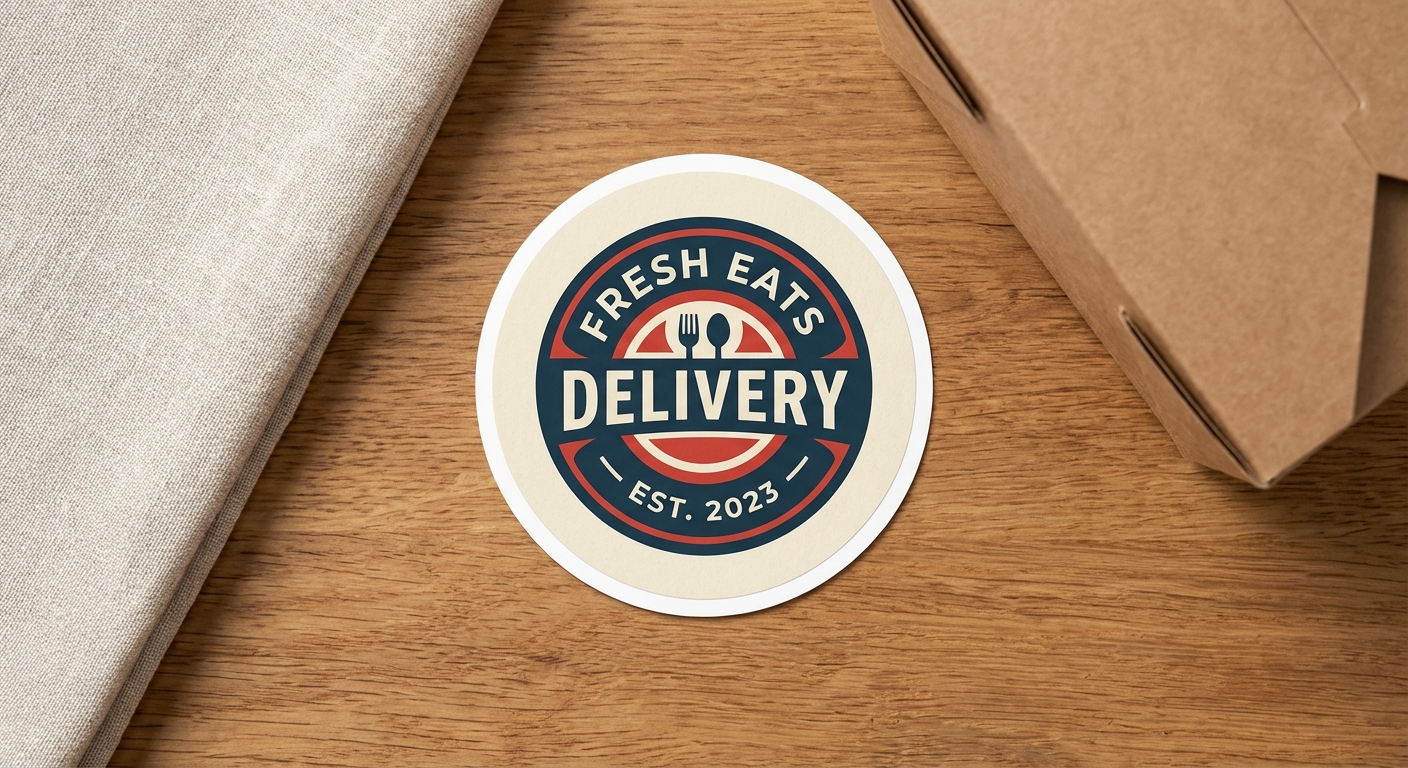
Vector is the preferred format for anything with hard edges, solid color fills, or text: company logos, band names, simple mascots, and sticker outlines that need a precise die-cut line. If you are designing a custom shape for die-cut stickers, vector artwork makes it much easier for our production team to generate an accurate cut path around your design.
For a deeper technical breakdown of how these file types behave in print, our raster vs. vector files guide covers the underlying math in more detail.
What Are Raster Images?
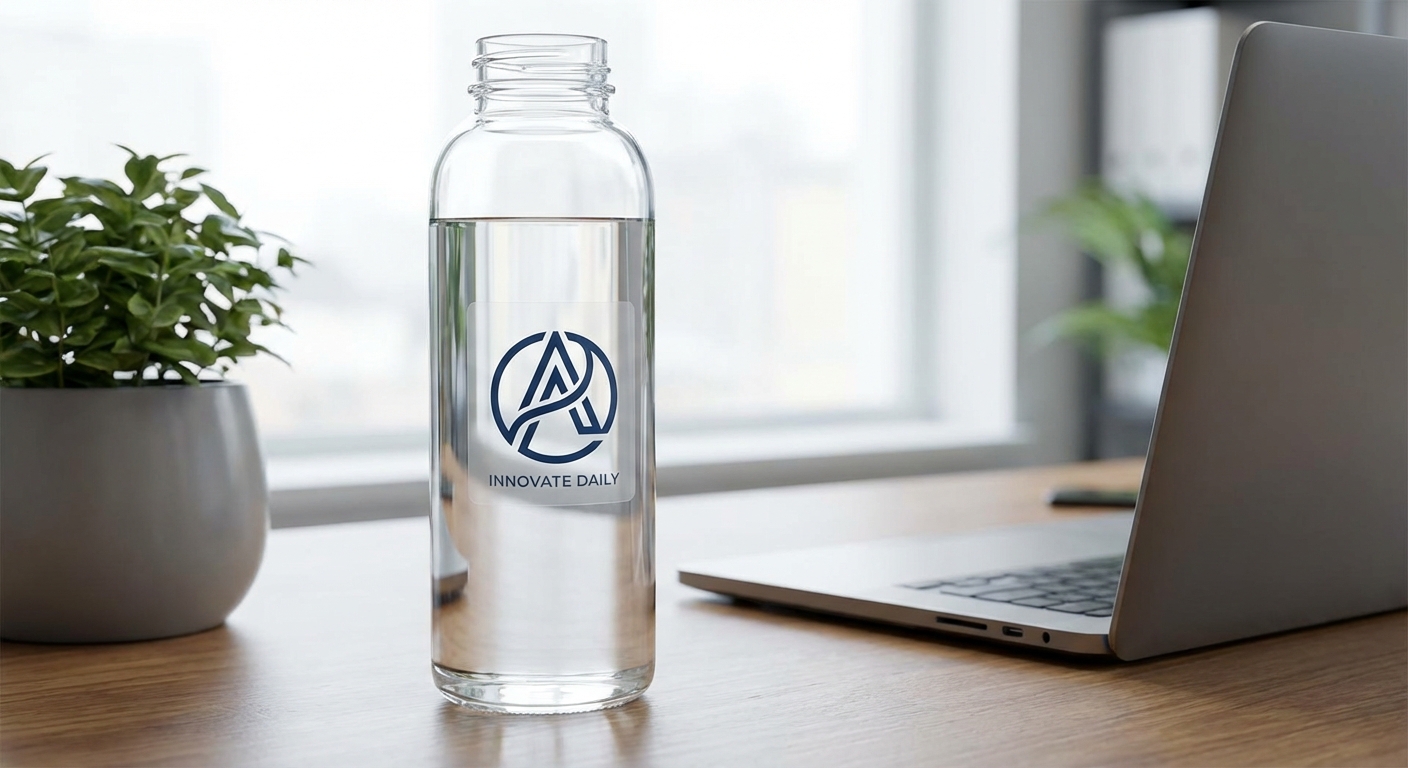
That said, raster is not the inferior format, it is simply built for different content. Photographs, digital paintings, gradients, and textured illustrations rely on subtle pixel-level color variation that vector paths cannot replicate. A raster file at the correct resolution (300 DPI or higher at final print size) will print beautifully on any of our sticker materials, including clear stickers where transparency and photo-realistic detail matter.
Before submitting artwork, run it through our print quality tool to confirm your raster file has enough resolution for the size you are ordering.
Choosing the Right File Type for Your Sticker Project
Some projects use both. A car window decal, for example, might combine a vector-based team logo with a raster photo background, similar to the layered designs covered in our car window stickers guide. Holographic and metallic finishes also respond differently depending on file type. Solid vector shapes tend to show off holographic shimmer more evenly than dense photographic raster art, which is worth considering if you are designing a holographic sticker.
When in doubt, send us your file. Our production team reviews every upload before printing and will flag resolution or format issues before your order goes into production.
Vector Artwork vs. Raster Images: Side-by-Side Comparison
Here is how the two file types stack up for common sticker printing concerns, from scalability to file prep.
| Factor | Vector Artwork (AI, EPS, SVG) | Raster Images (PNG, JPG, PSD) |
|---|---|---|
| Scalability | Scales to any size with no quality loss | Quality depends on original resolution |
| Best for | Logos, text, icons, die-cut outlines | Photos, paintings, gradients, textures |
| Edge sharpness | Always crisp, ideal for die-cut lines | Sharp only if resolution matches print size |
| File size | Generally small, easy to resize | Larger files needed for high-resolution prints |
| Editing flexibility | Easy to recolor, resize, and reshape | Harder to edit without quality loss |
| Photorealistic detail | Limited, not built for photo realism | Excellent for photographic detail |
| Typical print-ready format | AI files, EPS files, SVG | 300+ DPI PNG or TIFF at final size |
Common Questions About Vector and Raster Sticker Artwork
- What is the best image format for printing stickers?
- For logos, text, and die-cut shapes, vector formats like AI, EPS, or SVG give the cleanest edges at any size. For photographs, painted textures, or gradient-heavy art, a high-resolution raster file (PNG or TIFF at 300 DPI or higher, at the actual print size) works just as well. There is no single 'best' format across the board. It depends on what the artwork actually contains.
- Why use raster instead of vector?
- Raster images are the right choice when your design includes photographic detail, hand-painted brushwork, or complex color blending that vector shapes cannot easily reproduce. A photo of a pet, a watercolor illustration, or a detailed digital painting will almost always look more accurate as a raster file.
- What is a raster sticker?
- A raster sticker is simply a sticker printed from a pixel-based image file, such as a JPG, PNG, or PSD. Photo stickers, painted artwork, and screenshots all fall into this category. As long as the file has enough resolution for the printed size, raster stickers print with full color depth and detail.
- Are SVG files vector or raster?
- SVG (Scalable Vector Graphic) is a vector format. It stores artwork as mathematical paths rather than pixels, which is why SVG files scale up or down without losing sharpness. This makes SVG a strong choice for logos and die-cut sticker outlines.
- Does my file format affect sticker material or durability?
- No. Vector vs raster affects print sharpness and how well the artwork scales, but it has no bearing on the vinyl material, lamination, or adhesive strength of your finished sticker. Durability comes from the material and finish you choose, not the file type you upload.
- What resolution do I need for a raster file to print clearly?
- Aim for at least 300 DPI at the exact size the sticker will print. A file that looks sharp on a phone screen at 72 DPI can look soft or blocky once it is enlarged and printed. Our print quality tool can help you check whether your uploaded file meets that threshold before you order.
- Can I get vector artwork made if I only have a raster logo?
- Yes. A raster logo can be traced into vector paths, which is especially useful for die-cut stickers where the cut line needs to follow the shape of your design precisely. If you are ordering die-cut stickers from a low-resolution raster logo, converting it to vector first will give you a cleaner final product.