
Yes! At Stickers.com, every sticker is custom printed, so you can choose a clean, borderless design with artwork extending to the cut edge or include a white border for a different look.
If you've ever peeled a sticker off its backing and noticed a white rim around your artwork that you didn't want, you may be wondering if it's possible to order stickers without one. At Stickers.com, every sticker is custom printed, giving you the flexibility to choose a design with or without a white border. Our die-cut stickers can be cut to follow the outline of your artwork, with printed colors extending all the way to the edge for a clean, borderless appearance. Whether you're creating a logo for product packaging, a custom design for your Etsy shop, or a sticker for your vehicle, you can choose the border style that best fits your project, with orders starting at just one sticker.
Common Questions About Borderless Stickers
- What type of sticker has no white border?
- Any custom sticker can be printed without a white border. At Stickers.com, you can choose whether your design includes a white outline or has artwork extending all the way to the edge. This option isn't limited to a specific sticker type. For example, die-cut stickers can follow the custom shape of your artwork with or without a white border. The best choice depends on your design, intended use, and preferred appearance.
- Why do my stickers keep printing with a white border even when I didn't add one?
- This almost always comes down to the file setup, not the printer. If your artwork has a transparent background but the cut line in the file sits outside the visible design, the printer has no choice but to include that extra space. It also happens when a PNG is flattened onto a white canvas before upload. Checking your file against our guide on die-cut stickers before you submit artwork will catch most of these issues.
- Is there a difference between die-cut and kiss-cut when it comes to borders?
- No. Both die-cut and kiss-cut stickers can be printed with or without a white border. The difference is how the stickers are cut, not the border around the artwork. Die-cut stickers are cut through both the vinyl and backing to follow the shape of your design, while kiss-cut stickers are cut through only the vinyl layer, leaving a larger backing sheet for easier peeling. Whether your sticker has a white border depends on your artwork and design preferences, not the cutting method. Learn more in our die-cut vs. kiss-cut comparison.
- What file format do I need to submit for a borderless sticker to cut correctly?
- A high-resolution PNG with a transparent background works for most designs, and vector files (AI, EPS, SVG) are ideal for logos and simple shapes since they scale without losing edge sharpness. The key requirement is that your design's outer edge is clean and clearly defined so our cutting system can trace it accurately. Low-resolution or JPEG files on a solid background are the most common cause of an unwanted white edge.
- Do borderless stickers cost more than standard square or rectangle stickers?
- No. Choosing a sticker design without a white border does not increase the cost. At Stickers.com, pricing is based on factors such as sticker size, material, and order quantity, not whether your artwork includes a white border. Whether you choose a square, rectangular, or custom-shaped sticker, you can have your design printed with or without a border at no additional charge. Ordering larger quantities can also help lower the cost per sticker. Explore our bulk order stickers for larger projects, events, or business packaging.
- Will a borderless sticker hold up outdoors or is it just for laptops?
- Durability depends on the material you choose, not the artwork. Economy vinyl is suited to laptops, water bottles, and indoor novelty use with a lifespan of 3-5 years. Standard and premium vinyl add UV, scratch, and moisture-resistant lamination rated for 3-5 years and up to 8 years outdoor use, making them a solid choice for car stickers, equipment labels, and hard-hat stickers left in the weather.
- Can I get an entire sheet of individually cut, borderless stickers?
- Yes. Custom cut sticker sheets let you fit multiple die-cut shapes onto a single 8.5" x 11" sheet, with sizing options from 2" x 2" up to 6" x 6" per sticker depending on how many you want per sheet. Each individual sticker is still cut to its own design edge, it just ships as one convenient sheet instead of loose pieces.
What Actually Causes a White Border on a Sticker
A white border usually comes from one of two places: the artwork file or the cut line placement. If your design is saved on a white or opaque background instead of a transparent one, the printer will reproduce that background as part of the sticker, and it will look like a frame around your image. The second cause is a cut line (sometimes called a contour or kiss line) that was drawn larger than the actual artwork. Even a small gap between the edge of your image and the cut path shows up as a visible white ring once the sticker is trimmed and peeled. Reviewing your file setup against our guide to die-cut sticker production before upload is the fastest way to avoid this on your first order.
How to Order Stickers Without a White Border
Ordering borderless custom stickers is straightforward once the artwork is prepped correctly. Start with a design file that has a transparent background and clean, well-defined edges, vector formats are best for logos, text, and geometric shapes. When you select die-cut stickers, the cutting path automatically follows the outer edge of your uploaded artwork rather than a fixed shape, which is what eliminates the white outline entirely. Choose your size (anywhere from 2" x 2" up to 12" x 12"), pick a finish (glossy or matte), and select a material based on where the sticker will live: economy vinyl for laptops and indoor items, or standard and premium vinyl for anything exposed to sun, water, or regular handling. If you need an outlined, easy-peel sheet format instead, kiss-cut stickers are the better fit, since that small backing border is intentional there, not a mistake.
When a Visible Border Actually Makes Sense
Not every sticker benefits from a borderless cut. Sheet-style products like our circle sticker sheets or standard kiss-cut sheets are designed with a small backing border on purpose, it keeps every sticker aligned on the sheet and makes peeling cleaner for end users, which matters a lot for Etsy sellers and small shops packing multiple designs per order. If you are shipping product to resellers or want a uniform grid layout, read our explainer on what are kiss-cut stickers before assuming borderless is always the right call. For single shaped decals, logos, and anything applied directly to a product, die-cut with zero border remains the standard choice.
White Border vs. No White Border: Which Sticker Style Should You Choose?
Both bordered and borderless stickers can be custom printed to match your design. The difference comes down to the appearance you want to achieve, not the sticker type or cutting method.
| Feature | Stickers With a White Border | Stickers Without a White Border |
|---|---|---|
Appearance | A visible white outline frames the artwork. | Printed artwork extends to the sticker's edge for a seamless look. |
Design Style | Creates separation between the artwork and the surface it's applied to. | Creates a clean, streamlined appearance that follows the artwork's colors and shape |
Design Style | Colorful logos, illustrated stickers, giveaways, and designs that need extra contrast. | Product branding, packaging, minimalist designs, and artwork intended to blend naturally with a surface. |
Visibility | Can help artwork stand out against busy or dark backgrounds. | Creates a more integrated look, although visibility depends on the artwork and surface color. |
Product Options | Available across custom sticker types, including die-cut, kiss-cut, square, rectangle, and sticker sheets. | Available across the same custom sticker types, including die-cut, kiss-cut, square, rectangle, and sticker sheets. |
Cost Difference | No additional cost for including a white border. | No additional cost for removing the white border. |
Shop Borderless Sticker Options
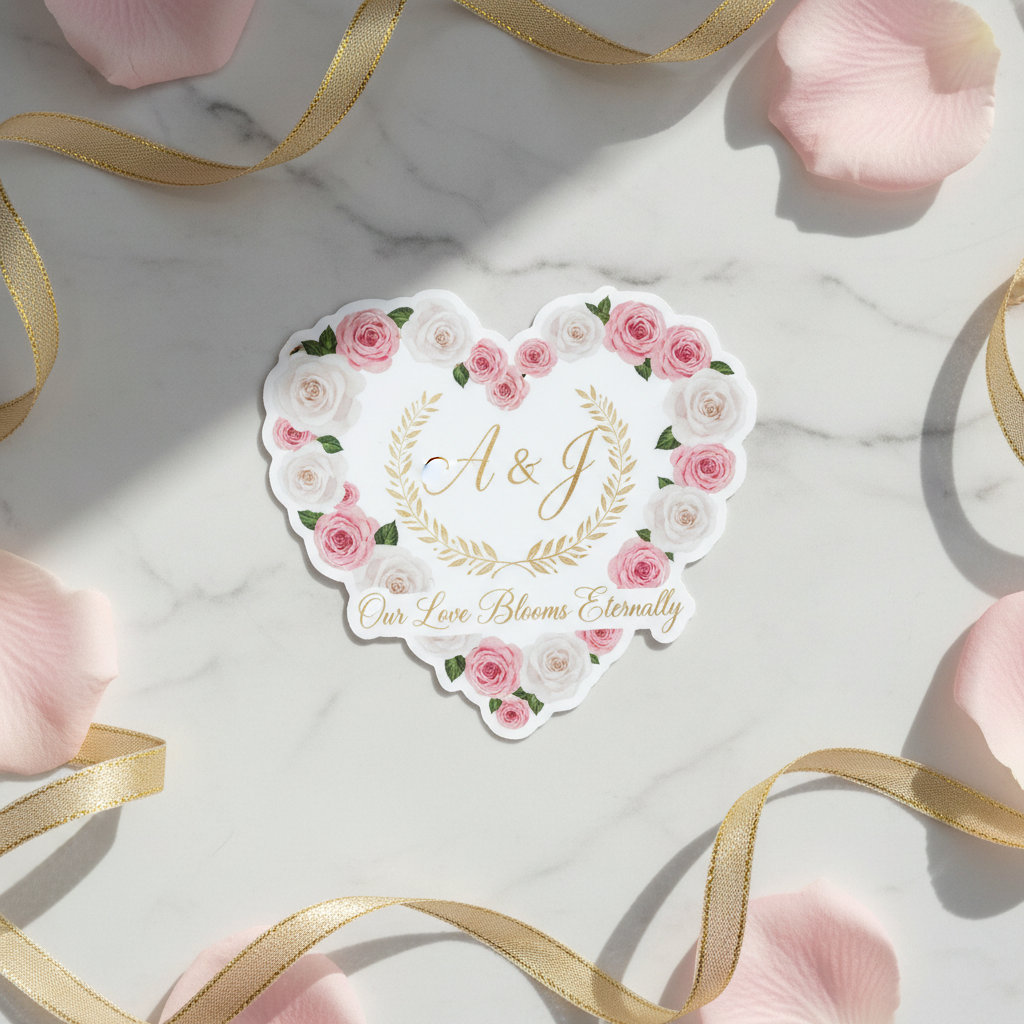
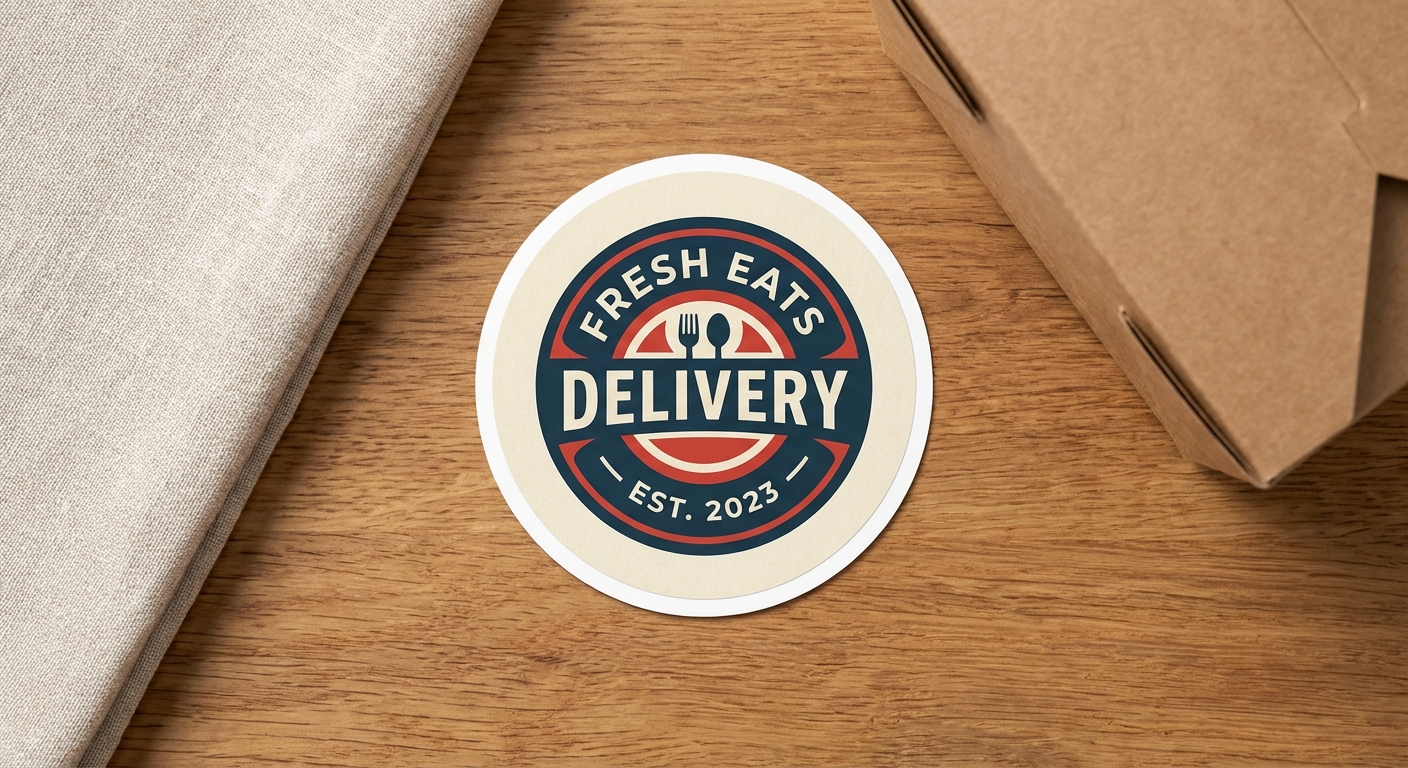
These product lines are built to deliver a clean, cut-to-edge result with no unwanted white outline, in the material and format that fits your project.



Ready to Print Stickers With No White Border?
Upload your artwork, pick your size and material, and we will cut your stickers exactly to your design's edge. No minimums beyond one unit, no unexpected white outlines, just clean borderless stickers ready to apply to laptops, packaging, vehicles, or product lines.