
Match your artwork to the right sticker shape and cut style
Picking a sticker shape sounds simple until you're staring at a design tool wondering if your logo should be a circle, a square, or cut to follow its own outline. The shape you choose affects how your design reads at a glance, how much it costs per unit, and how it looks once it's stuck on a laptop, water bottle, or storefront window. This guide breaks down every sticker shape option we produce, from classic circle stickers to fully custom die-cut stickers, so you can order with confidence the first time.
Sticker Shapes Explained: Circle, Square, Rectangle, and Die-Cut
Every custom sticker starts as flat artwork, and the shape is the final cut applied around that artwork. Understanding the core categories makes it much easier to answer the question 'what shape sticker should I choose' for your specific project.
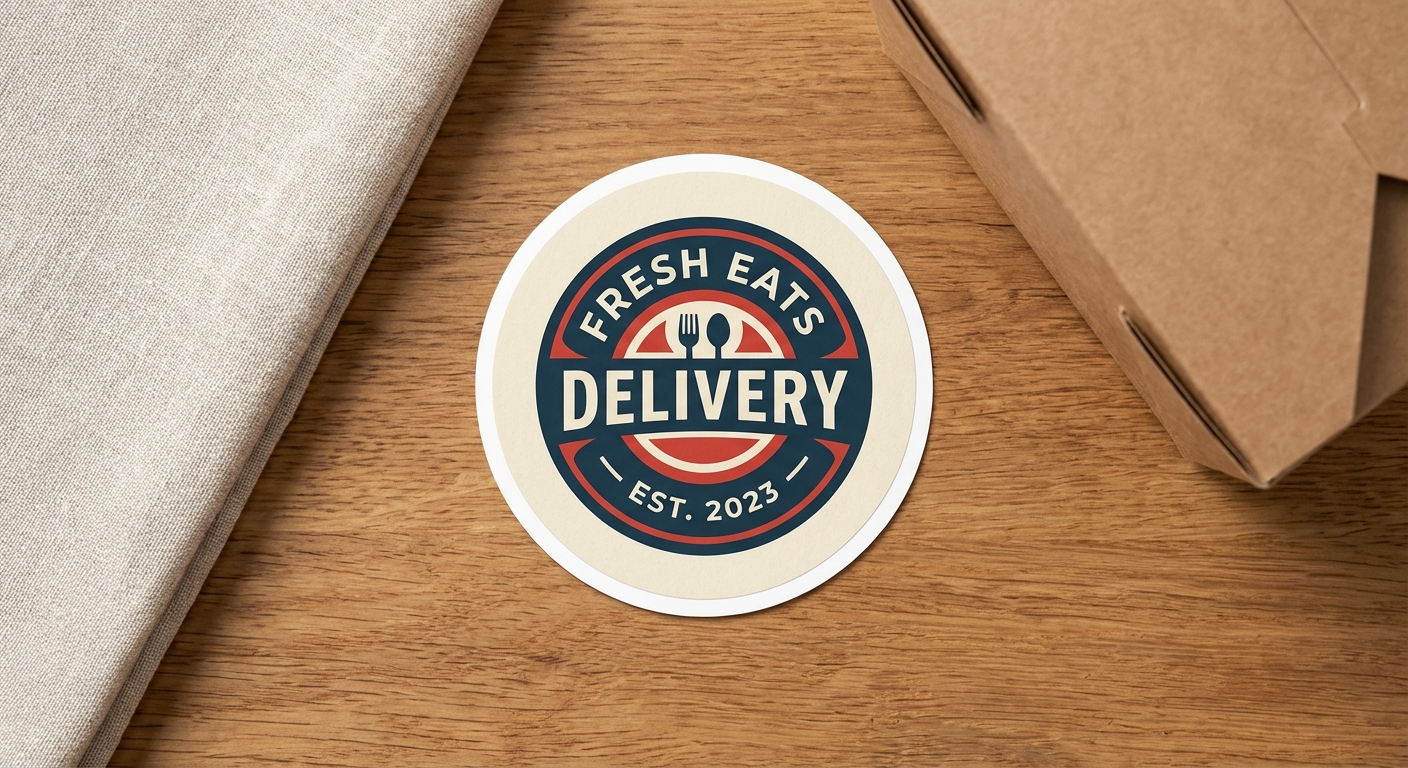
Circle stickers are one of the most requested shapes because circles are forgiving for logos, badges, and text-in-a-ring designs. A circle sticker gives every edge equal spacing from your center design, which is why so many bands, coffee shops, and product brands default to round. If you need multiples of the same round design on one page, Circle Sticker Sheets let you fill an 8.5x11 sheet or select a specific circle size.
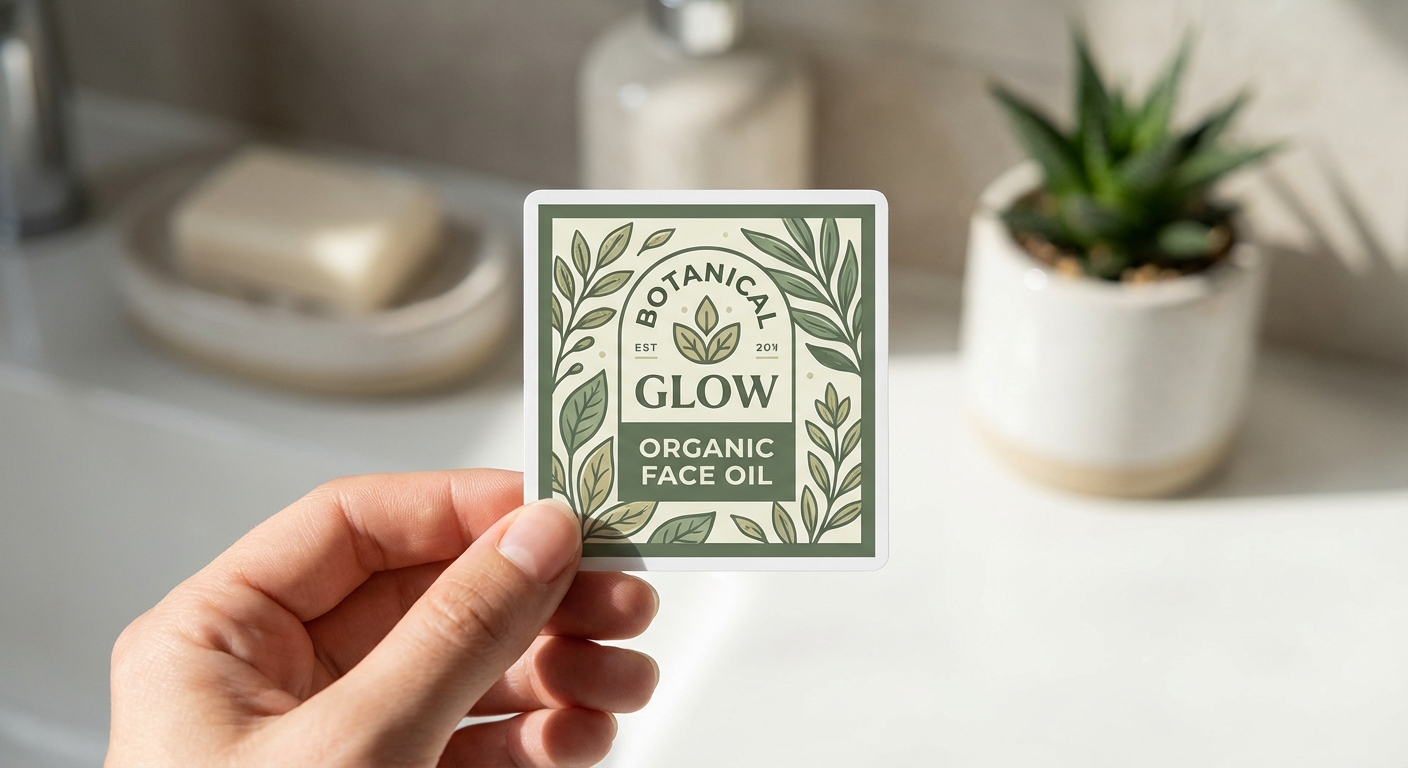
Square stickers work well for photography, patterns, QR codes, grid-based branding, and anything that benefits from hard, even edges. Squares also tile nicely on packaging and laptops, since multiple square stickers line up in neat rows without visual gaps. Square Stickers are available from 2x2 inches up to 12x12 inches, with a sheet option at Square Sticker Sheets for multi-design layouts.
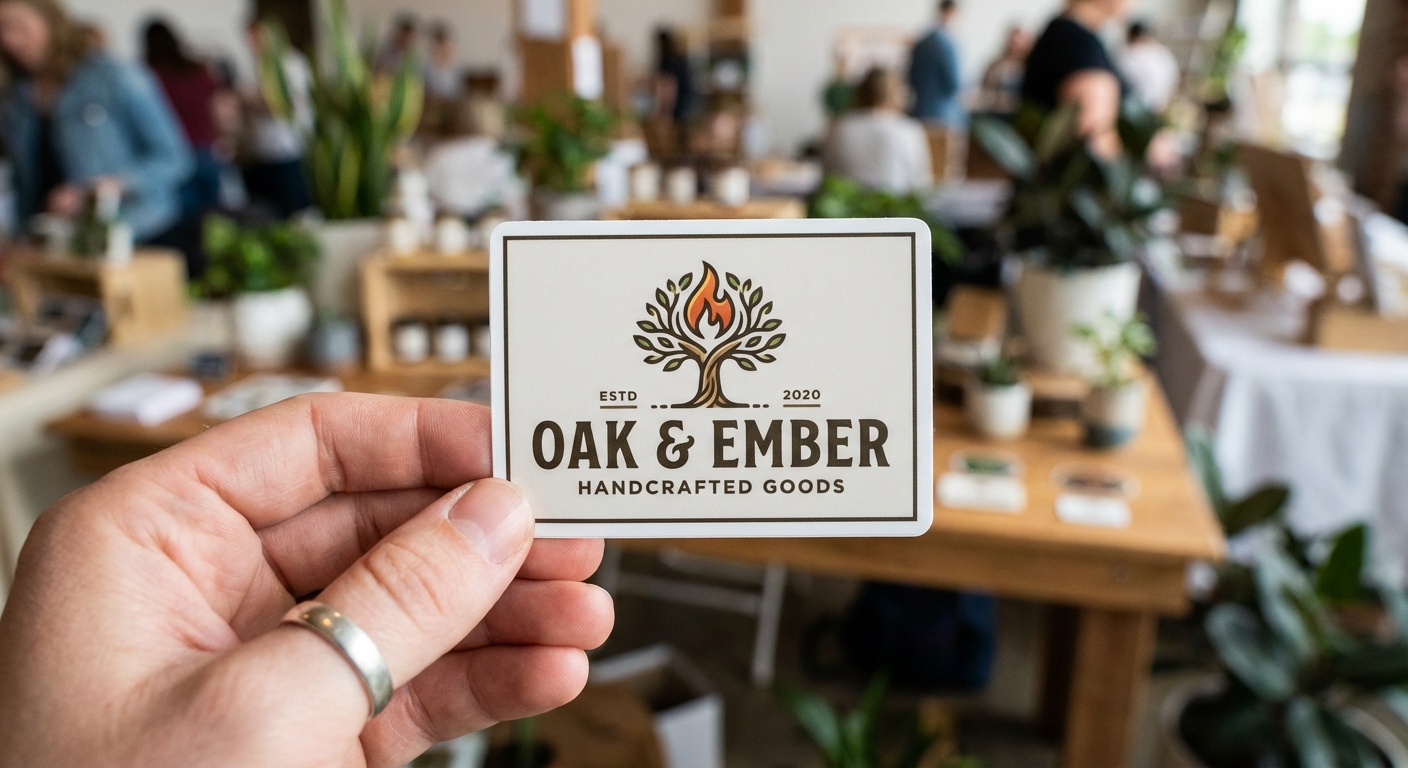
Rectangle stickers suit wide logos, name badges, bumper messaging, and product labels that need more horizontal or vertical space than a square allows. Rectangle Stickers come in preset sizes from 1x2 inches up to 4x6 inches, and Rectangle Sticker Sheets handle multi-sticker layouts on one 8.5x11 page. Rectangles are also the standard shape behind most bumper stickers, since a wide band gives slogans and calls-to-action room to breathe.
Oval stickers offer the same forgiving, equal-edge-spacing benefit as circles, but stretch to fit wider or taller artwork. They're a natural fit for elongated wordmarks, vintage-style badges, and label designs that feel cramped in a true circle but too rigid in a rectangle. Ovals show up often on vehicle stickers, product labels, and retro-inspired branding where a stretched round shape reads better than a hard-edged box. Oval stickers are available from 2x2 inches up to 12x12 inches with options for matte and glossy lamination.
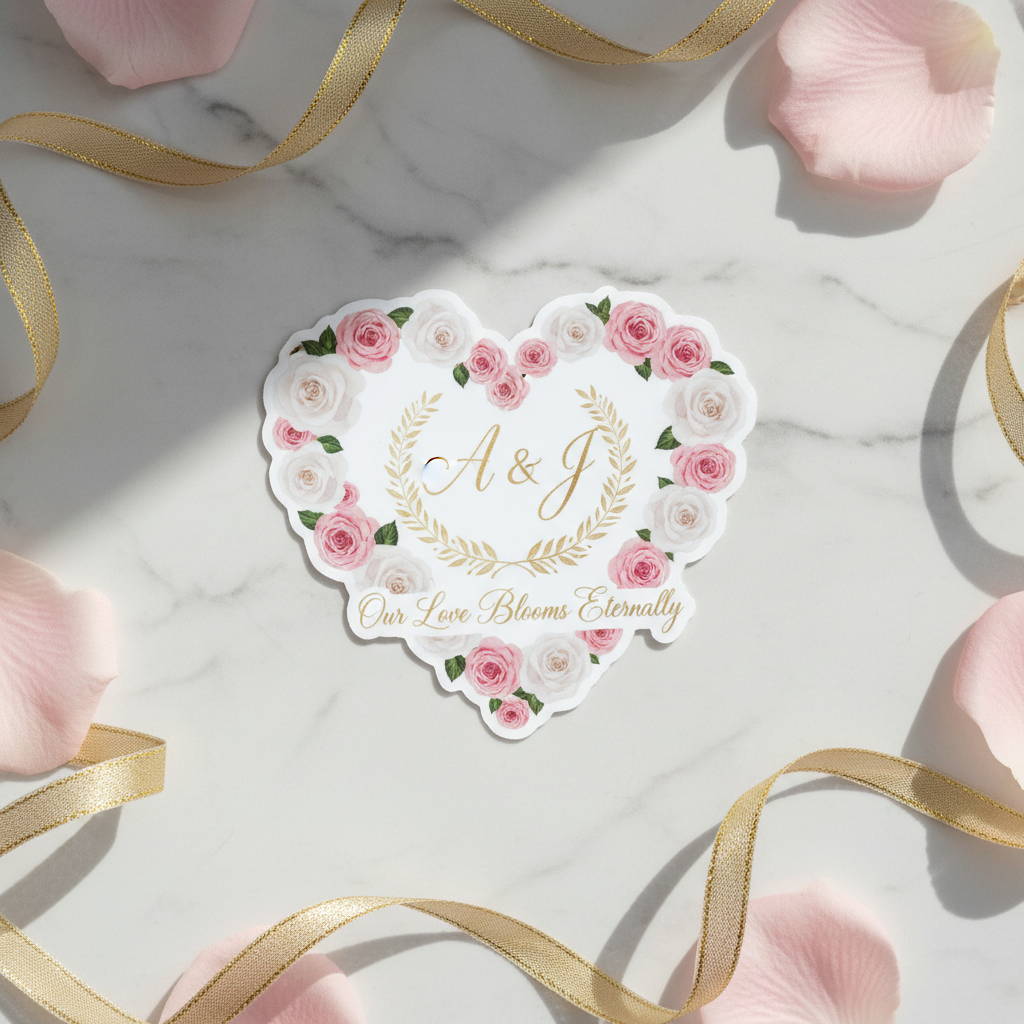
Die-cut stickers, sometimes called contour cut stickers, are cut to follow the exact outline of your artwork instead of a geometric shape. A mascot, an illustrated character, hand-lettered type, or an irregular logo all look sharper as a die-cut than boxed into a circle, square, or oval. Die-Cut Stickers are our most flexible option and the one most people mean when they picture a 'custom shaped sticker.' For more on how the cutting process works, see our full die-cut sticker guide.
How to Decide: Matching Shape to Design and Use Case
Start with your artwork, not the other way around. If your design has a recognizable silhouette, a die-cut shape will almost always look more professional than forcing it into a bounding box. If your design is text-heavy or symmetrical, circles and squares tend to look intentional rather than cramped.
Next, think about where the sticker is going. Laptop and water bottle stickers benefit from die-cut or circle shapes because they read well at small sizes and don't leave a visible background box. Storefront windows, vehicle stickers, and car window stickers often use larger die-cut or rectangle shapes so the design commands attention from a distance. Product labels and packaging typically favor square or rectangle shapes (see die-cut labels for label-specific cutting) because they need to align consistently across a production run.
Finally, factor in budget and quantity. If you're ordering 50 or more stickers, tiered pricing applies across every shape, so the choice between circle, square, rectangle, oval, or die-cut has less impact on total cost than the size and material you select.
Sticker Shape Comparison
A quick side-by-side of how the core sticker shapes stack up for common decision points.
| Shape | Best For | Design Complexity | Common Sizes | Typical Use Cases |
|---|---|---|---|---|
Circle | Logos, badges, ring text, icons | Low to medium | 2x2 in to 12x12 in | Laptop stickers, product labels, band merch |
Square | Photos, patterns, grid branding, QR codes | Low | 2x2 in to 12x12 in | Packaging, laptop stickers, product sheets |
Rectangle | Wordmarks, slogans, wide logos | Low | 1x2 in to 4x6 in (preset), up to 12x12 in custom | Bumper stickers, name labels, packaging |
Oval | Wordmarks, vintage badges, elongated logos | Low to medium | 2x2 in to 12x12 in | Vehicle stickers, label designs, badge-style branding |
Die-Cut / Contour Cut | Mascots, illustrated characters, irregular logos | High | 2x2 in to 12x12 in | Brand mascots, apparel tags, vehicle stickers |
Common Questions About Sticker Shapes
- What sticker shape works best for a logo?
- If your logo already has an interesting silhouette (a mascot, an icon, a lettering treatment), a die-cut sticker that follows the exact outline usually reads better than boxing it into a square or circle. If your logo is a simple wordmark or a badge-style design, a circle sticker or square sticker gives it a clean, uniform look that's easier to line up on packaging or product labels.
- What's the difference between die-cut and kiss-cut stickers?
- Die-cut stickers are cut all the way through both the sticker and its backing paper, so you peel off a single sticker with no excess vinyl around it. Kiss-cut stickers are cut through the top vinyl layer only, leaving the sticker sitting on a larger backing sheet, which is common for sticker sheets with multiple designs. Read our full breakdown in Die-Cut vs. Kiss-Cut Stickers if you're deciding between the two.
- What size sticker should I order for a laptop or water bottle?
- Most laptop and water bottle stickers fall between 2 and 4 inches on their longest side. Our sticker shapes range from 2x2 inches up to 12x12 inches, so you have room to size up for a bumper or car window and size down for a small icon sticker on a bottle.
- Can I mix multiple sticker shapes in one order?
- Yes. If you want a variety of shapes on one printed page, such as several icons or a mix of circles and custom outlines, look at Custom Cut Sticker Sheets, which let you combine multiple die-cut shapes on a single 8.5x11 sheet.
- How do I know if my artwork is ready for a die-cut shape?
- Your artwork needs a clean, closed outline (usually a vector path) so the cutting machine knows exactly where to trim. If you're not sure how to prep that outline, our Canva design guide walks through setting up shapes and outlines correctly before you upload your file.
Shop Custom Sticker Shapes
Every shape below is printed on demand with your artwork and shipped directly to you. Choose your material, finish, and protection level to match how and where the sticker will be used.
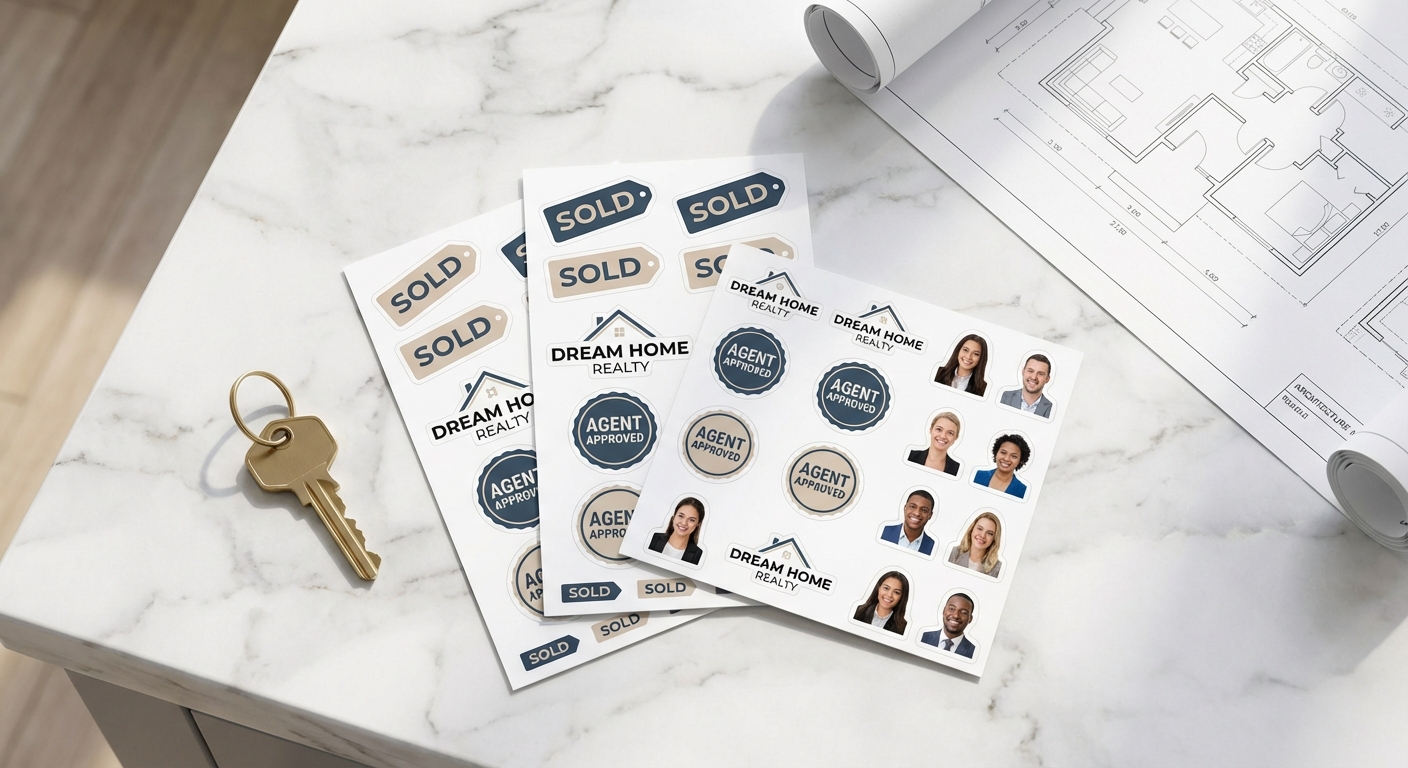 Custom Shaped Sticker Sheets
Custom Cut Sticker Sheets
Your designs in sheet format
Shop on Stickers.comReady to Pick Your Sticker Shape?
Whether your design calls for a clean circle, a sharp square, a wide rectangle, or a fully custom die-cut, we print every shape on demand and ship it straight to you. Upload your artwork, choose your material and finish, and get production-ready stickers in as little as 2 to 3 business days.