Design your own stickers online without spending a dime on software
You don't need Photoshop or a design degree to create sticker artwork that prints beautifully. A growing lineup of free sticker design tools lets anyone, from first-time crafters to Etsy sellers, build logos, illustrations, and labels ready for production. This guide walks through the best free online sticker maker options, how to prep your file for printing, and where to send your finished artwork once it's ready for die-cut, kiss-cut, or clear sticker production.
Top Free Sticker Design Tools for Every Skill Level
How to Create Sticker Artwork That's Actually Ready for Printing
Resolution matters more than most beginners expect. Export at 300 DPI minimum, and avoid resizing a small image up to fill a larger sticker, since that stretches pixels and creates blur. If your design includes fine text or thin outlines, test it at actual print size before uploading, since details that look fine zoomed in on a screen can disappear at 2 inches by 2 inches.
Know the difference between die-cut and kiss-cut stickers before you finalize your layout, since die-cut follows your exact shape while kiss-cut leaves a border on a backing sheet, which changes how much white space you should build into your design. Etsy sellers and small brands producing multiple products often design a batch of artwork at once; our guide on how to sell stickers on Etsy covers sizing and pricing strategy for sellers taking that next step.
Free Sticker Design Tools Compared
Each free tool has strengths depending on your skill level and the kind of sticker you're building. Here's how the most common options stack up.
| Tool | Best For | Learning Curve | Print-Ready Export | Cost |
|---|---|---|---|---|
| Canva | Beginners, templates, text-based designs | Very easy | PNG, transparent background on free tier | Free (Pro optional) |
| Photopea | Users who know Photoshop shortcuts | Moderate | PNG, PSD, full layer control | Free |
| GIMP | Detailed photo editing and color work | Moderate to advanced | PNG, TIFF, high-res export | Free |
| Inkscape | Vector logos and scalable line art | Moderate | SVG, PNG at any resolution | Free |
| Stickers.com Online Designer | Previewing artwork directly on a sticker product | Very easy | Built for direct print upload | Free |
Common Questions About Free Sticker Design Tools
- What free sticker design tools actually produce print-ready artwork?
- Canva, Kittl, Photopea, Inkscape, and GIMP are the most reliable free options. Canva's drag-and-drop sticker templates are the easiest starting point for beginners, while Photopea and GIMP give more advanced users Photoshop-style layer control at no cost. Whichever tool you choose, export your final file as a high-resolution PNG (at least 300 DPI) with a transparent background so the printer can cleanly cut around your shape. Our Canva guide walks through sizing and export settings step by step.
- How do I design stickers without Photoshop?
- Skip Photoshop entirely and use Photopea, a free browser-based editor that opens PSD files and mimics most of Photoshop's tools, or GIMP, a free downloadable program with similar layer and vector capabilities. Both support transparent backgrounds and high-resolution export, which is what matters most for printing. If you want something simpler, our online designer lets you build and preview artwork directly on a sticker template before ordering.
- What file format and resolution do I need before uploading my design for printing?
- Aim for a PNG or high-quality PDF at 300 DPI or higher, sized to match the sticker you're ordering. Keep your artwork on a transparent background if you're printing a die-cut shape, since the cutter follows the outline of your design. Low-resolution images pulled from social media or a phone screenshot will look blurry once enlarged, so always start with the original file from your design tool.
- Will the material and finish I choose change how my design looks once it's printed?
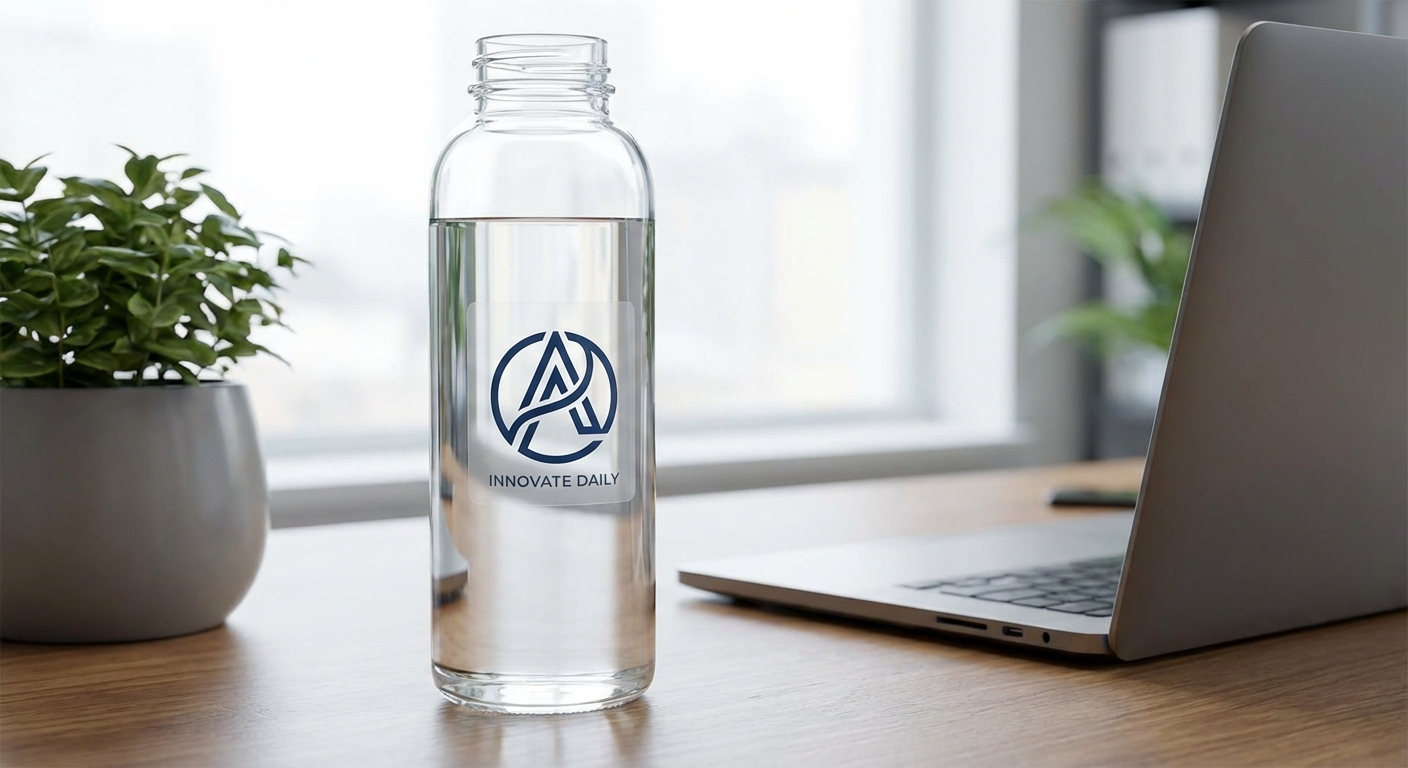
- Yes. A glossy finish makes colors pop and works well for bold graphics, while matte finish gives a more subdued, rustic look that's popular for minimalist logos. Material matters too: Economy Vinyl suits laptop and water bottle stickers, while Custom Vinyl Stickers in Standard or Premium Vinyl hold up outdoors on cars, equipment, and gear for years. Preview your colors on a white and a transparent background before ordering to see how it'll actually look printed.
- What sizes should I design for when making stickers online?
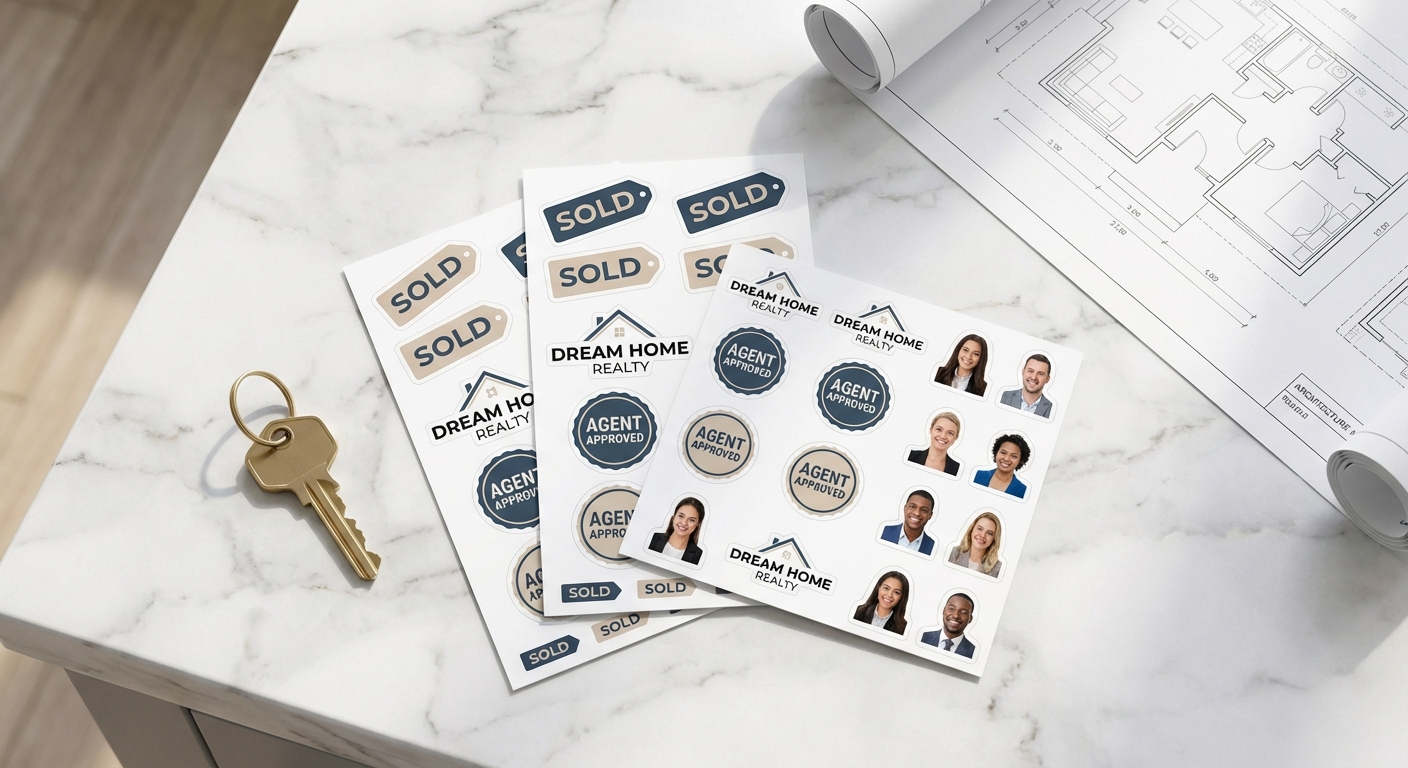
- Custom stickers typically range from 2 inches by 2 inches up to 12 inches by 12 inches, with Die-Cut Stickers covering that full range. If you're designing multiple small graphics at once, a sheet format like Custom Cut Sticker Sheets lets you fit several shapes onto a single 8.5-inch by 11-inch layout, which is efficient for small businesses and Etsy sellers producing multiple SKUs.