
A step-by-step look at car sticker design, from picking a format to prepping artwork that prints clean the first time.
Designing a car sticker is part art, part engineering. You're not just picking a cool graphic, you're choosing a material that can survive rain, sun, and highway grit, sizing it correctly for your bumper or window, and preparing artwork that holds up at print resolution. This guide walks through the real decisions behind a strong car sticker design: format, material, file prep, and layout, so your finished sticker looks sharp on day one and still looks sharp two years later.
Choosing the Right Size, Shape, and Placement for Your Car Sticker
Before designing a custom car sticker, decide where it will go and what you want it to communicate. A small logo on a rear window requires a different approach than a business name on a vehicle door or a slogan across a bumper. Choosing the placement first helps you determine the appropriate size, shape, and layout.
Start by measuring the available space on your vehicle. Consider nearby door handles, panel seams, curves, and other features that could interfere with the design. If you're placing a sticker on a window, make sure it won't obstruct the driver's visibility or violate applicable regulations.
The type of sticker you choose should complement your artwork:
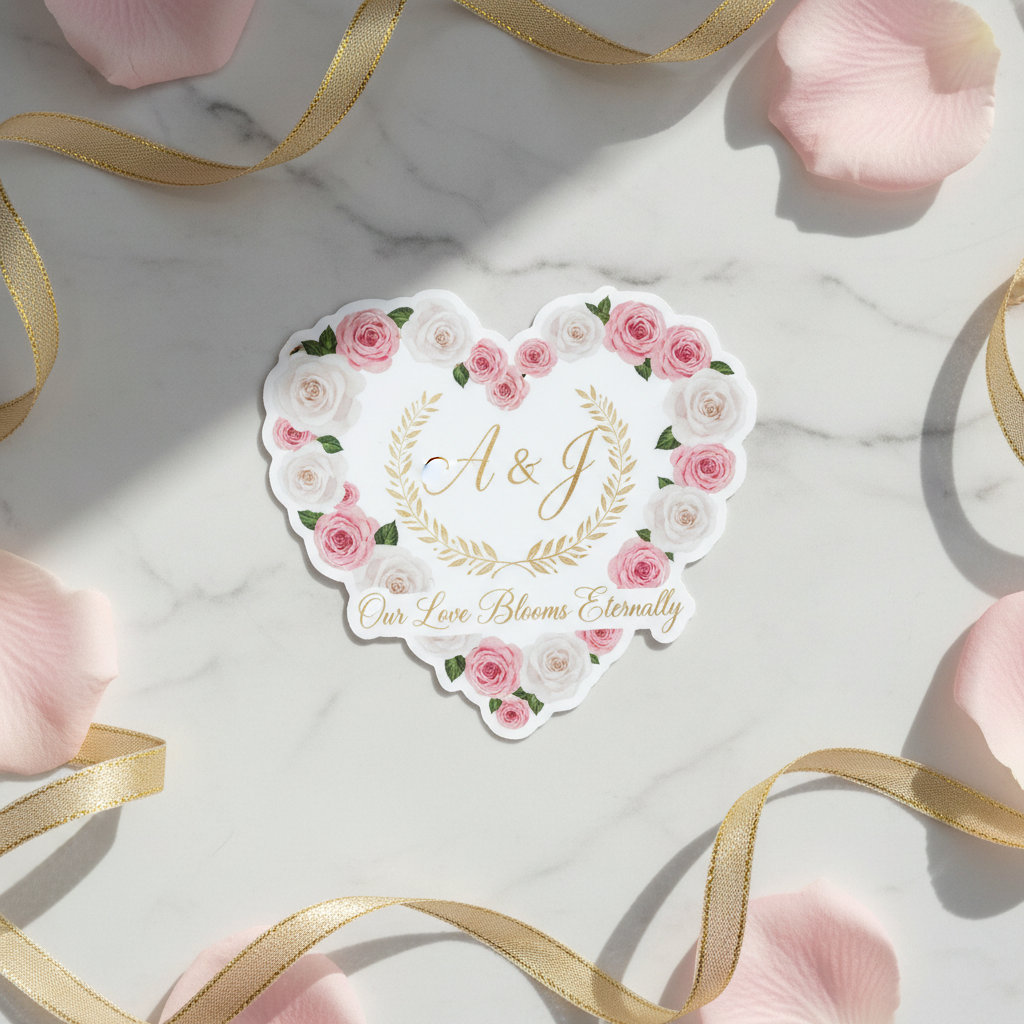
- Die-cut stickers: Follow the custom outline of a logo, illustration, or emblem without requiring a rectangular background.
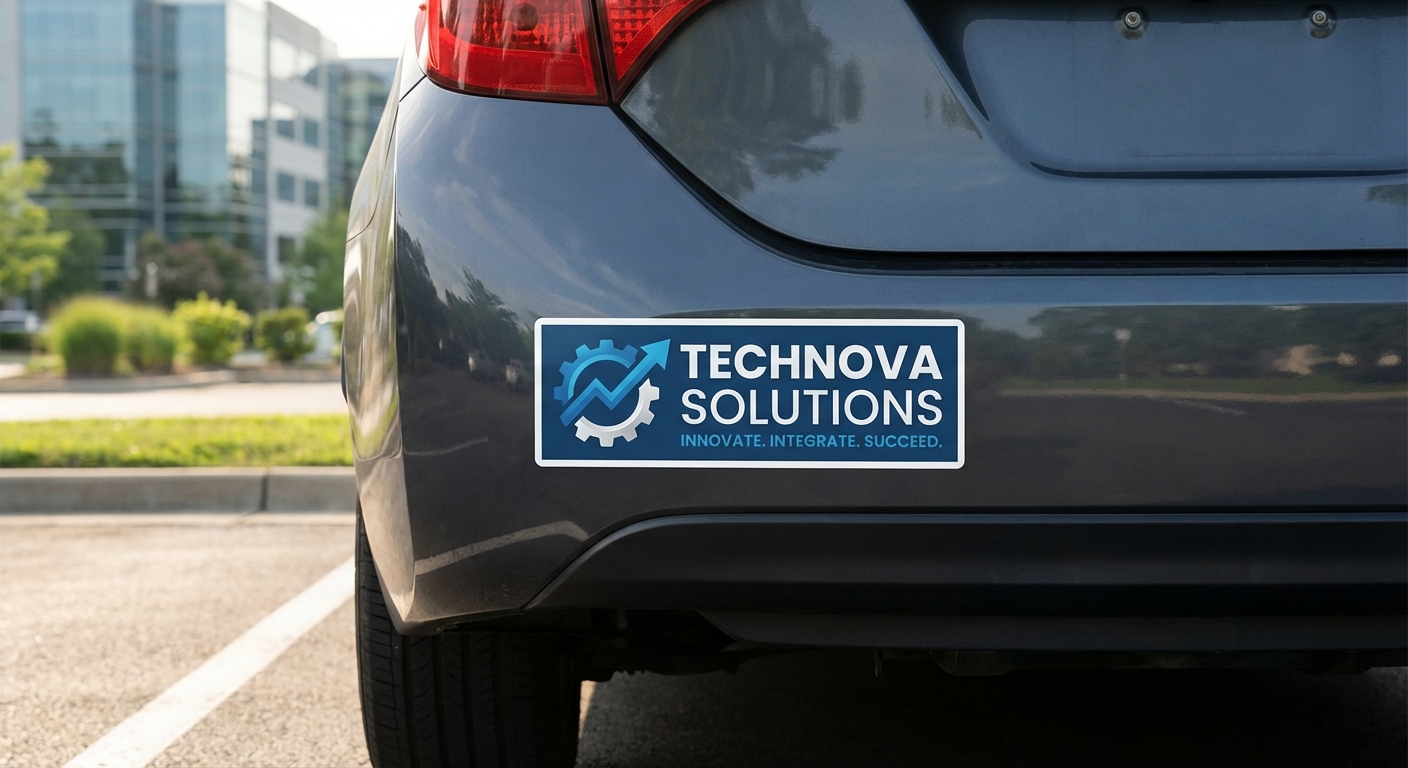
- Bumper stickers: Work well for short slogans, business names, and horizontal graphics. Common sizes include 3" × 10", 3" × 11.5", and 4" × 12".
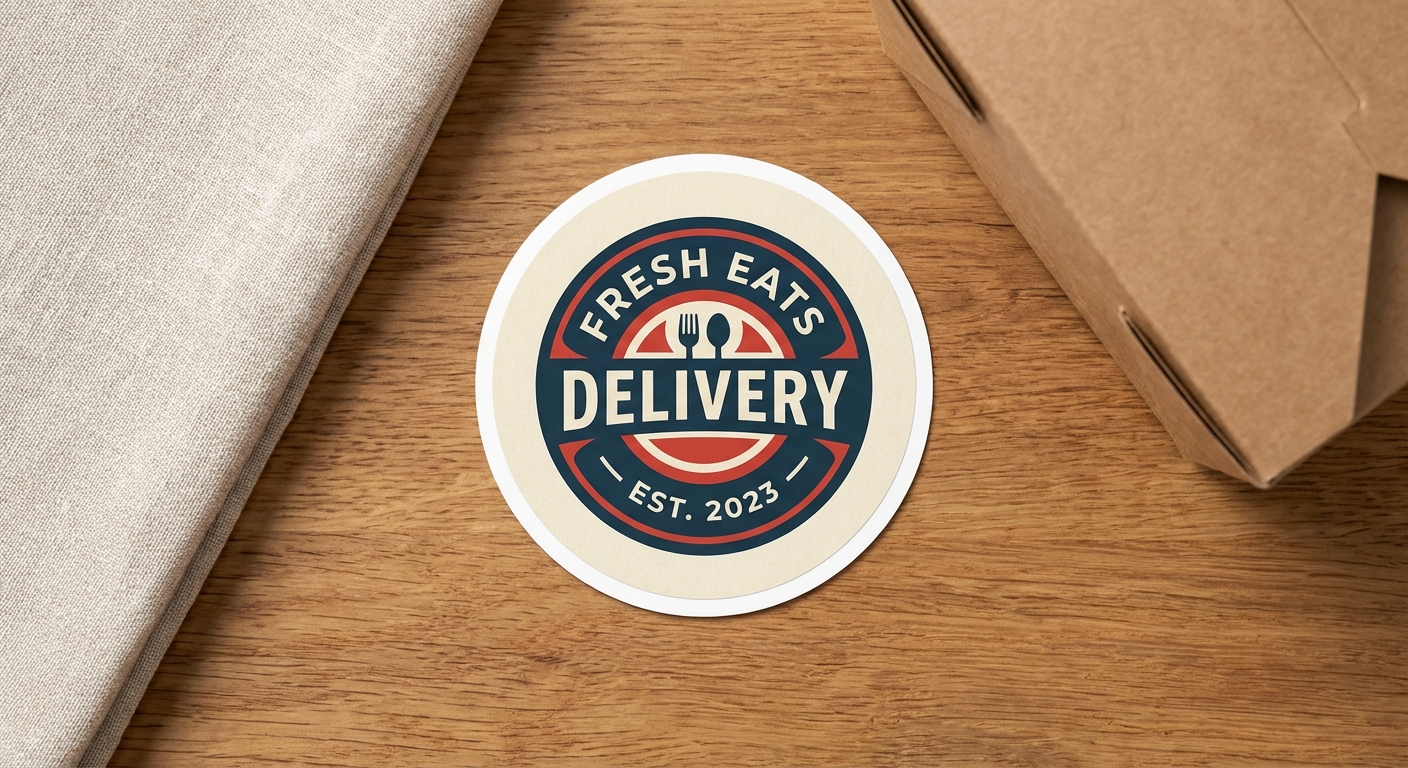
- Circle stickers: Provide a clean, consistent shape for badges, club logos, and simple illustrations.
- Large vinyl stickers: Offer more space for prominent graphics on suitable vehicle surfaces, although complex curves may require specialized materials.
When selecting dimensions, think about how far away someone will be when viewing the sticker. A simple graphic may work well at a smaller size, while text-heavy designs generally need more room to remain readable.
For more placement ideas, explore our custom car stickers guide.
How to Design Custom Car Sticker Artwork That Looks Good and Prints Clearly
An effective car sticker should be easy to recognize, visually balanced, and readable at its finished size. Whether you're creating a business logo, personal illustration, or bumper sticker slogan, a few design choices can make a significant difference.
Keep Your Design Simple and Readable
Car stickers are often viewed quickly or from a distance, so avoid overcrowding your artwork with unnecessary text and details.
- Focus on one main message. Make your logo, illustration, or primary text the most noticeable element.
- Choose readable fonts. Bold, clean lettering is generally easier to recognize than thin or highly decorative fonts.
- Limit small details. Tiny text and intricate graphics may disappear when the design is printed at a smaller size.
- Use strong color contrast. Make sure your artwork stands out against the vehicle's paint or window color.
- Leave enough spacing. Avoid placing text or important design elements too close to the edges.
For example, a business car sticker featuring a logo, company name, phone number, website, and slogan may be difficult to read. Simplifying the design to a recognizable logo, business name, and one contact method can create a cleaner result.
Before finalizing your artwork, preview it at the actual print size and against a background similar to your vehicle's color. This can help identify readability or contrast issues before ordering.
Prepare Your Artwork for Printing
Once your design is complete, make sure the artwork is suitable for professional printing.
Vector files, such as properly prepared PDF or EPS artwork, are ideal for logos and lettering because they can be resized without losing sharpness. High-resolution PNG or JPG files can also work when they contain enough detail for the intended print dimensions.
A few important considerations include:
- Design at the intended sticker size rather than enlarging a small, low-resolution image.
- Use clear, high-quality artwork and avoid screenshots or blurry images.
- Allow appropriate bleed if printed colors extend to the sticker's cut edge.
- Make sure custom cut lines are clearly defined.
- Avoid extremely thin lettering, narrow shapes, or small disconnected details that may be difficult to cut or apply.
If you need help creating or preparing artwork, Stickers.com offers an online designer and additional design services.
Car Sticker Design Tips for Durability and Visibility
Unlike stickers used indoors, car stickers are exposed to sunlight, rain, temperature changes, road debris, and regular washing. Your design and material choices should account for these conditions.
Choose materials intended for outdoor use. Vinyl stickers with appropriate protective finishes are generally better suited for exterior vehicle applications than paper-based materials. Consider the expected exposure and available material options when ordering.
Design for the vehicle's surface. Smooth, relatively flat areas are typically easier to work with than deeply curved or textured panels. Avoid positioning important artwork across seams, sharp contours, or recessed areas. For vehicle-specific considerations, see our guide to making Jeep stickers.
Avoid overly complicated cut shapes. Very thin extensions, sharp points, and small disconnected elements can make stickers harder to handle and apply. Simplifying the outline or adding a small border can help create a more practical design.
Consider visibility from a distance. High-contrast colors, simple graphics, and short messages are especially important for stickers intended to be seen by other drivers or pedestrians. For inspiration, explore these bumper sticker design examples.
Preview the sticker on your vehicle before ordering. Place your artwork over a photo of the car or use removable painter's tape to outline the proposed dimensions. Check that the design fits, remains readable, and doesn't interfere with windows, lights, sensors, or required markings.
Taking these steps helps ensure your custom car sticker not only looks good in the design file but also works well in its intended location.
Comparing Car Sticker Formats
Here's how the most common car sticker formats stack up by size, material options, and best-fit use case.
| Format | Best For | Material | Typical Size Range | Min Order |
|---|---|---|---|---|
Die-Cut Stickers | Logos, brand marks, custom shapes | Standard Vinyl | 2"x2" to 12"x12" | 1 |
Bumper Stickers | Slogans, statements, wide graphics | Standard Vinyl | 3"x10" to 4"x12" | 1 |
Large Vinyl Stickers | Large stickers, hood graphics, wraps | Standard Vinyl | 2"x2" to 120"x50" | 1 |
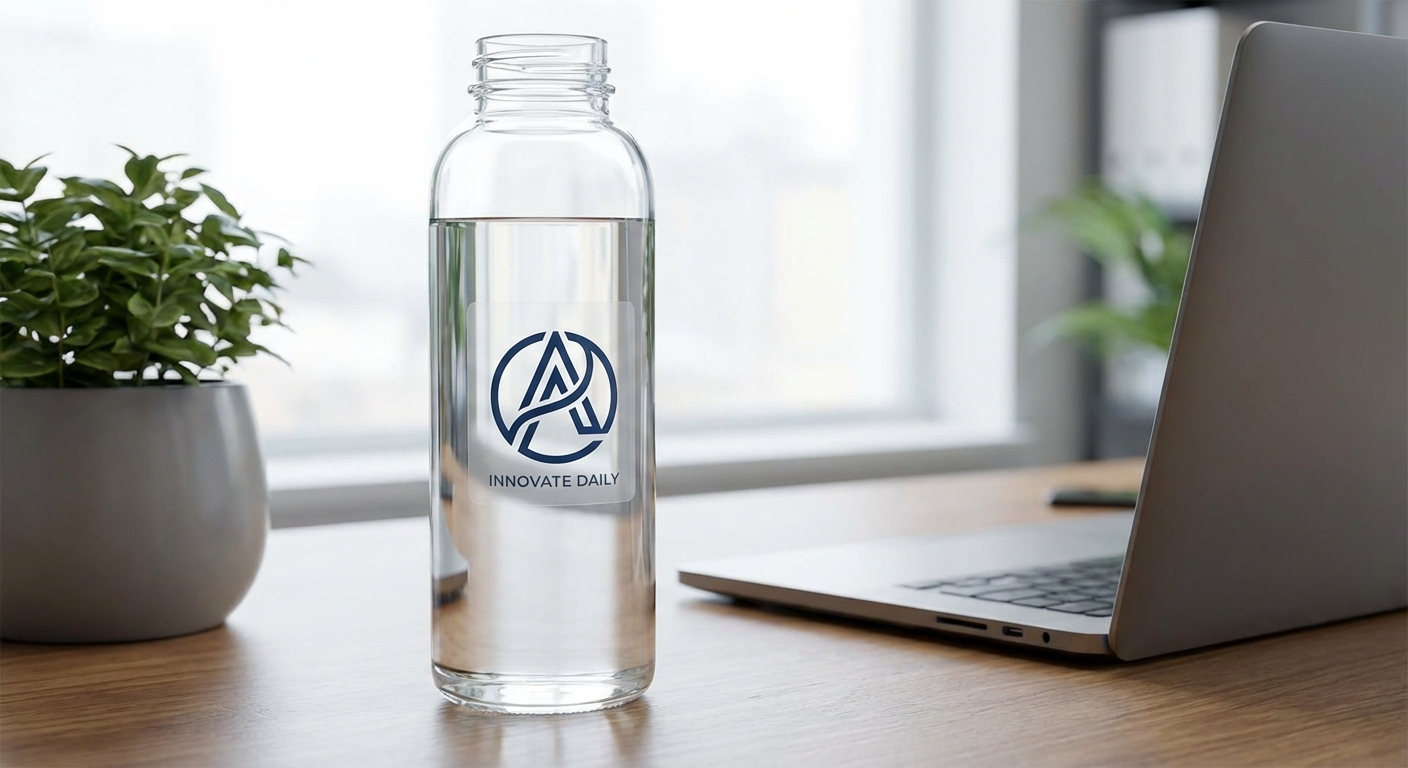
Clear Stickers | Window stickers, transparent branding | Clear vinyl | 2"x2" to 12"x12" | 1 |
Car Sticker Design: Common Questions
- What material should I use for a car sticker that stays outside?
- For anything applied to the outside of a vehicle, skip economy vinyl and go with Standard Vinyl or Premium Vinyl. Standard Vinyl carries a UV, scratch, and moisture-protective laminate with a 3 to 5 year outdoor rating, while Premium Vinyl pushes that to up to 8 years and is built for curved panels, bumpers, and marine-grade exposure.
- What size should I make my car sticker design?
- Most car stickers fall between 2 inches and 12 inches, though bumper-style stickers are commonly sized closer to 3x10 inches to 4x12 inches to fit a standard bumper strip. If you're designing for a rear window or door panel, measure the actual mounting surface first and leave a small margin so the sticker doesn't crowd edges, trim lines, or handles. For logo-style or front-of-vehicle placement, a smaller 3 to 5 inch design usually reads better than an oversized one.
- Can I design a car sticker online, or do I need finished artwork already?
- Both options work. If you already have custom car sticker artwork as a vector file (AI, EPS, or high-resolution PDF), you can upload it directly. If you're starting from scratch, the online designer lets you build layouts, add text, and preview your car sticker design before you order, which is the easier route if you don't have a background in graphic design.
- How much does a custom car sticker cost?
- Pricing depends on size, material, quantity, and finish. A single small die-cut sticker in economy vinyl costs less than a large premium vinyl bumper sticker with scratch protection added. Ordering 50 or more units triggers tiered bulk pricing, which brings the per-unit cost down significantly, making it worthwhile for teams, bands, or small businesses ordering multiples of the same custom sticker design.
- How do I install a car sticker once it arrives?
- Clean the surface with isopropyl alcohol, let it dry fully, then apply the sticker using the transfer tape and application method appropriate for its size. For step-by-step instructions on avoiding bubbles and getting straight alignment, our guide to installing a sticker covers the full process, and our car window stickers guide covers glass-specific tips if you're applying to a window instead of a painted panel.
- Should I choose a glossy or matte finish for my car sticker design?
- Glossy finish gives colors more pop and works well for bold logos, brand marks, or anything meant to catch the eye at a distance. Matte finish has a more subdued, non-reflective look that some buyers prefer for minimalist or text-heavy designs, since it reduces glare in direct sunlight. Both finishes are available across die-cut and bumper sticker formats, so the choice comes down to how you want the final look to read on the car.
Car Sticker Products to Start Your Design
These are the formats most buyers use for car sticker design, from simple die-cut logos to full bumper-length graphics.

Ready to Design Your Car Sticker?
Build your layout with the online designer, choose your material and finish, and get a durable car sticker printed and shipped to your door. Standard production is 3 business days, with rush options available if you need it sooner.