
What to expect before your custom stickers go to print
Before your custom stickers go to print, you'll have the opportunity to review and approve your artwork through our sticker proofing process. At Stickers.com, you have two options: receive an instant proof directly on our website that you can review and approve for production immediately, or upload your artwork and have our customer service team email you a digital proof for approval. Both options allow you to review important details like design placement, sizing, and cutting before printing begins. Understanding how sticker proofing works can help you catch potential issues, request adjustments when needed, and feel confident about your order. This guide explains both proofing options, what to look for before approving your artwork, and how to prepare your files for a smooth printing process.
Sticker Proof and Proofing Process: Common Questions
- What is a sticker proof?
- A sticker proof is a digital preview of your artwork as it will appear on the finished product, showing size, cut lines, color, and layout before printing begins. It is not a physical sample. It is a visual and technical check that confirms your file is print-ready and matches what you actually want printed. At Stickers.com, a proof is generated automatically once you upload your artwork so you can review it before your order enters production.
- How does the sticker proofing process work at Stickers.com?
- At Stickers.com, you have two options for reviewing your artwork before printing. You can use our instant proofing option to preview your design directly on the website and approve it for production immediately. Or, you can upload your artwork and choose to receive a digital proof by email from our customer service team. With the emailed proof, you'll have the opportunity to review your design and request any necessary adjustments before approving it. Once your proof is approved, your order moves into production based on the production timeframe selected at checkout.
- Is there a way to waterproof a sticker?
- Yes. Vinyl stickers printed on Standard Vinyl or Premium Vinyl include UV, scratch, and moisture-resistant lamination built into the material itself, which is what makes them suitable for water bottles, coolers, and outdoor gear. Premium Vinyl carries up to 8 years of outdoor durability, while Standard Vinyl offers 3 to 5 years. Adding the UV + Scratch protection upgrade gives an extra layer of lamination on top of any material for added resistance to moisture and abrasion.
- What can I put over a sticker to protect it?
- If you want extra protection beyond the standard lamination, choose the UV + Scratch protection option at checkout, which adds a clear protective layer over your design. For designs that need a completely transparent, glass-like look with built-in protection, clear stickers are another option worth considering, since the material itself is more resistant to fading and peeling than uncoated paper labels.
- What file formats do you need for print-ready artwork?
- We accept AI, EPS, PDF, PNG, and high-resolution JPG files. Vector files (AI, EPS, PDF) are preferred because they scale cleanly to any size without pixelation. If you are working with a raster file, submit it at 300 DPI or higher at the actual print size to avoid blur during the proof review.
- How long does proof approval take and does it affect turnaround?
- Proof approval time depends on which option you choose. With instant online proofing, you can review and approve your artwork directly on our website during the ordering process, allowing your order to move toward production right away. If you choose an emailed digital proof, our customer service team will need additional time to prepare and send it for your review. However, if you approve the proof promptly, this typically adds very little time to your overall order. Keep in mind that production begins after proof approval, so reviewing your proof quickly and minimizing revisions can help keep your order on schedule.
How the Sticker Proofing Process Works, Step by Step
At Stickers.com, the proofing process begins when you select your custom sticker specifications, including size, shape, material, and finish, and upload your artwork. From there, you have two options for reviewing and approving your design before it goes to print.
Option 1: Instant Online Proofing
For the fastest approval process, you can use our instant online proofing option during checkout. This allows you to preview your uploaded artwork directly on our website, review how your design will appear, and approve it for production without waiting for an emailed proof.
Instant proofing is a convenient option when your artwork is ready to print and you're comfortable reviewing and approving the design yourself.
Option 2: Emailed Digital Proof
If you'd prefer to have our team prepare your proof, you can choose to receive a digital proof by email. Our customer service team will review your submitted artwork, prepare a proof based on your order specifications, and email it to you for approval.
You'll have the opportunity to review the proof and request adjustments if something doesn't look right. If changes are needed, an updated proof can be provided for another round of review before your order moves into production.
Because this option requires a team member to prepare and send your proof, it may take slightly longer than instant online proofing. However, promptly reviewing and approving your emailed proof can help minimize any impact on your overall turnaround time.
Proofing checklist and what happens after
Regardless of which proofing option you choose, take a moment to review the important details of your design:
- Artwork placement: Is your design positioned and aligned the way you want?
- Size and dimensions: Does the proof match the sticker size you ordered?
- Cut shape: Is it clear how your sticker will be cut, especially for custom-shaped products like die-cut stickers?
- Text and design elements: Are spelling, logos, and important details correct and positioned safely away from the cut edges?
- Overall appearance: Does the layout match what you intended?
Keep in mind that digital proofs are intended to show your artwork's layout and appearance, but colors on a screen may differ slightly from the finished printed product.
Once you approve your proof, your order can move forward into production. Your selected production timeframe begins after proof approval, so the sooner you approve your artwork, the sooner your order can begin moving through the printing process.
If you choose an emailed proof and request revisions, your order will wait for approval of the updated artwork before production begins.
Whether you're ordering a few custom stickers or a larger quantity for branded merchandise, packaging, or product labeling, reviewing your proof carefully helps ensure your finished stickers match your expectations.
Choosing the Right Sticker Material and Finish Before Proof Approval
Reviewing your artwork is an important part of the sticker proofing process, but it's also a good time to double-check that you've selected the right material and finish for your project. While your digital proof helps you review the design, size, and cut shape, it won't necessarily show how your stickers will perform once they're applied.
At Stickers.com, we offer different custom vinyl sticker materials designed for a variety of applications. Economy Vinyl can be a practical choice for indoor projects and lighter-use applications, while Standard Vinyl offers additional durability for everyday use and outdoor applications. Premium Vinyl is designed for more demanding environments where longer-lasting performance and flexibility may be important. Available finishes can also affect the appearance and protection of your finished stickers.
Before approving your artwork, consider where your stickers will be applied and what conditions they'll encounter. Will they be used indoors or outdoors? Will they be exposed to sunlight, moisture, or frequent handling? Are you applying them to a smooth, flat surface or something with curves? For example, clear stickers may be a good option when you want the surface underneath your design to remain visible, while die-cut stickers allow you to create a custom shape that follows your artwork. These factors can help determine which product, material, and finish are the best fit.
Sticker Material Comparison: Choosing Durability at the Proof Stage
The material you select before your sticker proof is generated determines how your stickers perform once they leave the print floor. Here is how the three vinyl tiers compare.
| Material | Outdoor Lifespan | Best For |
|---|---|---|
Economy Vinyl | 3 to 5 years with proper care | Laptop stickers, water bottle labeling, novelty use |
Standard Vinyl | 3 to 5 years outdoor durability | Outdoor signs, car stickers, general outdoor use |
Premium Vinyl | Up to 8 years outdoor durability | Truck and car stickers, contoured surfaces, marine applications |
Start Your Sticker Proof With These Products
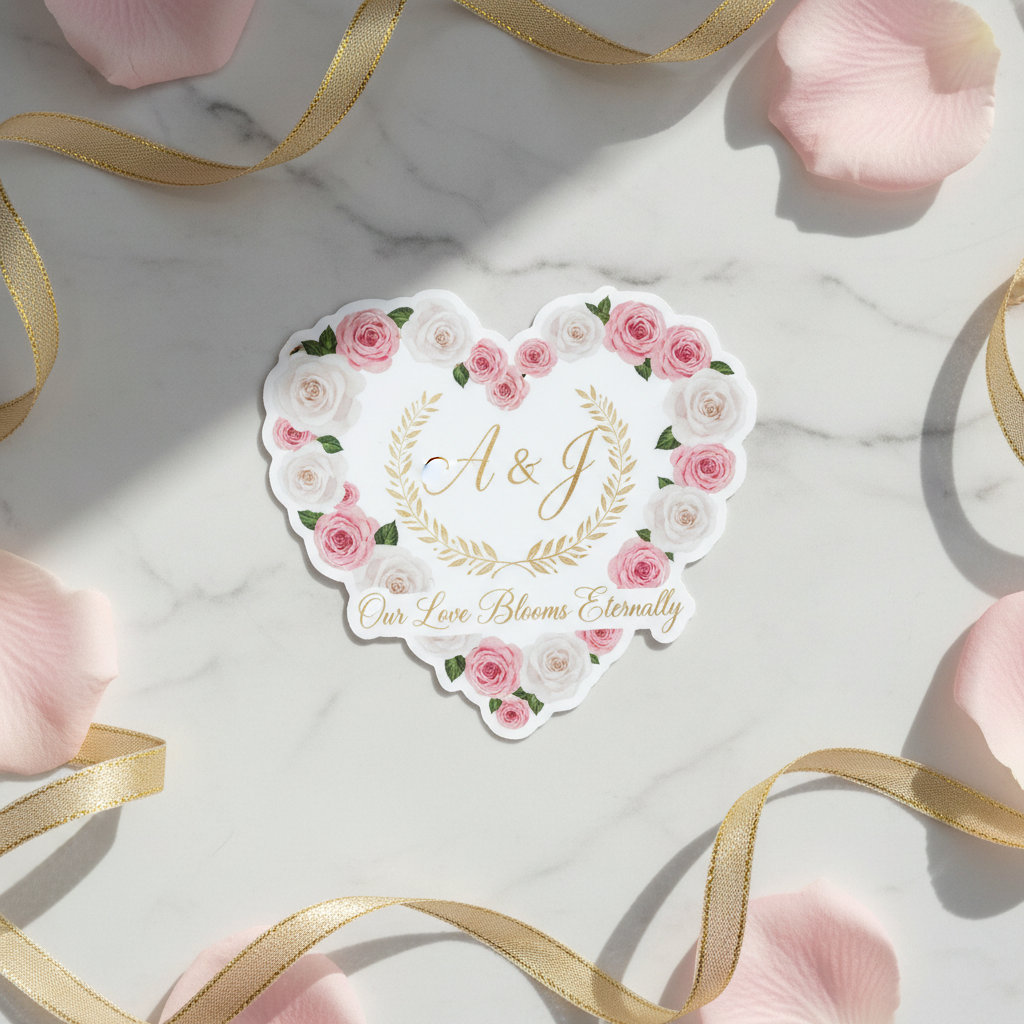
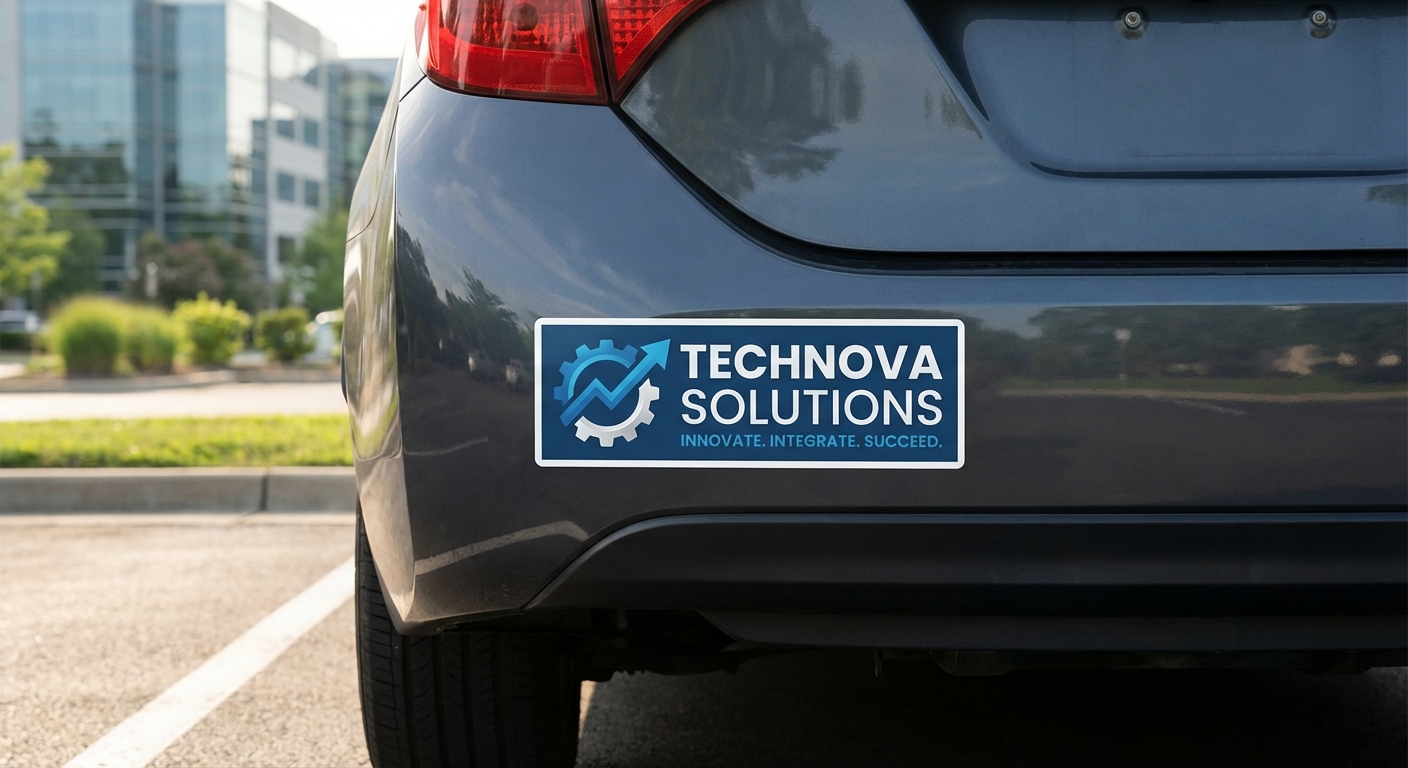
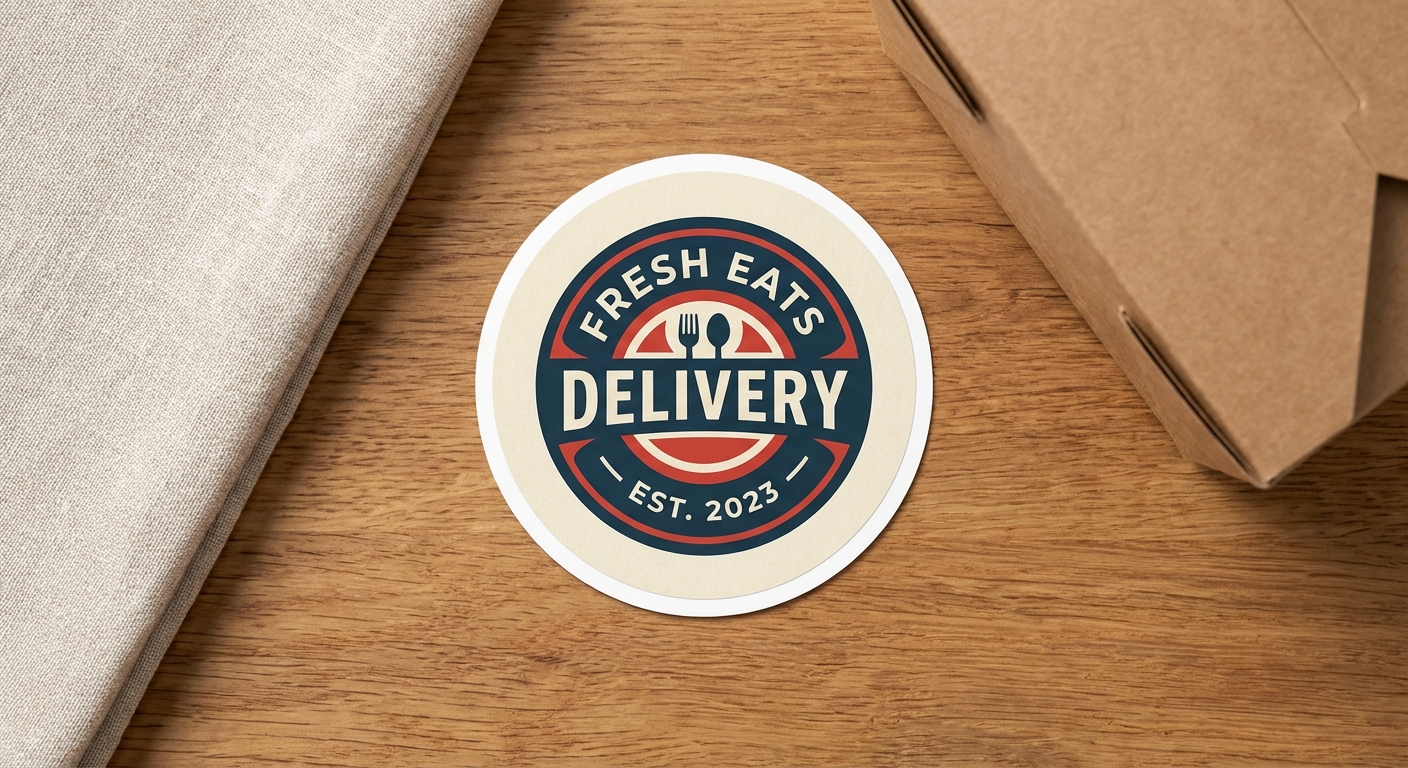
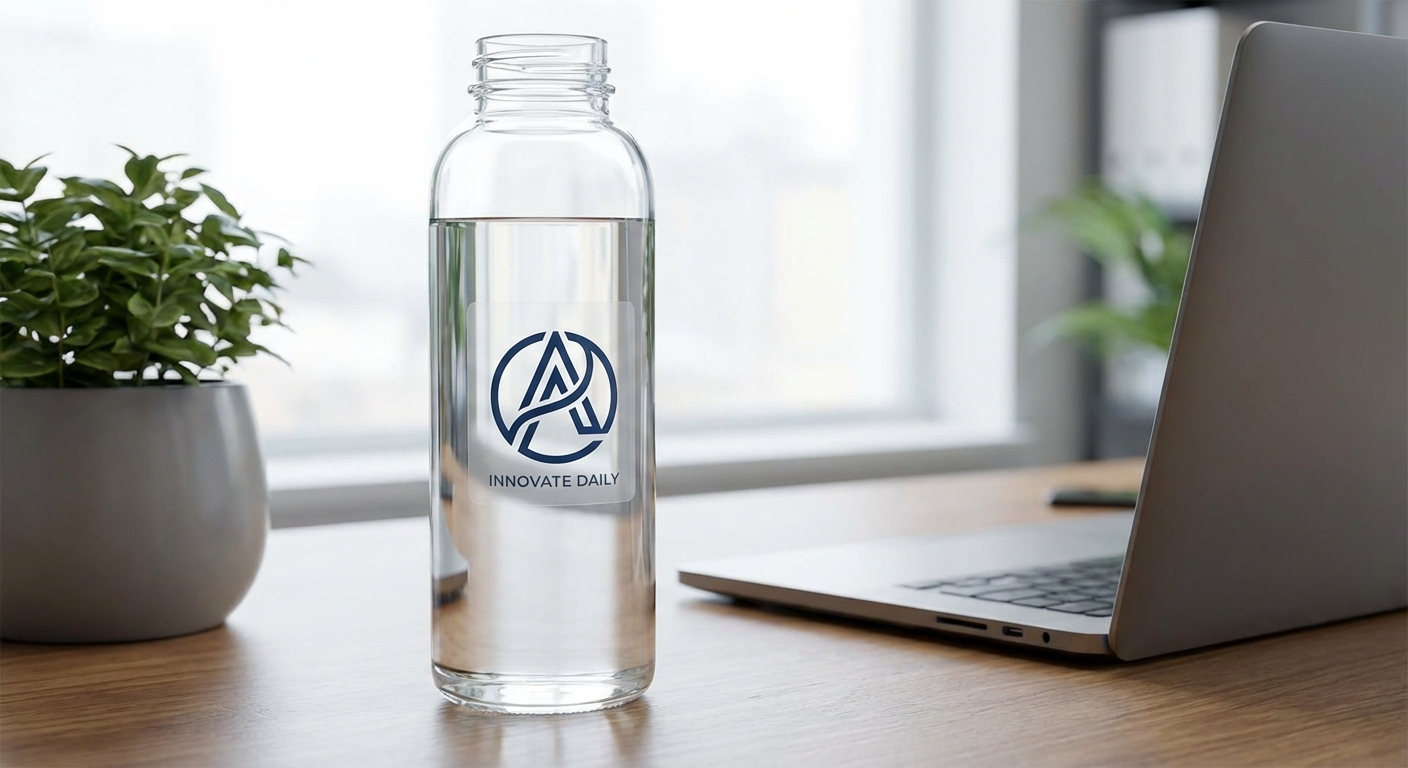
Every product below includes a free digital proof before production begins, so you can review your design, sizing, and colors prior to printing.
Ready to See Your Design Before It Prints?
Upload your artwork, choose your size and material, and review your free digital sticker proof before anything goes into production. It is the fastest way to make sure your custom stickers turn out exactly as you designed them.
Start Your Sticker Proof