
Why more brands are ditching printed URLs for scannable QR code stickers
A printed web address asks a customer to remember, retype, and hope for no typos. A QR code sticker skips all of that: point a phone camera at it and the link opens instantly. If you're deciding between spelling out your website or printing a scannable code on your next batch of promotional stickers, the answer usually comes down to how fast you want people to act and how much real estate you have on the sticker. Below we break down when each option makes sense, what materials hold up best for QR code stickers, and how to avoid the printing mistakes that make a code unscannable.
QR Code vs. Website Text: Which Actually Gets Scanned?
A printed URL asks for effort. Someone has to read it, remember it, and type it correctly into a browser, and any typo or autocorrect mistake ends the interaction before it starts. A QR code sticker removes that friction entirely: a phone camera reads it in under a second and opens the link automatically. For promotional stickers meant to drive traffic to a website, landing page, menu, or social profile, that speed advantage matters. Website text still has its place, though. It works better on stickers meant to be memorized or referenced later, like a business card sticker with a phone number and website printed together, or a thank you sticker on a package where the customer isn't standing there with their phone raised. In practice, many businesses use both: a QR code for instant action, and a short readable URL underneath as a backup for anyone who prefers to type it manually.
Best Sticker Formats for QR Codes
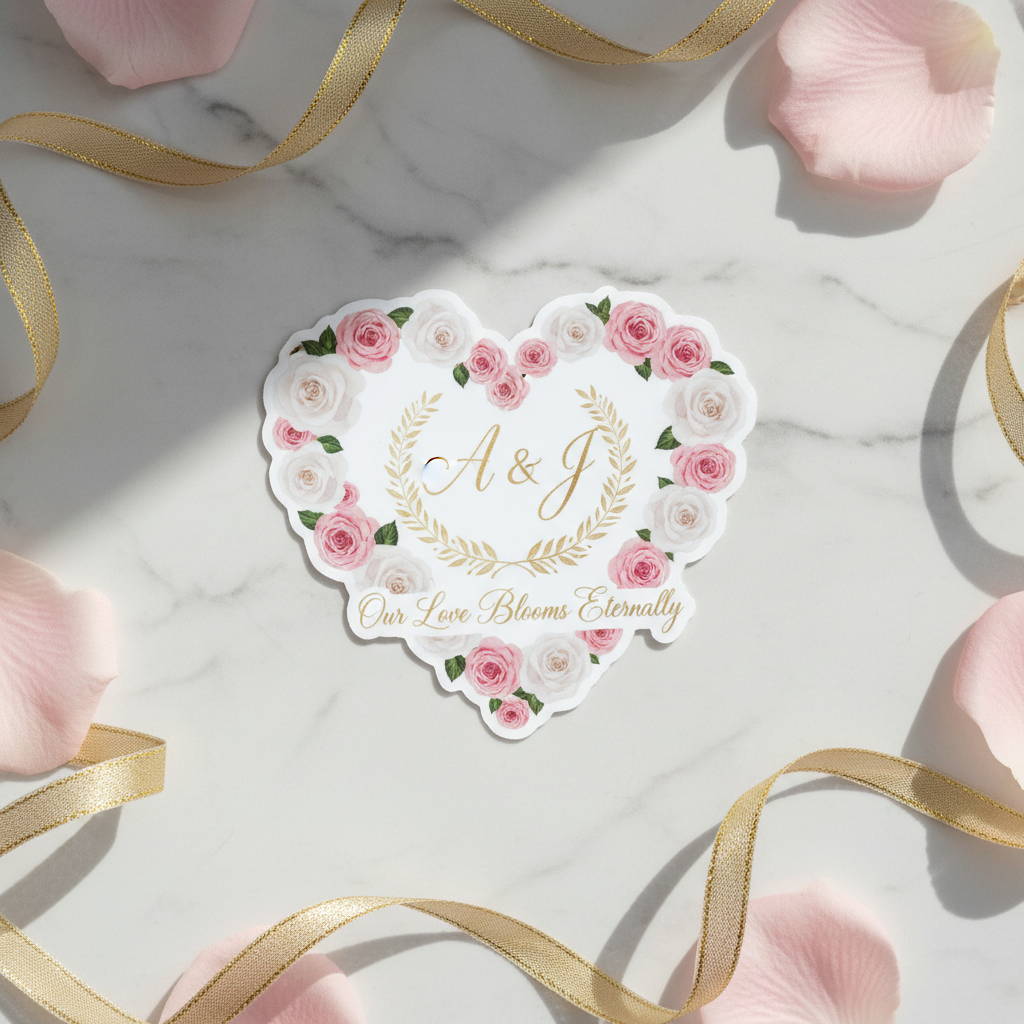
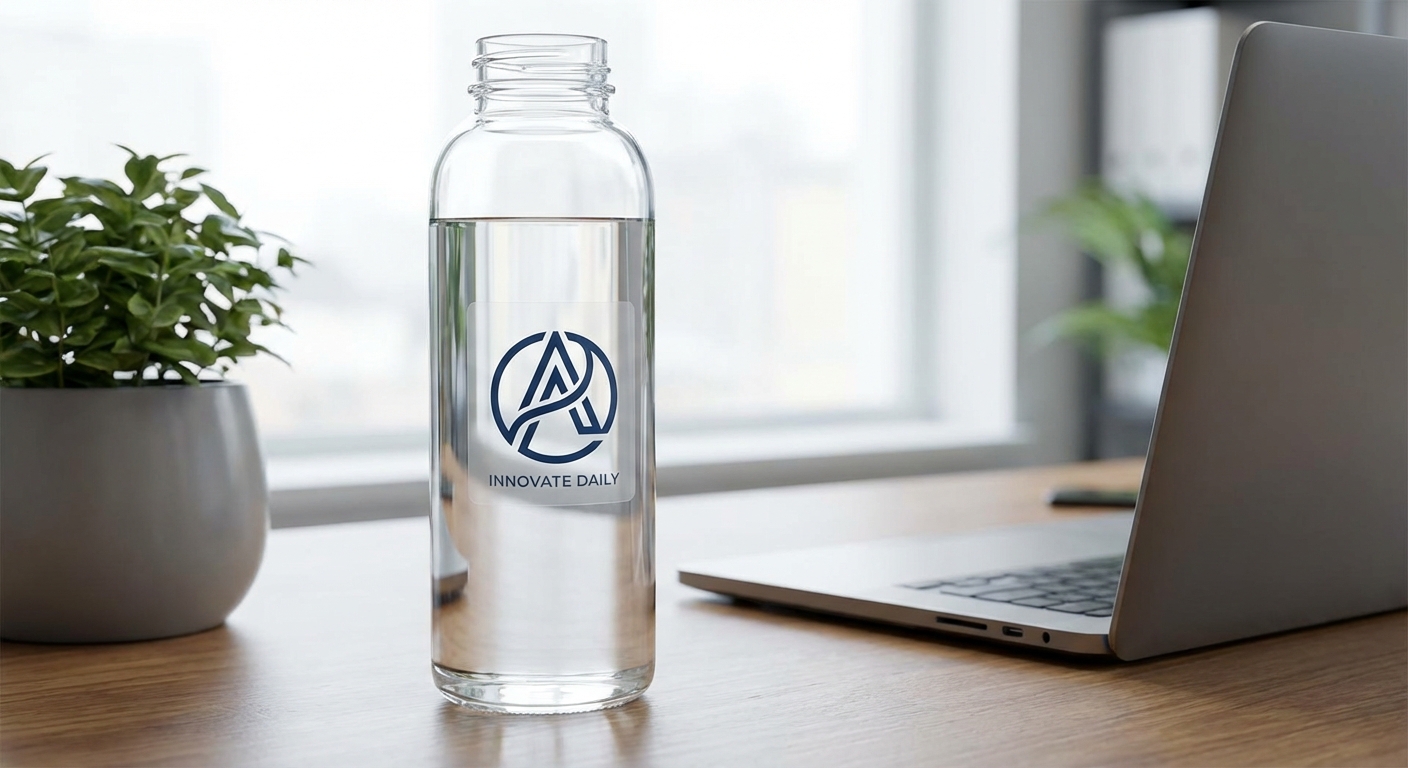
Format matters as much as the code itself. Die-cut stickers trimmed tightly around a logo-and-QR combo look clean on packaging or product labels, while a simple circle sticker keeps the code centered and easy to scan from any angle. For businesses that need multiple codes on one sheet, such as a menu with a different QR code per dish or a multi-location retailer, custom cut sticker sheets let you print several individual codes at once and peel them apart as needed. Material choice depends on where the sticker lives. Economy vinyl works fine for indoor uses like laptop stickers or retail counter displays, but anything going outside, on a vehicle, or on equipment exposed to weather should use standard or premium vinyl for UV and scratch protection. If you want the code to blend into existing packaging artwork rather than sit on an obvious label, clear stickers print the QR code and any text with a transparent background so only the ink is visible. For large-format applications like vehicle wraps or oversized window clings, custom vinyl stickers scale up to 120 inches wide while keeping the code sharp enough to scan from a distance.
Match the QR Code Destination to the Sticker’s Purpose
The scan itself is only part of the experience. What customers find afterward should connect directly to the sticker’s purpose. A sticker included with an order might link to a reorder page, loyalty program, or product instructions, while one handed out at an event could direct people to a promotional offer, signup form, or social profile. For stickers placed on products or packaging, the destination could provide assembly instructions, care information, tutorials, or additional product details that would be difficult to fit on the sticker itself. Instead of automatically sending every QR code to your homepage, think about what the customer is most likely to want at the moment they encounter the sticker. The goal is to give customers a useful next step that makes sense for where and why they encountered the sticker.
QR Code vs. Website URL: Sticker Comparison
Not every sticker needs the same treatment. Here's how the main options stack up depending on your goal.
| Option | Best For | Scan/Read Ease | Recommended Sticker Type | Notes |
|---|---|---|---|---|
QR code only | Instant traffic to a website, menu, or social page | Fast, one-second scan with most smartphone camera | Die-cut or circle stickers | Leave white space around the code and avoid stretching it out of proportion |
Website URL only | Memorable branding, packaging meant to be referenced later | Requires manual typing, slower conversion | Custom stickers or logo stickers | Best kept short (a custom domain or subdomain works better than a long path) |
QR code plus URL text | Covering both instant scanners and manual typers | Best of both, no one is left out | Business stickers or product labels | Most versatile option for retail packaging and event materials |
QR code plus logo | Brand recognition alongside a call to action | Same fast scan, stronger brand recall | Logo stickers or branded stickers | Keep the logo small and centered so it doesn't interfere with the code's scan pattern |
Common Questions About QR Code Stickers
- Can I make QR code stickers myself?
- Yes. Generate a QR code using any reputable free QR generator, download it as a high-resolution PNG or vector file, and drop it into your sticker artwork alongside your logo or brand colors. Once your file is ready, upload it to a print-on-demand order and choose a sticker format like die-cut or circle stickers. The key is testing the code with your phone before you finalize the design, since a low-resolution or overly compressed QR image can fail to scan once printed.
- Where can I buy custom QR code stickers online?
- You can order custom QR code stickers directly from stickers.com by uploading your artwork, choosing a size and material, and selecting a quantity. Orders start at just one unit, with tiered pricing kicking in at 50 or more, and production typically takes 1 to 3 business days before shipping via FedEx or UPS.
- Are QR code stickers durable enough for outdoor use?
- Yes, when printed on the right material. Standard or premium vinyl offers 3 to 8 years of outdoor durability with UV, scratch, and moisture-resistant lamination, making it a solid choice for storefront windows, vehicle decals, or job-site signage. For indoor use on packaging or laptops, economy vinyl is a more budget-friendly option with a 3 to 5 year lifespan.
- What size should a QR code sticker be so it scans reliably?
- A general rule is at least 1 inch by 1 inch for close-range scanning (like on a product label) and 2 inches by 2 inches or larger for anything scanned from a few feet away, such as a window decal or table tent. Leave a quiet zone of white space around the code and avoid stretching it into a non-square shape, since distortion is one of the most common reasons a printed QR code fails to read.
- Can I add my logo and brand colors to a QR code sticker?
- Yes. Most QR generators let you add a small logo in the center of the code without breaking its scannability, and you can pair the code with your full logo, tagline, or a short call to action on the rest of the sticker. This is a popular approach for logo stickers and branded stickers used on packaging, retail displays, and event handouts.
- How much do custom QR code stickers cost in bulk?
- Per-unit cost drops as quantity increases, with tiered pricing available starting at 50 stickers. Final price depends on size, material, finish, and production speed. Small custom runs for a single event or product line typically cost more per piece than a 250 or 500-unit order meant for packaging or ongoing retail use.
Sticker Formats Built for QR Codes
Whichever format fits your product or packaging, these are the sticker types businesses use most often when printing custom QR code stickers.


Ready to Print Your Own QR Code Stickers?
Upload your artwork, choose a sticker format and material, and get custom QR code stickers produced in 2 to 3 business days. Order a single sticker to test a design or scale up to bulk pricing for packaging, storefronts, and marketing campaigns.