
Learn how sticker sheet spacing works, what to consider when preparing artwork, and how to get clean, easy-to-peel stickers.
Sticker sheet spacing helps keep individual stickers separated, easy to peel, and neatly arranged on their backing. However, when ordering through Stickers.com, you typically don't need to calculate this spacing yourself. Our sticker sheet products use layouts that account for the space between stickers, allowing you to upload your artwork, select a size, and choose your quantity without manually arranging every design.
How Does Spacing Work on Kiss-Cut Sticker Sheets?
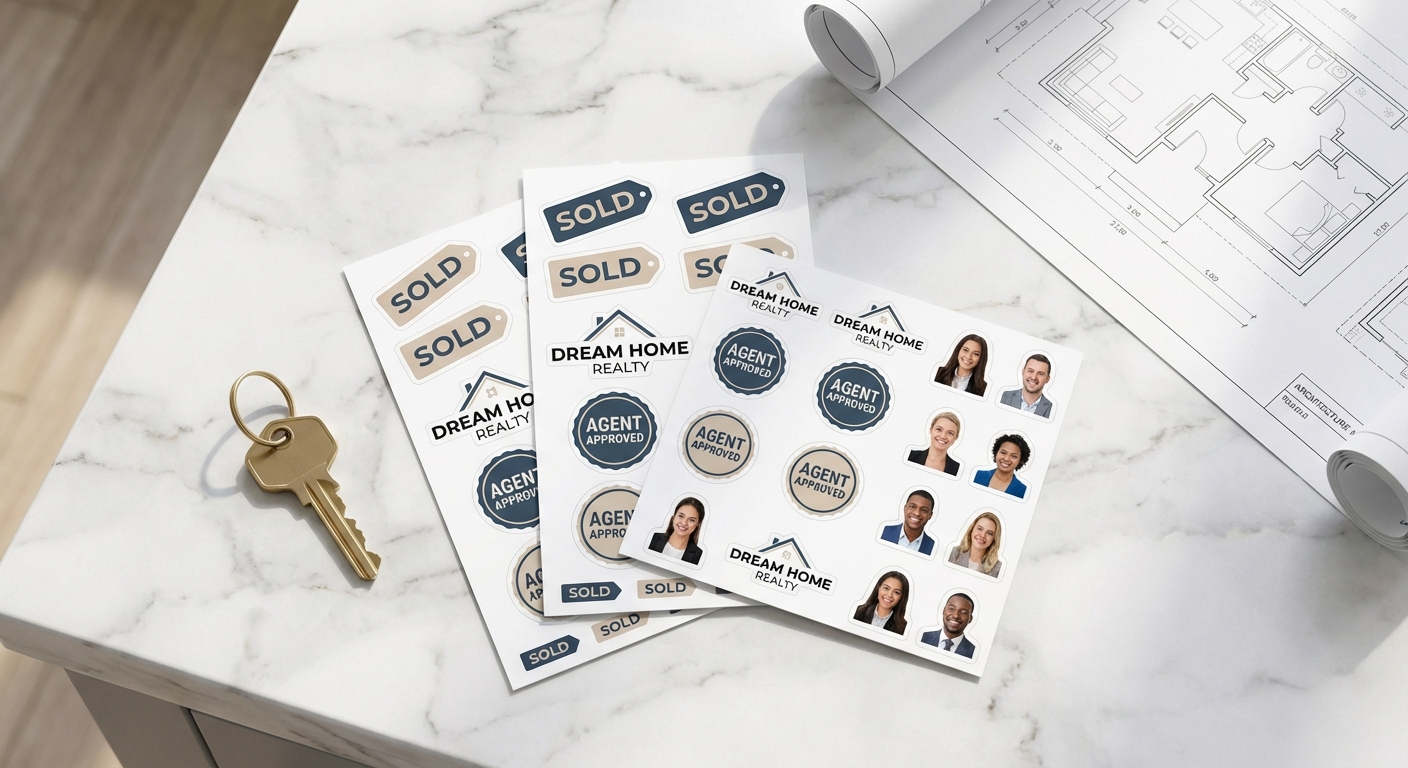
Kiss-cutting cuts through the printed sticker material and adhesive while leaving the backing intact. This allows multiple stickers to remain together on one sheet while still being individually removable. The space between each cut outline keeps neighboring stickers separated, making them easier to peel without disturbing the surrounding designs. Proper spacing also helps maintain clean edges, especially for stickers with curves, sharp corners, or more detailed shapes. With standard Custom Cut Sticker Sheets, the layout already accounts for this spacing, so you can simply upload your artwork and select your preferred sticker size. Kiss-cutting also isn't limited to full sheets. Individual Kiss-Cut Stickers use the same cutting method but come with their own backing borders, making them a convenient option when you don't need multiple stickers arranged together.
When Do You Need to Measure Sticker Sheet Spacing?
For most sticker sheet orders through Stickers.com, you won't need to measure or adjust the space between stickers yourself. However, if you're preparing a completely custom sheet layout with multiple designs, spacing becomes an important part of the artwork setup. When creating your own sticker sheet layout, leave approximately 1/4" - 1/2" of space between the finished cut lines of neighboring stickers, measuring from one sticker's outer edge to the next. Stickers with irregular shapes, sharp points, or detailed edges may benefit from additional room to keep their cut paths separate and make peeling easier. It's also important to distinguish spacing from other artwork requirements. Keep text and important design elements safely inside the cut lines, and include appropriate bleed when artwork extends to the finished edge. These considerations help create a well-organized sheet while reducing potential cutting and alignment issues during production.
How Common Sticker Sizes Fit on a Sheet
The number of stickers that fit on a sheet depends on the size of each individual sticker. Smaller designs allow more stickers per sheet, while larger sizes take up more space. Here's a look at how some common sticker sizes fit on a standard 8.5" x 11" sheet, with spacing already accounted for in each layout.
| Individual Sticker Size | Stickers Per Sheet | Sheet Size |
|---|---|---|
2" x 2" | 12 | 8.5" x 11" |
3" x 3" | 6 | 8.5" x 11" |
4" x 4" | 4 | 8.5" x 11" |
5" x 5" | 2 | 8.5" x 11" |
6" x 6" | 1 | 8.5" x 11" |
Sticker Sheet Spacing: Buyer Questions Answered
- How much space should I leave between stickers on a sticker sheet?
- For a manually arranged custom sheet, approximately 1/4"- 1/2" between finished cut outlines is a useful starting point, but it's not a universal production minimum. Standard Stickers.com sticker sheet layouts already account for spacing, so you don't need to calculate it yourself.
- Do I need to arrange my stickers on an 8.5" x 11" sheet before uploading?
- No. With standard Custom Cut Sticker Sheets, you can upload your artwork and select from the available sticker sizes and sheet configurations. You don't need to manually position each sticker on a full sheet before ordering.
- Does spacing affect how easily stickers peel off the sheet?
- Yes. Kiss-cut stickers are designed to peel individually from their backing. Adequate space between cut outlines helps keep neighboring stickers separate and makes each design easier to lift and remove.
- Can I order kiss-cut stickers without ordering an entire sticker sheet?
- Yes. Kiss-Cut Stickers can be ordered individually, with each sticker remaining on its own backing. If you want multiple stickers together on one backing, Custom Cut Sticker Sheets are another option.
- Do I need to leave a white border around my sticker designs?
- No. A white border around the artwork is a design choice, while sticker spacing refers to the distance between the actual cut outlines. Stickers can have artwork extending to their finished edges without needing a visible white border. Just remember to include appropriate bleed when printing to the edge.
- How do I set up spacing correctly in my file before I upload artwork?
- Since kiss-cut and shape sticker sheets don't include a spacing selector at checkout, you'll need to set it directly in your file. Use your design software's ruler or guide tools to set consistent gutters, at least 0.125" between designs and 0.25" from the sheet edge, before exporting. Our guide on how to use sticker sheets walks through file setup step by step, and our team reviews proofs for spacing issues before anything goes to print.
Find the Right Sticker Format for Your Design
Whether you need multiple stickers on one sheet or individual stickers cut to shape, explore the available options to find the best fit for your project.

Design Your Sticker Sheet Layout With Confidence
Now that you know how much space to leave between designs, bring your layout to life. Upload your artwork, choose your sheet size, and we'll print, laminate, and ship your custom sticker sheet in as little as 1 business day.