A practical guide to sticker design size and detail before you send your file to print
A design that looks sharp on your screen can turn into a blurry mess once it's printed at two inches wide. Getting sticker design size and detail right is one of the most common challenges we see from first-time sticker buyers, and it's an easy problem to avoid once you know what to look for. This guide walks through the warning signs that your artwork is too detailed for its intended size, how to resize sticker artwork without losing its character, and which custom stickers hold up best at small scale.
Why Detail Gets Lost on Small Stickers
This happens for a few reasons. First, printers and cutting equipment have physical limits on how fine a line or point they can reproduce cleanly. Second, the human eye simply can't resolve extremely fine detail packed into a small surface area, even if the printer technically renders it. Third, die-cut edges follow the outline of your design, so if that outline has tiny jagged points or narrow bridges between shapes, the vinyl can tear or peel unevenly at those weak points.
This is especially common with artists and Etsy and Redbubble sellers who design at a large canvas size and then shrink the same file down for a 2-inch sticker without adjusting line weights or simplifying shapes along the way.
Warning Signs Your Design Is Too Detailed for Its Size
- Text smaller than 6pt at final print size, or any text you have to squint to read on screen
- Line weights thinner than 0.5pt, especially in outlines, hatching, or fine shading
- More than 6 to 8 distinct colors packed into an area smaller than 3 inches
- Gradients or soft shadows that blend into neighboring shapes instead of staying distinct
- Die-cut outlines with narrow points, thin bridges, or sharp inward corners
- Small background elements that disappear once the main subject is scaled down
If your design checks two or more of these boxes, it's worth simplifying sticker artwork before you place your order rather than finding out after a batch has already printed.
Matching Detail Level to Sticker Type and Size
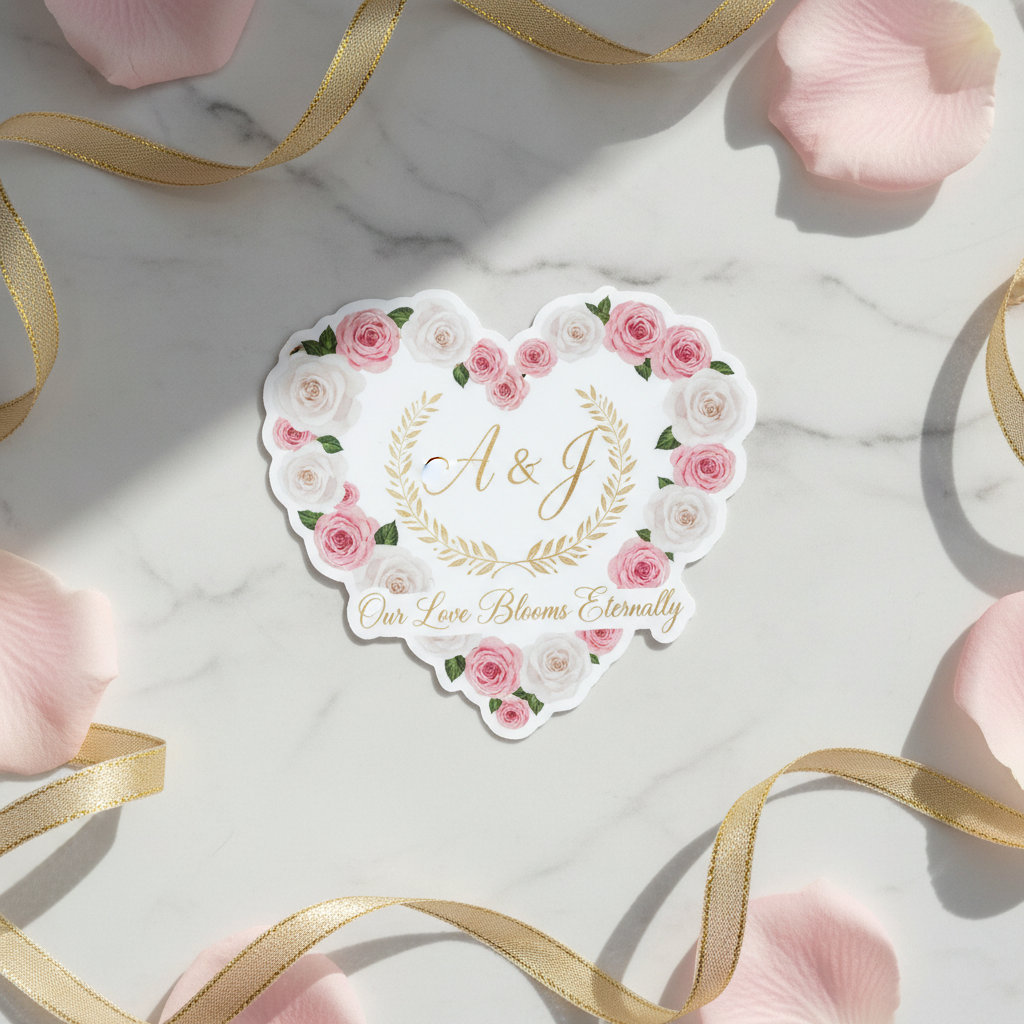
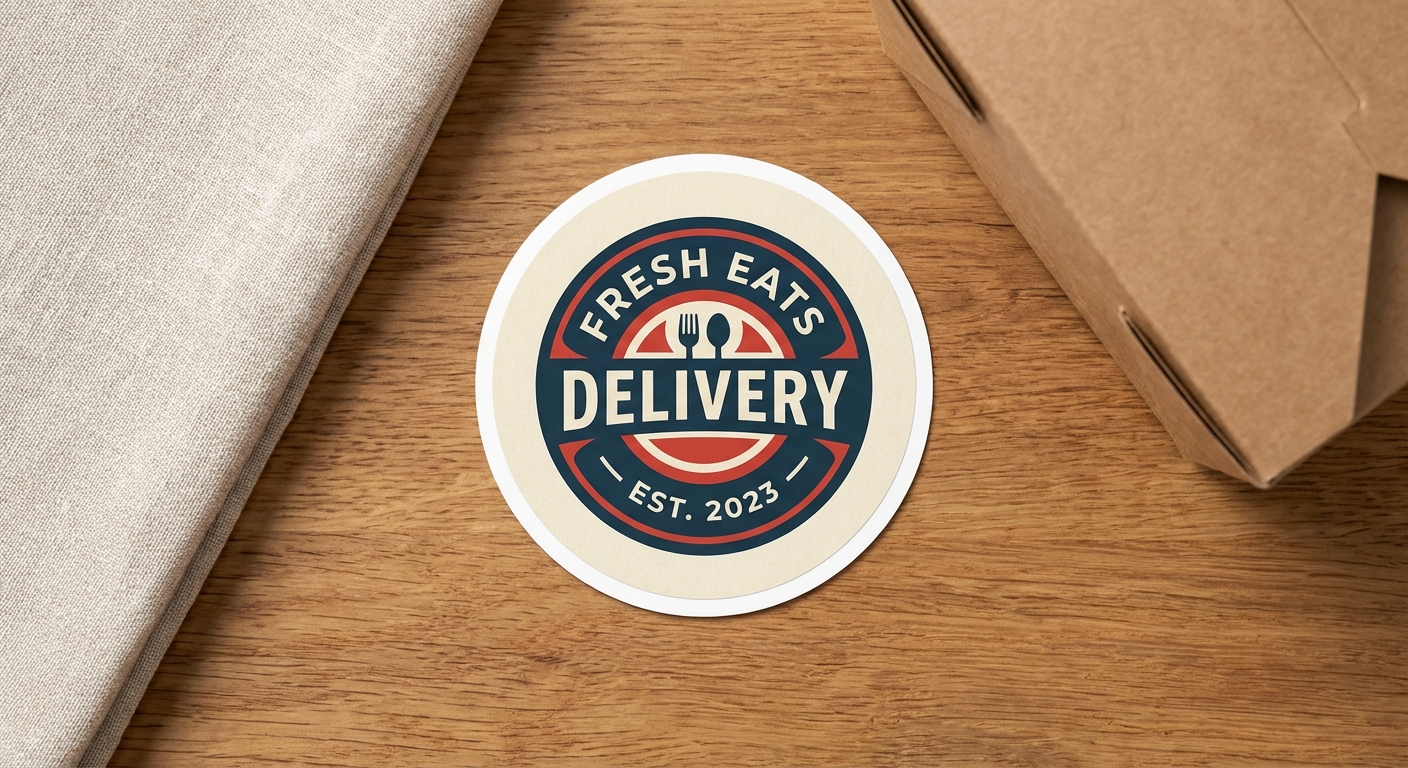
Die-cut stickers follow the exact outline of your artwork and range from 2x2 inches up to 12x12 inches, giving you room to scale up detailed illustrations without crowding the design. Circle stickers work well for logos, badge-style artwork, or icon-based designs where detail sits toward the center and fades out near the rounded edge, since curved edges are more forgiving of fine outlines than sharp die-cut points.
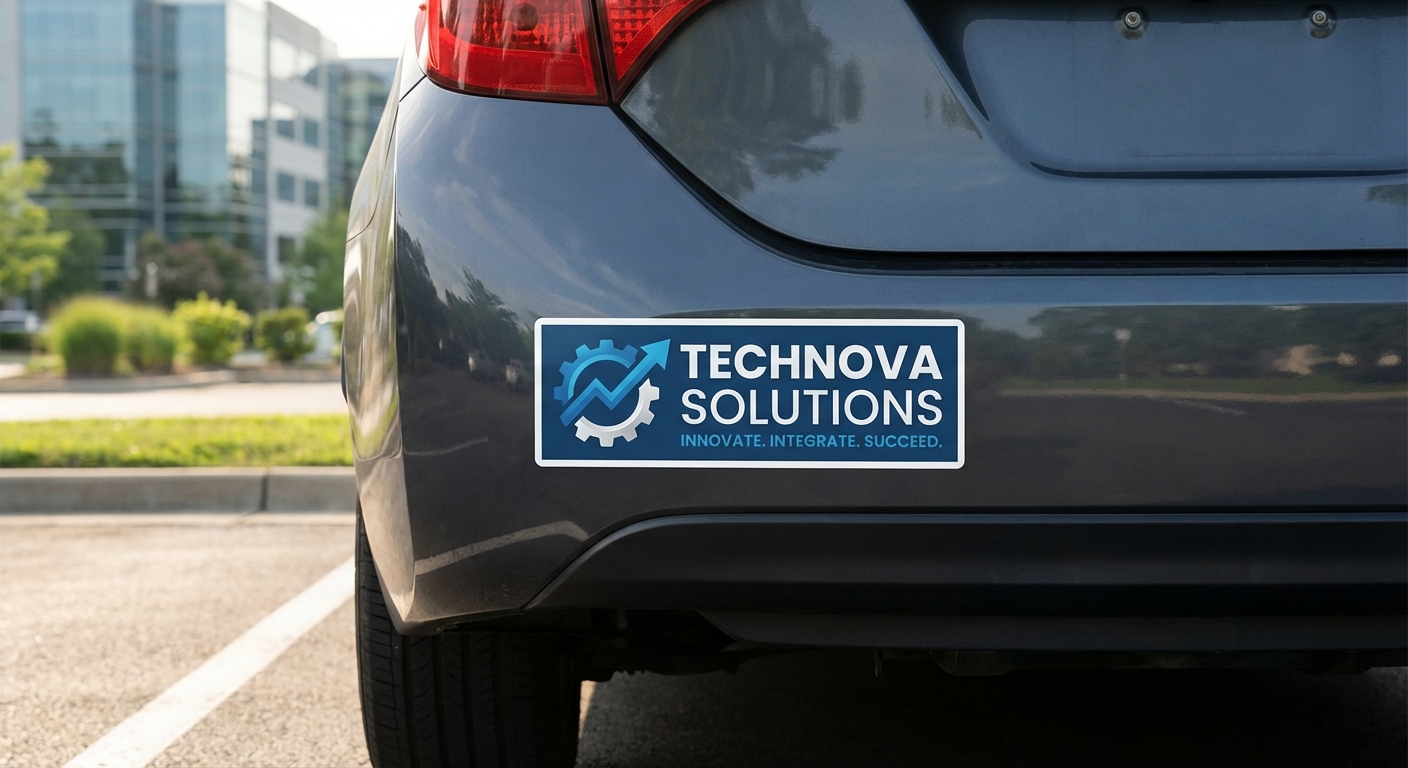
Bumper stickers are wide and short (most run 3x10 to 4x12 inches), which means horizontal detail like text and long illustrations reads well, but anything relying on vertical complexity gets cramped fast. If you're designing for a vehicle, our guide to fun bumper sticker designs and our car window stickers guide both cover layout tips specific to that format.
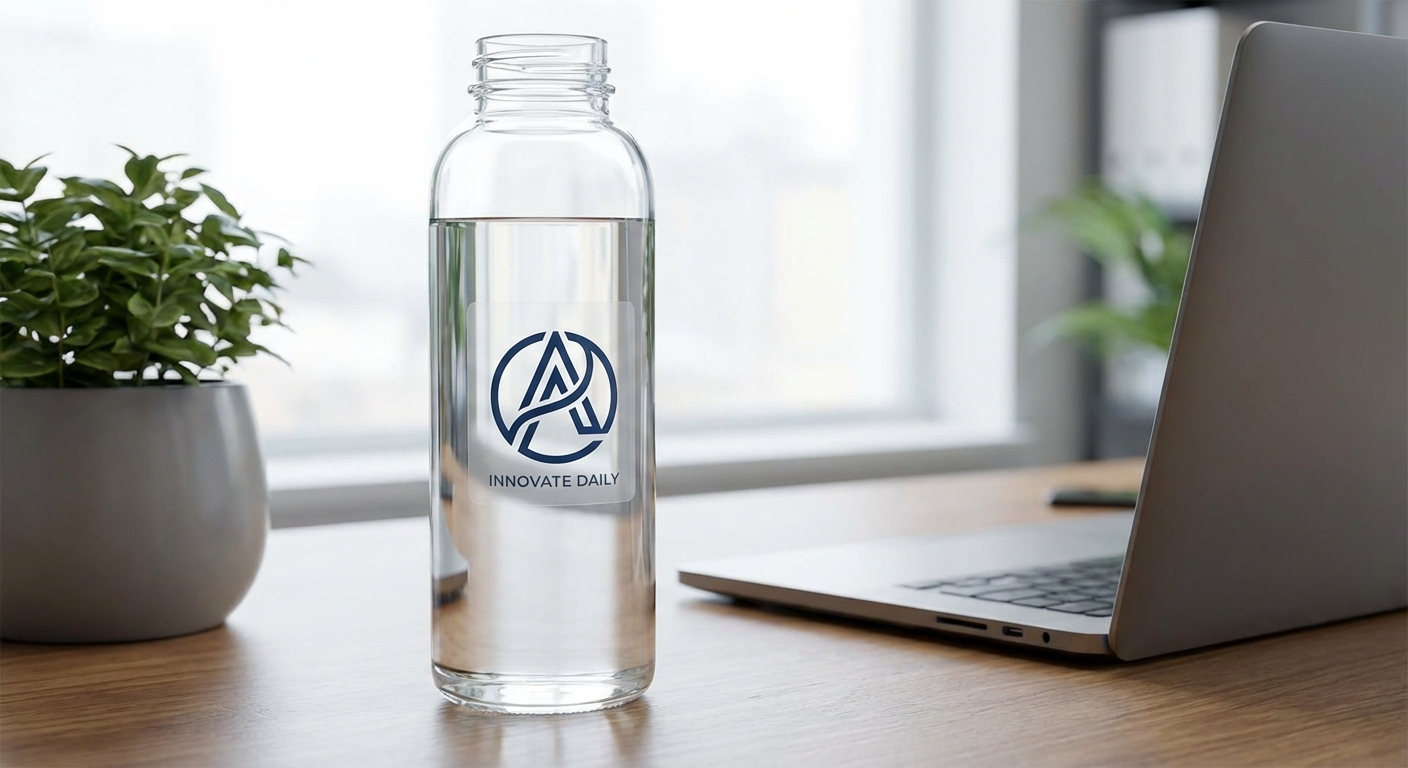
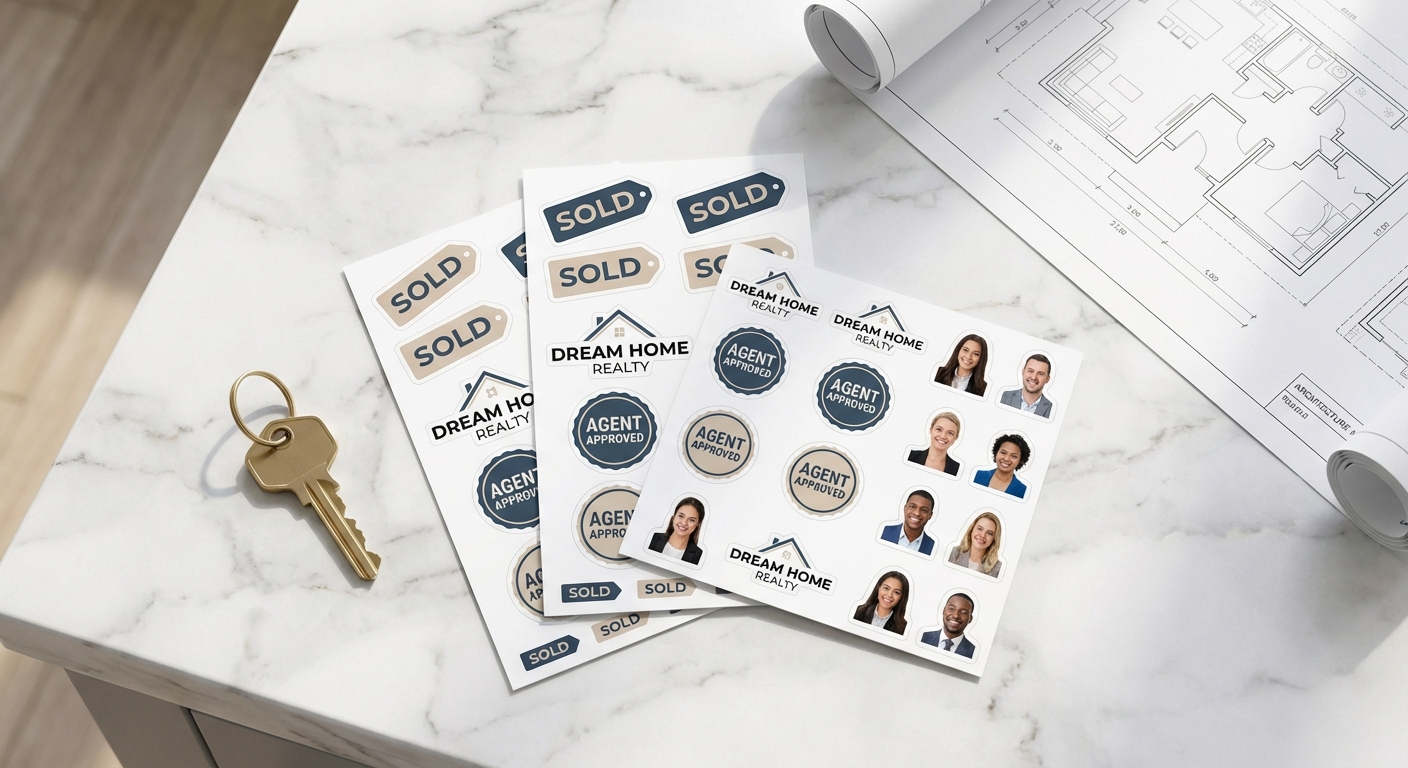
Clear stickers present a different challenge since the background shows through instead of a white or colored base, so dense detail can start to look cluttered against whatever surface it's applied to. If you're working with multiple small designs at once, custom cut sticker sheets let you keep individual pieces compact while giving each one its own dedicated cutting line, which helps preserve detail better than cramming everything onto one oversized sheet. Always check the size guide for exact dimension ranges before finalizing layout.
How to Resize and Simplify Sticker Artwork
- Increase line weights on outlines and internal details so they stay visible at smaller sizes
- Consolidate your color palette; fewer flat colors tend to print cleaner than dozens of close shades
- Bump font sizes up or convert small text to outlines (vector shapes) so it doesn't rely on fine print rendering
- Remove or merge tiny background elements that won't register at final size
- Size up your sticker itself if the design truly needs the extra real estate
Working from a vector file (AI, EPS, or SVG) makes all of this easier since you can rescale without quality loss. If you're not confident making these calls yourself, our design services team regularly helps customers simplify detailed sticker illustrations and resize artwork so it holds up at the size they actually need. You can also send reference files or examples through share your photos if you want a second opinion before you commit to a print run.
Sticker Type Comparison for Detailed Designs
| Sticker Type | Size Range | Best For Detail Level | Material Options | Ideal Use Case |
|---|---|---|---|---|
Die-Cut Stickers | 2"x2" to 12"x12" | Medium to high (scale up for best results) | Standard Vinyl | Logos, illustrations, custom-shaped artwork |
Circle Stickers | 2"x2" to 12"x12" | Medium (best for centered, icon-style detail) | Standard Vinyl | Badges, logos, packaging seals |
Clear Stickers | 2"x2" to 12"x12" | Low to medium (background shows through) | Clear vinyl | Minimal designs, window and glass application |
Bumper Stickers | 3"x10" to 4"x12" | Medium (horizontal detail reads best) | Standard Vinyl | Slogans, wide illustrations, vehicle branding |
Custom Cut Sticker Sheets | 8.5"x11" sheet | High (each shape gets its own cut line) | Standard Vinyl | Multiple small designs, sticker packs |
Common Questions About Sticker Design Size and Detail
- What's the smallest size I can print a detailed design on a sticker?
- It depends on the complexity of the artwork, but most detailed illustrations need at least 2 to 3 inches of surface area to stay legible. Our die-cut stickers print from 2 inches up to 12 inches, so if your design has fine linework or small text, sizing up even half an inch can make a real difference. Check the size guide before finalizing your order.
- Will fine text and thin lines survive the printing and cutting process?
- Thin lines under about 0.5pt and text smaller than 6pt tend to drop out or get fuzzy during printing, and die-cutting adds another layer of risk around sharp points and tight corners. Bold up your line weights and font sizes before ordering, especially on die-cut shapes with intricate outlines.
- Can stickers.com help me simplify or resize my artwork before printing?
- Yes. Our design services team can clean up detailed sticker illustrations, adjust color counts, and resize artwork so it holds up at your chosen dimensions. You can also contact our team via phone or contact form to ask questions about artwork you already have or are looking to print for advise.
- Does sticker material affect how much detail shows up?
- It does. Matte finishes soften fine detail slightly compared to glossy finishes, which reflect light and make colors pop with sharper contrast. Clear stickers also behave differently since the background shows through, so dense detail can read as cluttered. Premium vinyl holds crisp edges longer outdoors than economy vinyl, which matters if your detailed design will face sun and weather.
- What file format and resolution do I need for a detailed sticker design?
- Vector files (AI, EPS, SVG, or high-res PDF) are best for detailed sticker illustrations because they scale without losing sharpness. If you're working from a raster file like a PNG or JPG, aim for at least 300 DPI at the actual print size, not the size on your screen.