
A practical guide to avoiding the pitfalls that trip up new sticker shoppers
Placing a first time custom sticker order feels simple until you hit decisions about file formats, materials, sizing, and quantity discounts. Most mistakes happen before the artwork even goes to print. This guide walks through the errors we see most often from new customers and shows you exactly how to sidestep them so your stickers turn out the way you pictured them.
Common Questions From First-Time Sticker Buyers
- What file format do I need for my first custom sticker order?
- High-resolution PNG, PDF, or vector files (AI, EPS, SVG) work best. PNG files should be at least 300 DPI at the final print size. If your logo or design only exists as a low-res screenshot or a JPEG pulled from social media, it will likely print blurry. If you're not sure your file will hold up, send it over before ordering and we can check it for you.
- How do I know what size sticker to order?
- Think about where it's going first. A laptop sticker usually works well between 2 and 4 inches, while a bumper sticker needs more like 10x3 inches to stay legible from a distance. Die-cut stickers range from 2x2 inches up to 12x12 inches, so measure the surface you're applying it to before you finalize dimensions, not after the order ships.
- Should I order a sample before committing to a bulk quantity?
- Yes, this is the single biggest mistake first-time buyers skip. Ordering 1 to 5 units first lets you check colors, adhesive, and sizing on the actual surface you plan to use before you commit to 100, 500, or 1,000 pieces. Bulk pricing is tempting, but it only pays off if the design is right the first time.
- What's the difference between die-cut and kiss-cut, and does it matter?
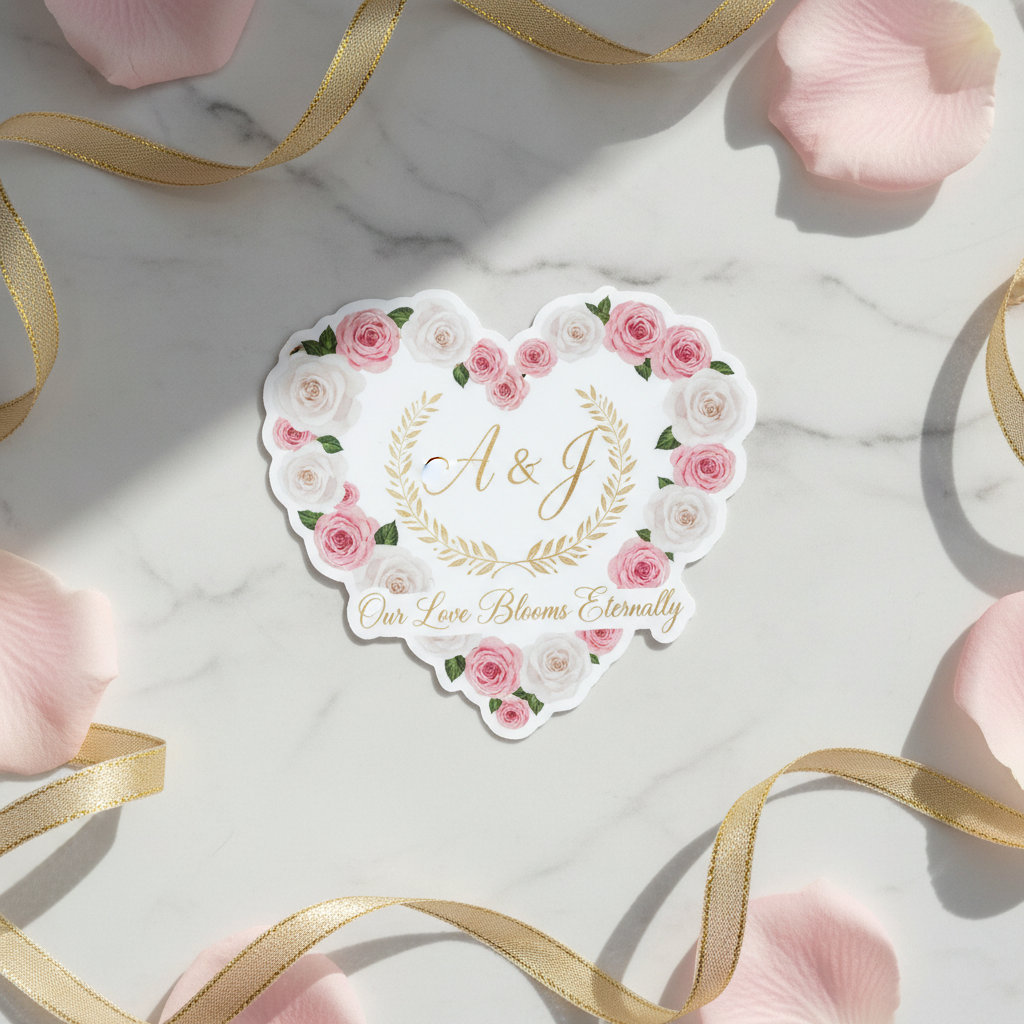
- Die-cut stickers are cut all the way through the material and backing in the exact shape of your design, giving a clean standalone look. Kiss-cut stickers are only cut through the top vinyl layer, leaving them on a backing sheet, which is handy if you're selling stickers or handing them out one at a time. If you're unsure which one fits your project, our guide on what kiss-cut stickers are breaks down when each style makes sense.
- Will my stickers survive outdoors, on a water bottle, or in the dishwasher?
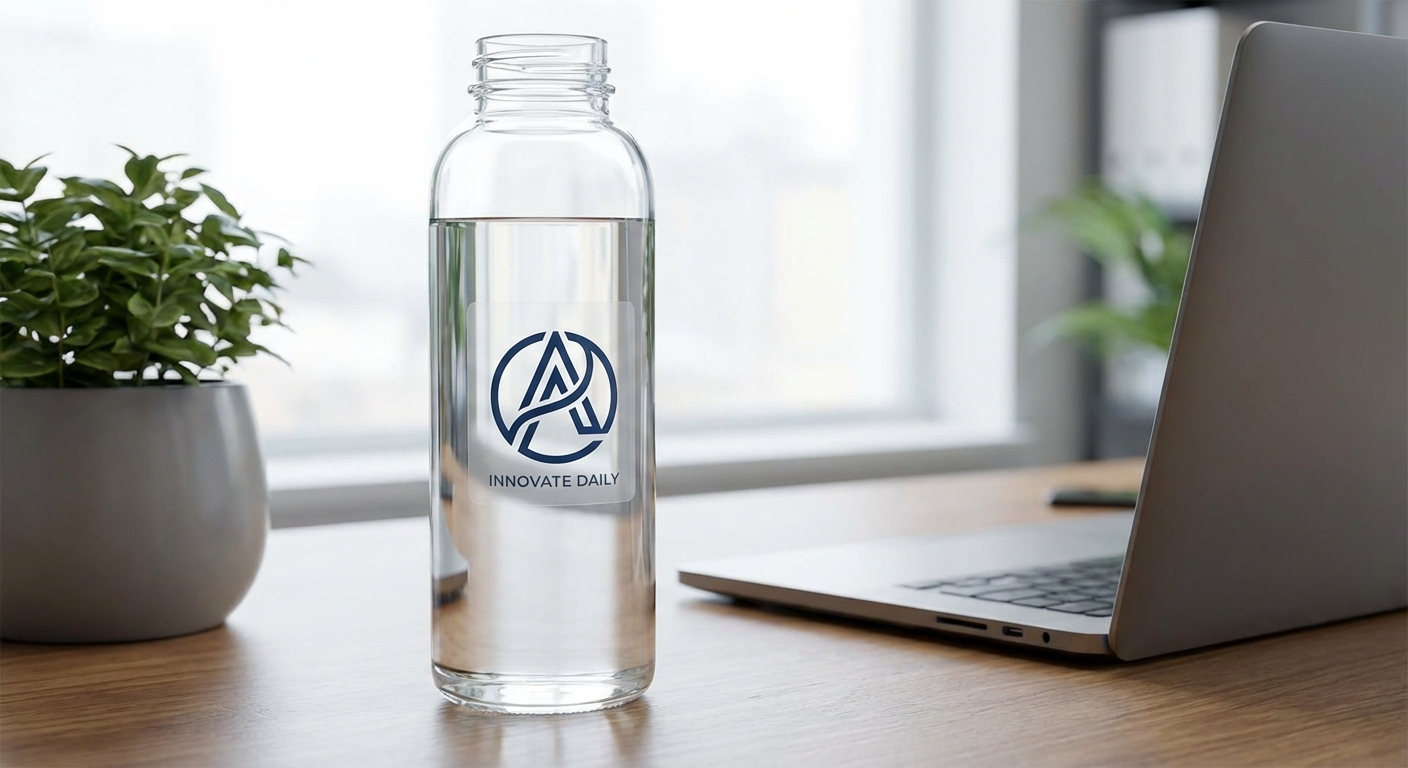
- Durability depends on the material you choose. Economy Vinyl works well for laptops, water bottles, and novelty applications, with UV protection and resistance to light moisture. Standard Vinyl offers 3 to 5 years of outdoor durability with UV, scratch, and moisture protection, while Premium Vinyl is rated for up to 8 years outdoors and is suited to car and truck surfaces. For drinkware, our water bottle stickers are designed to handle top-rack dishwasher cycles, although hand-washing is recommended to help extend their life.
- How long does production actually take, and can I get stickers fast?
- Standard production is 3 business days before shipping, but rush options go as fast as 1 business day for an added fee. A lot of new buyers assume 'fast sticker printing' means same-day delivery, but production time and shipping time are separate. Build both into your timeline if you're ordering for an event or launch date.
- Is there a minimum order, and when do bulk discounts kick in?
- The minimum order is just 1 unit, so you're never forced into a large batch to test a design. Tiered pricing starts once you hit 50 units and keeps improving as quantities climb, which is why projects like bulk order stickers for teams, schools, or product launches make sense once you've confirmed the design works.
Mistake #1: Using Low-Resolution or Wrong-Format Artwork
The most common mistake in any first time custom sticker order is uploading artwork that wasn't built for print. A logo pulled straight from a website or a screenshot from a phone often looks fine on a screen but turns pixelated or blurry once it's blown up to 4 or 6 inches. Vector files (AI, EPS, SVG) scale cleanly to any size, while high-resolution PNG or PDF files at 300 DPI or higher are the next best option. If your only file is a low-res JPEG, resizing it in an image editor will not fix the resolution problem, the print will still look soft. Before you finalize an order, zoom into your file at 100% and check for jagged edges or fuzzy text. That's roughly how sharp the final sticker will look.
Mistake #2: Picking the Wrong Material for the Job
New buyers often default to whatever material is cheapest without thinking about where the sticker will actually live. Economy Vinyl is a solid, budget-friendly choice for laptop stickers, water bottle labeling, and indoor novelty use, but it's not built for sun or rain. Standard Vinyl adds UV, scratch, and moisture protection with a 3 to 5 year outdoor rating, which makes it a better fit for car stickers and outdoor signage. Premium Vinyl goes further with up to 8 years of outdoor durability and works well on contoured or marine surfaces. If your project is going outside, on a vehicle, or anywhere it will take weather or constant handling, upgrading the material upfront costs far less than reprinting later.
Mistake #3: Ordering Bulk Quantity Before Approving a Proof
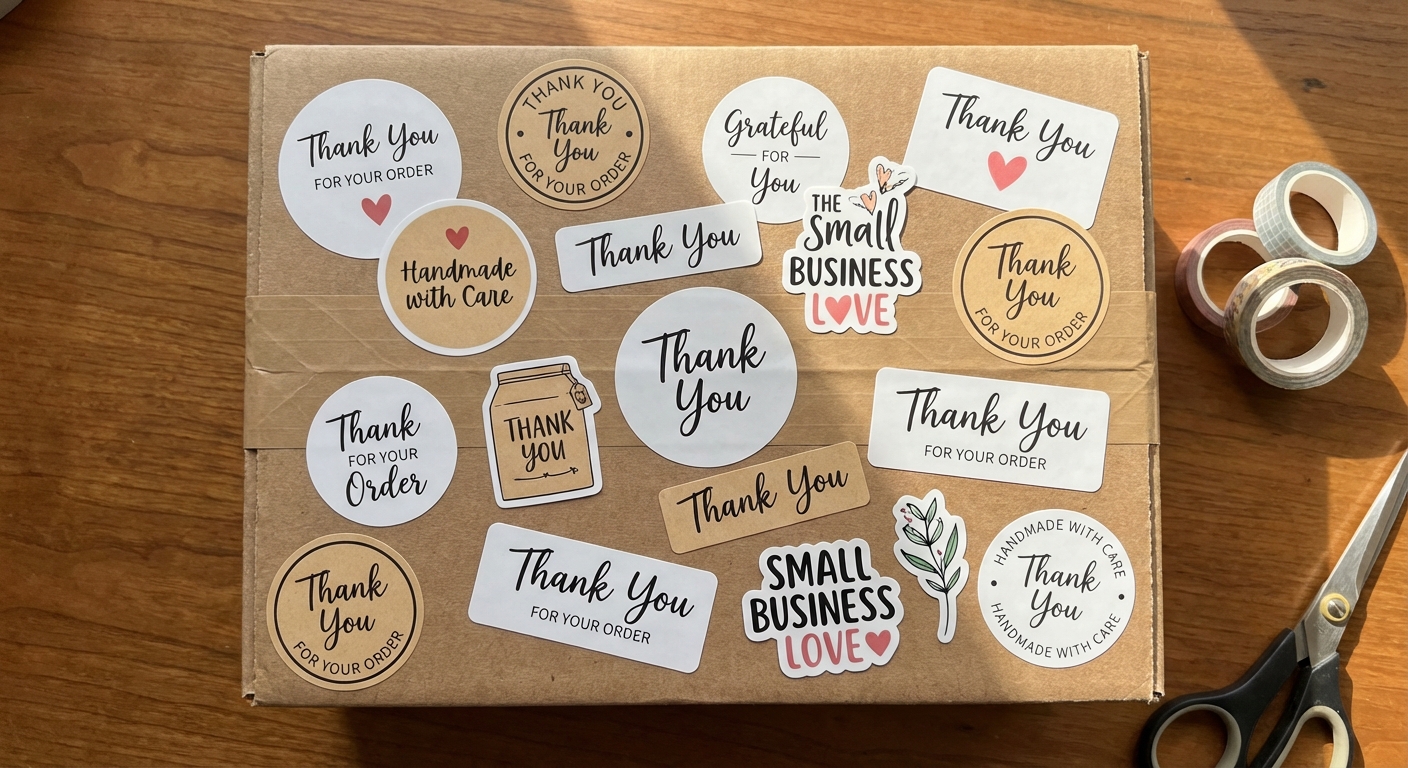
It's easy to get drawn in by the per-unit savings on a 500 or 1,000-piece order, but skipping a small test run is how first-time buyers end up with a garage full of stickers they're not happy with. Order 1 to 5 units first, apply one to the actual surface you're targeting (laptop, bumper, product packaging), and check the color, adhesion, and size in person before committing to a larger batch. Once you're confident in the design, scaling up through bulk order stickers pricing tiers is where the real savings show up, especially for teams, schools, and brands handing out custom stickers at events or in packaging.
Mistake #4: Misjudging Size and Layout for the Surface
A design that looks perfectly sized on a monitor can end up too small to read on a bumper or too large to fit cleanly on a laptop lid. Die-cut and circle stickers range from 2x2 inches up to 12x12 inches, while bumper stickers are typically sized closer to 3x10 or 4x12 inches to stay legible from across a parking lot. Measure the actual surface before finalizing dimensions, and if your design includes small text, make sure it's still readable at the final print size, not just at the size it appears on your screen.
Mistake #5: Forgetting About Installation and Where Stickers Will Be Applied
Buyers sometimes focus entirely on the design and forget to plan for application. Surface temperature, cleanliness, and curves all affect how well a sticker goes on and how long it lasts. Clean and dry the surface before applying, and work slowly from one edge to avoid trapped air bubbles, especially on curved surfaces like water bottles or helmets. If this is your first time applying a vinyl decal, our step-by-step guide on how to install a sticker covers the process from surface prep to smoothing out bubbles.
Material Comparison: Which Vinyl Fits Your First Order?
Choosing the right material is one of the easiest ways to avoid a reprint. Here's how the three main vinyl options compare for durability and typical use.
| Material | Outdoor Durability | Best For |
|---|---|---|
Economy Vinyl | Up to 3-5 years with care (indoor focus) | Laptop stickers, water bottles, novelty use |
Standard Vinyl | 3-5 years outdoor rated | Outdoor signs, car stickers, everyday decals |
Premium Vinyl | Up to 8 years outdoor rated | Trucks, contoured surfaces, marine applications |
Popular Starting Points for a First-Time Sticker Order
These are the products most first-time buyers start with, each built for a different use case and budget.

Ready to Place Your First Custom Sticker Order?
Start small, check your proof, and scale up once the design is right. Our team prints every order on-demand with your artwork, so you're never stuck waiting on someone else's stock design.