
Turn your favorite picture, screenshot, or design into a custom sticker you can apply to laptops, bottles, packaging, and more.
Yes, you can print custom stickers from screenshots, photographs, and other digital images, but the quality of the finished sticker depends on the original image, its resolution, and the size you want to print. While high-resolution photos typically produce sharper results, screenshots and smaller image files may also work well depending on their dimensions and level of detail.
Understanding how to prepare your image, choose the right sticker size, and evaluate print quality can help you avoid blurry or pixelated results. This guide explains how to turn a picture into a sticker, what to look for in an image before printing, and the different options available for printing stickers from your photos or screenshots.
What Buyers Ask Before Printing Stickers From a Photo
- What resolution does my photo need to be for sticker printing?
- For sharp results, upload an image at least 300 DPI (dots per inch) at the final print size. A photo that looks fine on a phone screen at 72 DPI can turn blurry once it's enlarged onto a 4-inch sticker. Before you upload, check your file with our print quality tool so you know exactly how it will look printed, not just how it looks on screen.
- Can I print a sticker from a screenshot?
- Yes, screenshots can be printed as stickers, but quality depends on the original resolution. A screenshot from a phone or 4K monitor usually has enough pixels to print clearly at small to medium sticker sizes (2 inches to 4 inches). A screenshot pulled from a compressed video or a low-resolution social media post will look pixelated once enlarged, so keep sizing modest if you're not sure about the source quality.
- What material should I choose for a durable, weatherproof photo sticker?
- If your sticker will live outdoors on a car, water bottle, or helmet, choose Standard or Premium Vinyl on our custom vinyl stickers, both rated for 3 to 8 years of outdoor durability with UV, scratch, and moisture protective lamination. For indoor use like laptops or notebooks, Economy Vinyl keeps costs lower while still protecting your photo's colors from fading.
- What sizes can I turn my photo into?
- Photo stickers can be ordered anywhere from 2 inches by 2 inches up to 12 inches by 12 inches on most die-cut shapes, with larger custom vinyl prints available up to 120 inches by 50 inches for big decals or signage. We can cut around the outline of your photo (die-cut) or keep it on a clean rectangle or circle, your choice.
- How much do custom photo stickers cost?
- Pricing depends on size, material, and quantity. A single small die-cut photo sticker starts at just a few dollars, and the per-unit price drops significantly once you order 50 or more. There's no minimum beyond 1 unit, so you can order a single sticker as a gift or order in bulk for a product line, classroom, or event.
- How fast can I get my photo turned into a sticker?
- Standard production is 3 business days, and rush options are available for as fast as 1 business day. Shipping time is calculated separately from production, so factor that into your timeline if you need stickers for a specific event or launch date.
- How do I apply a photo sticker once it arrives?
- Clean and dry the surface first (a quick wipe with rubbing alcohol works well on laptops, bottles, and plastic). Peel the backing slowly, line up one edge, and press from the center outward to avoid air bubbles. Vinyl stickers with air release technology, like our die-cut stickers, are forgiving if you need to reposition slightly before they fully set.
How to Turn a Picture Into a Sticker
Turning a picture into a sticker is a straightforward process once you know what to look for. Start with the image itself: a clear, well-lit photo or a high-resolution screenshot gives you the most flexibility on sticker size. Phone photos taken in good light usually print beautifully, while heavily compressed images pulled from messaging apps or old social media posts can lose detail once enlarged.
Once you have your file, decide on a shape. Die-cut stickers follow the outline of your subject for a clean, custom look, while a simple circle or square keeps the background intact. If you're making a collection of designs, a custom cut sticker sheet lets you fit several photo stickers onto one sheet and peel them apart individually.
From there, you upload your photo, choose your size (2 inches to 12 inches for most shapes), pick a finish (glossy or matte), and select a material based on where the sticker will live. We handle the cutting, lamination, and shipping, so there's no design software to learn and nothing to figure out beyond picking the photo you want printed.
Photo Quality and Image Resolution for Sticker Printing
Not every photo is ready to become a sticker straight out of your camera roll. Image resolution for stickers matters more than most people expect, because what looks sharp on a 6-inch phone screen can look soft or blocky once it's printed at 4 inches, 6 inches, or larger.
The rule professional printers use is 300 DPI at final size. A photo that's 1200 pixels wide will print crisply at 4 inches but may show pixelation if stretched to 8 inches. Screenshots follow the same math: a screenshot taken on a high-resolution phone or 4K display usually has plenty of pixels for a small to medium sticker, while a screenshot of a screenshot, or an image saved from a compressed video, often does not hold up.
If you're not sure whether your file will hold up, run it through our print quality checker before ordering. It's a faster way to catch resolution problems than guessing, and it saves you from receiving a sticker that doesn't match what you pictured. For projects where you want the photo itself to stand out without a background, our guide on clear sticker benefits covers how transparent film handles detailed images differently than standard white-backed vinyl.
Where Can You Print Stickers From a Photo? Comparing Your Options
If you've searched for "print stickers from a photo near me" or wondered whether your local drugstore can help, you're not alone. Here's how the common options actually compare.
Does Walgreens make stickers? Some Walgreens locations offer photo printing through their in-store photo center, but this is typically limited to basic photo prints on paper, not die-cut, laminated, or weatherproof stickers. You usually won't get material choices like vinyl, clear film, or UV-protective lamination.
Can Staples print custom stickers? Staples offers some label and sticker printing through its print and marketing services, but the selection tends to lean toward standard sheet labels rather than custom die-cut shapes, holographic finishes, or outdoor-rated vinyl built to survive sun and rain.
Can a regular printer print a sticker? A home inkjet printer can print onto sticker paper you buy separately, and it works fine for temporary, indoor use like labeling jars or school projects. It won't hold up outdoors, won't survive a dishwasher or car wash, and can't cut a precise die-cut shape around your photo's edges. For anything you want to last, whether it's a laptop sticker, a car sticker, or a product label, a dedicated custom sticker printer gives you professional-grade vinyl, lamination, and cutting precision a home setup simply can't replicate.
Where Can You Order Professional Custom Stickers Online? Professional online sticker printing services are a convenient choice when you want to turn photos, screenshots, or digital artwork into high-quality custom stickers. These services typically offer a wider selection of materials, sizes, shapes, and finishes than basic home printing.
Stickers.com makes it easy to order professionally printed stickers directly from your uploaded images. Whether you're creating a personalized laptop sticker, a car sticker, or custom stickers for product packaging, you can choose from options such as die-cut stickers, clear stickers, and custom sticker sheets. With professional printing equipment, quality vinyl materials, protective lamination, and precision cutting, Stickers.com offers a reliable way to create custom stickers without the extra work of printing and cutting them yourself. The straightforward online ordering process also makes it easy to select your specifications, upload your artwork, and review your design before production.
For customers working with a deadline, Stickers.com also offers fast production options, with turnaround times starting at 3 business days and rush production options as fast as 1 business day, depending on the product and order requirements. Production timelines begin after artwork approval, so reviewing and approving your proof promptly can help keep your order on schedule.
Regardless of where you choose to print, remember that the quality of your original photo or screenshot plays an important role in the final result. Choosing the right printer and materials is important, but starting with a clear, appropriately sized image is just as essential.
Which Photo Sticker Option Is Right for You?
Not sure which product fits your photo? Compare the most popular options below before you order.
| Option | Best For | Material Highlights | Typical Size Range |
|---|---|---|---|
| Die-Cut Stickers | A single photo cut to its exact outline | Economy, Standard, or Premium Vinyl | 2" x 2" to 12" x 12" |
| Custom Vinyl Stickers | Large-format photo prints and vehicle decals | Outdoor-rated vinyl, up to 8-year durability | 2" x 2" to 120" x 50" |
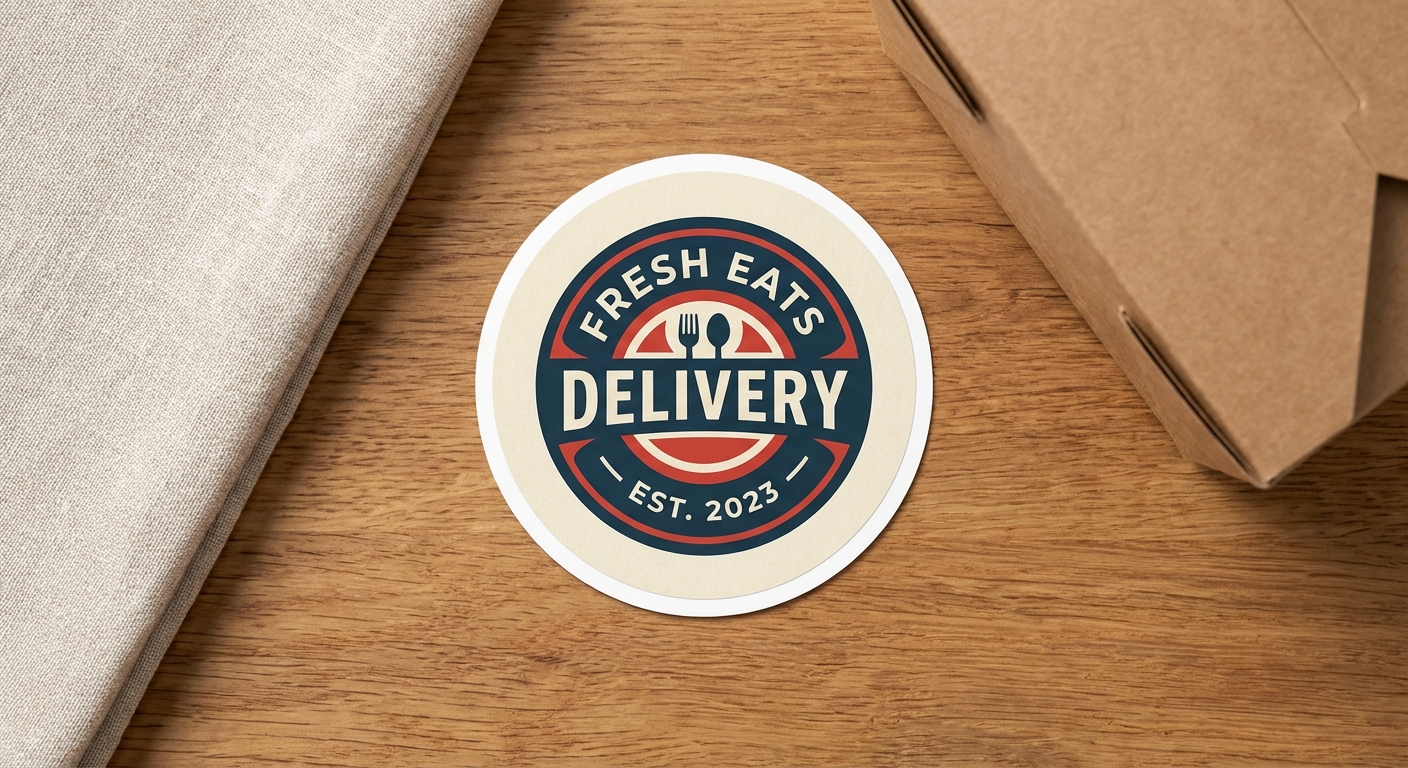
| Circle Stickers | Logos, profile photos, and round designs | Economy, Standard, or Premium Vinyl | 2" x 2" to 12" x 12" |
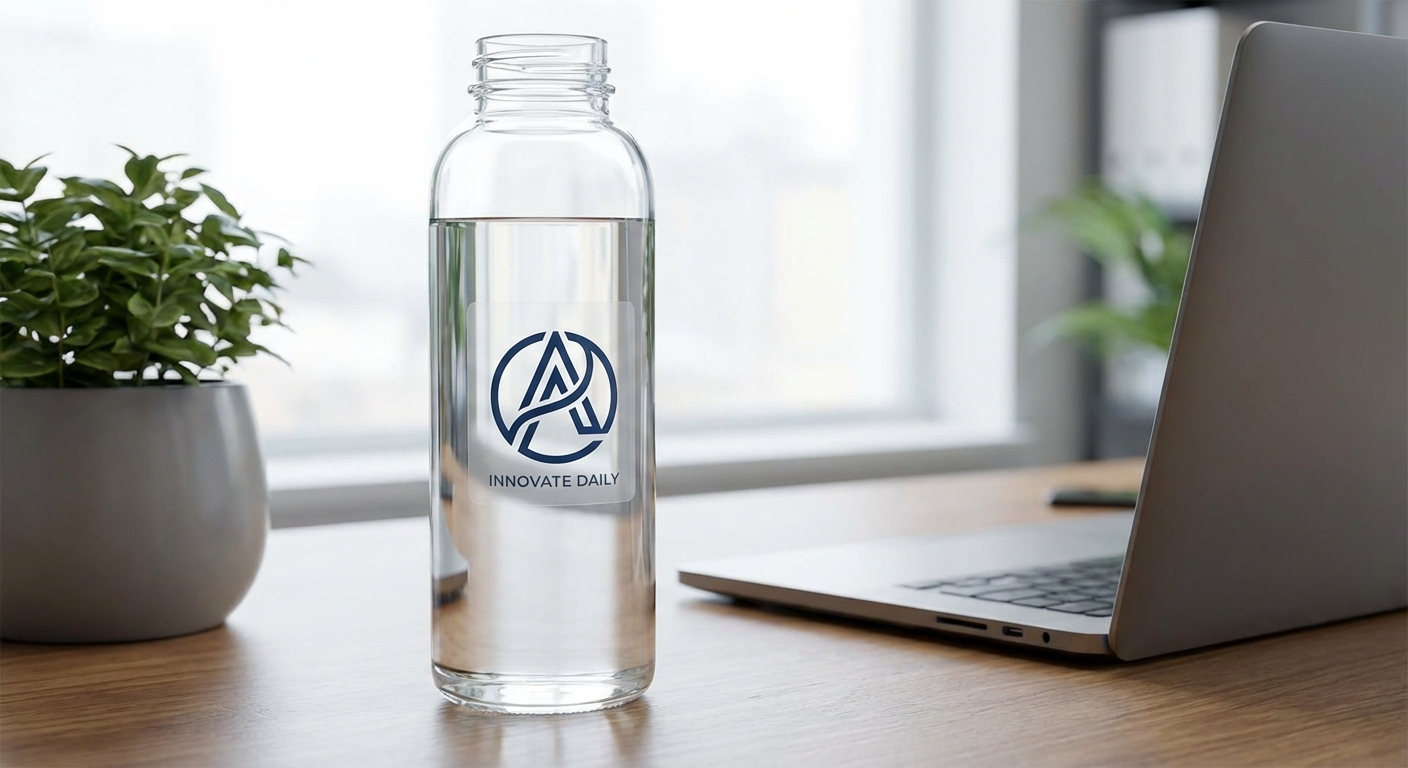
| Clear Stickers | Photos on glass, bottles, or packaging | Transparent film, no white background | 2" x 2" to 12" x 12" |
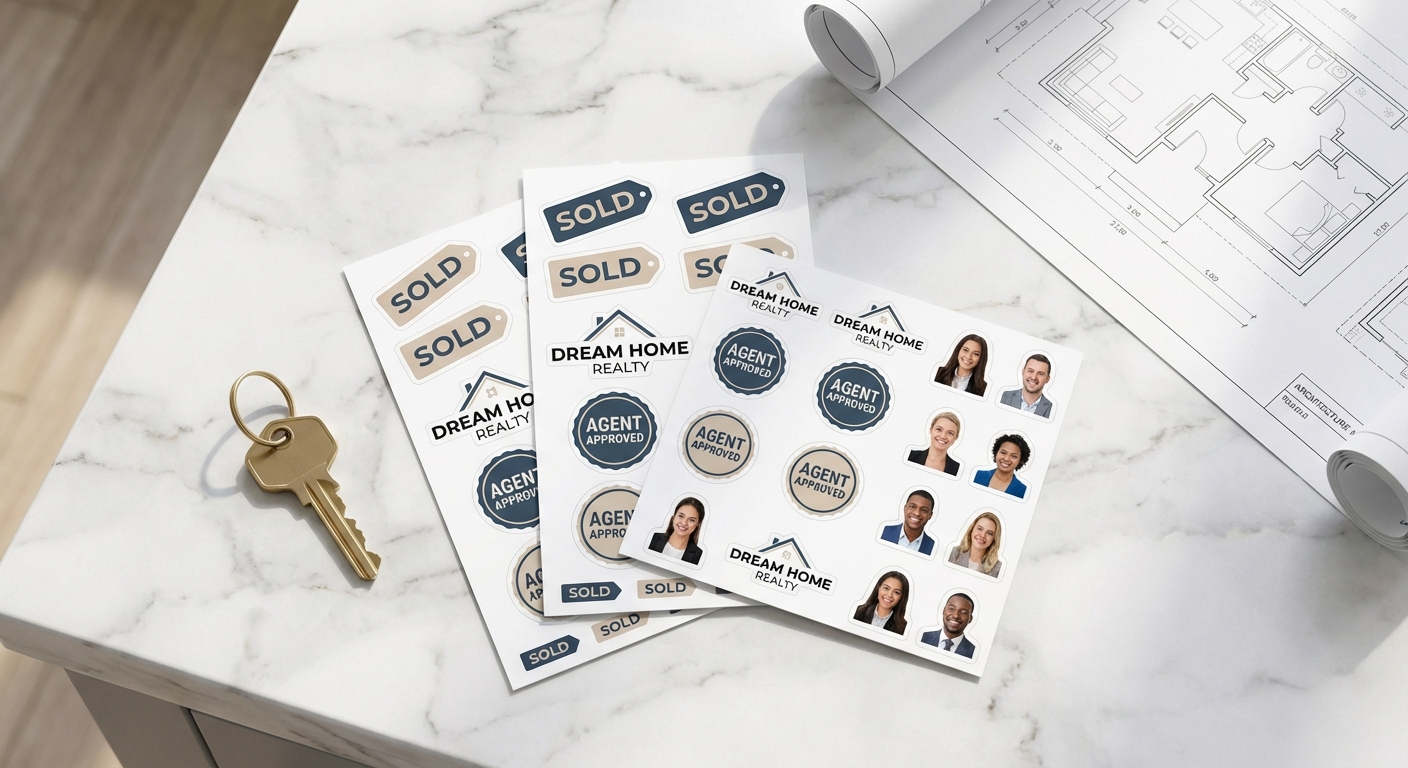
| Custom Cut Sticker Sheets | Multiple photos printed on one sheet | Sheet format, individually die-cut | 8.5" x 11" |
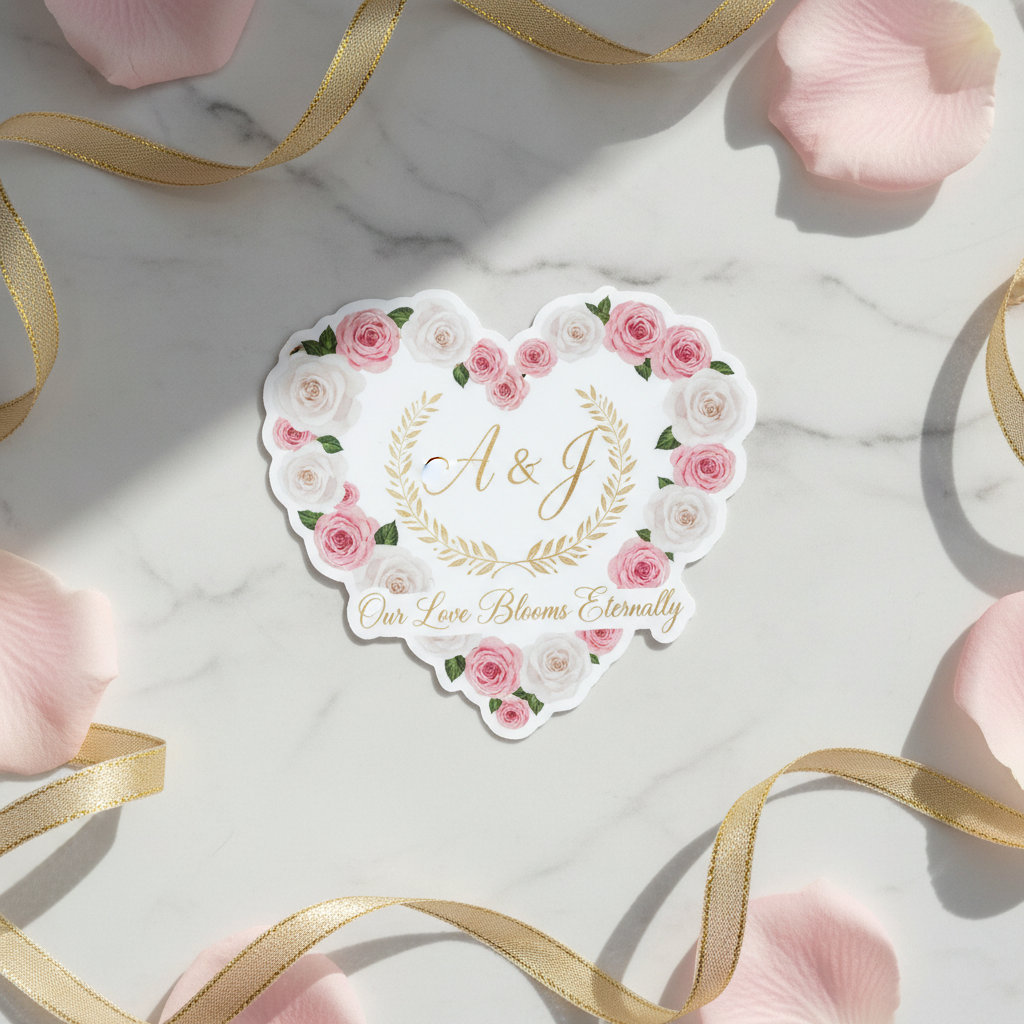
Print Your Photo on These Sticker Products
Each of these products can be customized with your own photo, screenshot, or artwork. Pick the shape and material that fits where you plan to apply it.
Ready to Turn Your Photo Into a Sticker?
Upload your picture, pick your shape, and we'll print it on durable vinyl you can apply to laptops, bottles, cars, or packaging. No minimum order, no design software required.