
A practical guide to layering, replacing, and reapplying vinyl stickers without ruining the surface underneath
Sticking a new design over an old one seems simple until bubbles form, edges lift, or the old artwork ghosts through. Whether you're covering a scratched laptop sticker, refreshing a car window, or rebranding a product label, the outcome depends on the surface, the old sticker's condition, and the adhesive on your new one. This guide breaks down exactly when you can layer stickers safely, when you need to remove the old one first, and how to choose materials built for the job.
When You Can Safely Apply Stickers Over Existing Stickers
Layering works best when the old sticker is thin, fully bonded, and free of curling edges. A properly applied die-cut sticker sits nearly flush against the surface, so a new sticker placed directly on top has a stable, flat base to adhere to. This is common on laptops, notebooks, and skateboard decks where stickers accumulate over time and users intentionally build a layered look.
Size matters too. If your new sticker fully covers the old one edge to edge, with no exposed border of the original artwork peeking out, you get a cleaner result and less chance of the underlying edge catching on clothing or bags and starting to lift. This is why many customers size up when reordering: a design originally printed at 3x3 inches gets replaced with a 4x4 inch version from Custom Vinyl Stickers to guarantee full coverage.
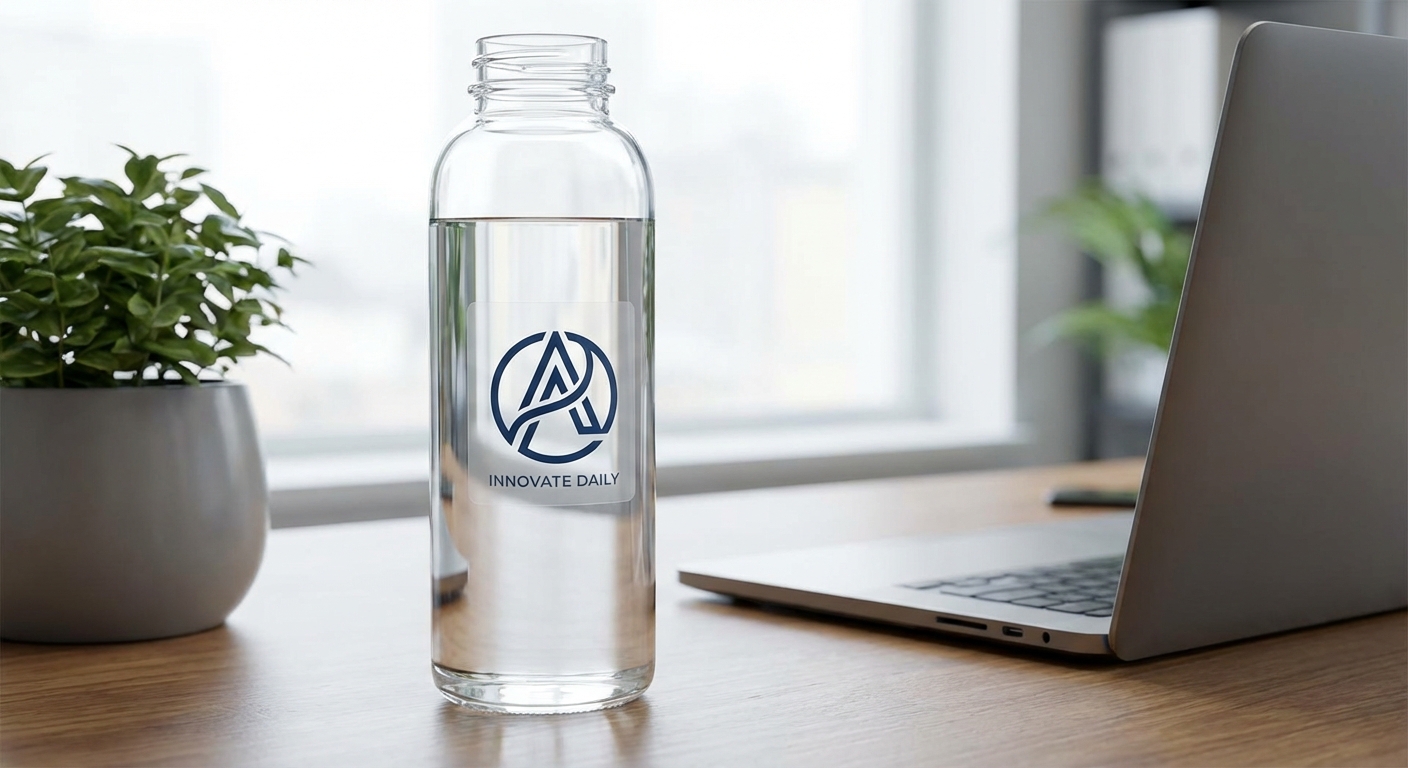
Laptops, water bottles, and notebooks are the friendliest surfaces for layering because they stay at a stable temperature and have little curvature to fight the adhesive. A dry application, no water, no soap, just peel and press, is standard here since the vinyl grabs the smooth plastic or aluminum immediately. Reordering a sticker from Custom Vinyl Stickers with the size bumped up by a quarter inch on each side is usually enough to seal over the old sticker's border completely.
Hard hats, tool cases, and other textured plastic or painted equipment need a bit more care. These surfaces flex and pick up grime faster than a laptop lid, so wipe the area down before adding a new layer even if the old sticker looks intact. Custom vinyl stickers printed on Standard or Premium Vinyl hold up better in these conditions because the air-release liner helps the new layer sit flat instead of trapping grit under the edges.
When Layering Backfires (And What to Do Instead)
Layering fails most often on stickers that are already lifting at the corners, on textured surfaces like unfinished wood or fabric, or on stickers exposed to heat and sun over time. Vinyl that has started to shrink or curl creates an uneven base, and any new sticker applied over it will telegraph those ridges and eventually peel along the same lines.
Glass surfaces are a special case. Car windshields and rear windows expand and contract with temperature swings, so an old sticker with lifted edges underneath a new one is almost guaranteed to bubble within a season. If you're refreshing a vehicle window, remove the old sticker completely first using heat and an adhesive remover, detailed in our how to remove a laptop sticker guide (the same heat-and-peel method applies to glass and plastic).
Residue is the other common problem. Even after peeling off an old sticker, leftover adhesive gunk can prevent a new sticker from bonding flat. Clean the surface with rubbing alcohol or an adhesive remover, let it dry fully, and only then apply your replacement sticker. Skipping this step is the number one reason DIY sticker swaps end up bubbled within a week.
Layering vs. Removing: Which Approach Fits Your Situation
Not every old sticker needs to come off, but knowing which method fits your surface saves time and prevents peeling down the road.
| Approach | Best For | Durability Impact | Effort Level | When to Choose It |
|---|---|---|---|---|
Layer a new die-cut sticker directly on top | Small, flat, fully-adhered old stickers in good condition | Minimal impact if edges stay sealed | Low, just apply and press | Old sticker matches or is smaller than the new size and won't show at the edges |
Remove the old sticker first, then apply new | Peeling, cracked, or bubbled stickers; glass and laptops | Best overall result, no trapped air or old edges | Moderate, needs heat or adhesive remover | The old sticker is lifting, discolored, or a different shape than the new one |
Replace with a larger sticker sized to fully cover | Old stickers with residue that won't fully release | Good, but only if the old edges are sealed flat | Low, one clean application | You need a fast cosmetic fix and can't remove all the residue |
Common Questions About Layering and Reapplying Stickers
- Can you put a sticker over a sticker?
- Yes, as long as the old sticker is flat, fully adhered, and roughly the same size or smaller than the new one. If the old sticker is peeling at the edges, cracked, or has a raised border, air and moisture will get trapped underneath and eventually push the new layer up too. A die-cut sticker with a clean edge and matching or larger shape covers old artwork with the least risk.
- Is it better to apply stickers wet or dry?
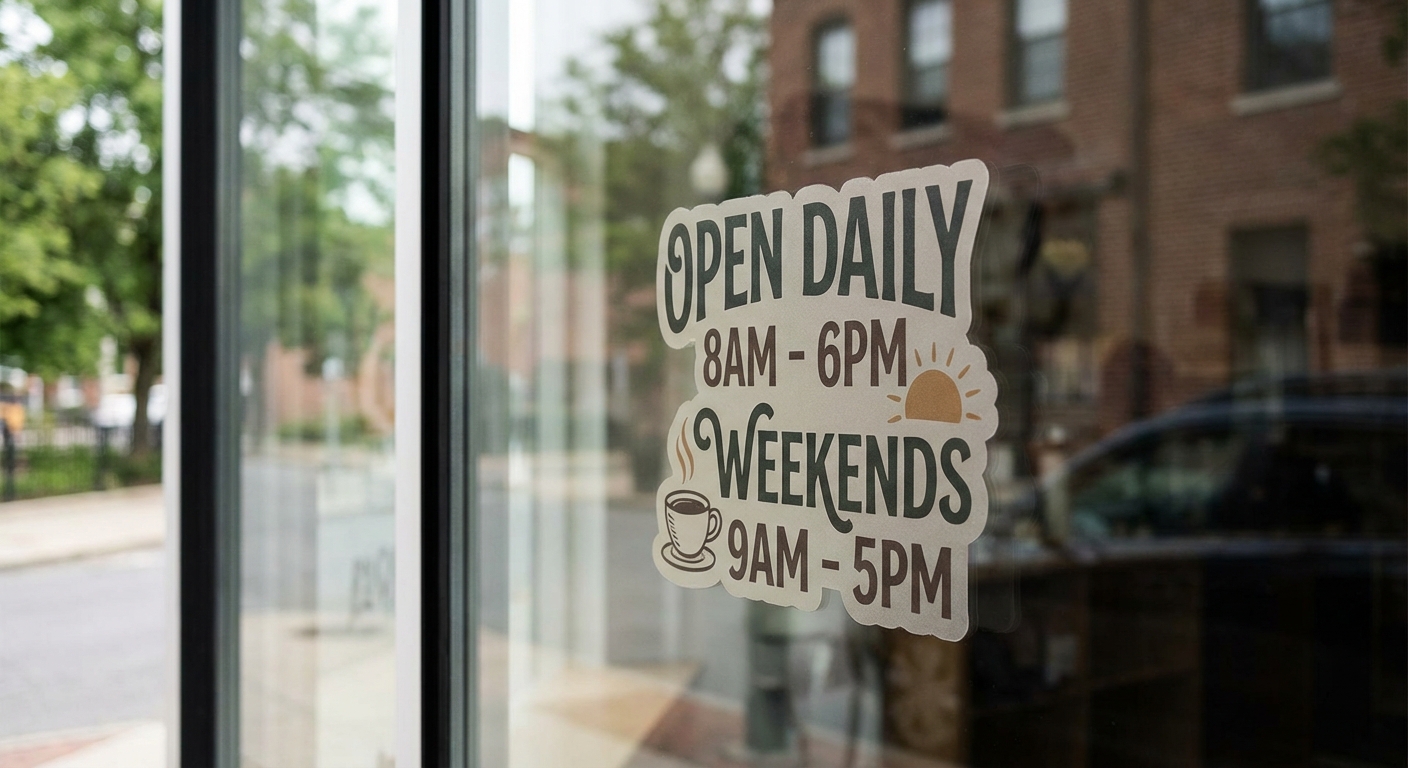
- For small stickers on laptops, water bottles, or notebooks, apply dry so the adhesive bonds immediately. For larger vinyl stickers on glass, like car windows or storefronts, the wet method (spraying the surface with soapy water first) gives you time to slide the sticker into position and squeegee out air before the adhesive grabs. Check our car window stickers guide for a full walkthrough of the wet application process.
- What adhesive is used to reapply stickers?
- Standard permanent vinyl adhesive is designed for a one-time, long-term bond and loses tack once removed, so it's not meant to be pulled off and reapplied. If you need a sticker that can be repositioned or won't leave residue behind, crack and peel stickers or a removable-adhesive option is a better fit than trying to reuse a permanent sticker's original glue.
- What can you put over vinyl stickers?
- You can layer another vinyl sticker on top if the base sticker is flat and sealed, or you can add a clear sticker as a protective topper to shield faded or scratched artwork without covering the design. Some sellers also add a laminate layer for extra UV and scratch protection, though this only works cleanly on stickers with sealed, non-peeling edges.
- Does layering stickers affect durability or weatherproofing?
- It can. Every layer adds thickness at the edges, which creates more surface area for moisture and dirt to catch. If you're layering on outdoor gear, vehicles, or equipment, choose a custom vinyl sticker printed on Standard or Premium Vinyl, both rated for 3 to 5 years or more of outdoor durability, so the added layer doesn't compromise the seal.
- How do I know when to remove an old sticker instead of covering it?
- If the old sticker is peeling, cracked, bubbled, or a different shape than your new design, remove it first. Covering a damaged sticker just traps the problem underneath and shortens the life of your new one. Our guide on how to remove a laptop sticker covers heat and adhesive-remover methods that work on most vinyl and painted surfaces.
- What's the best sticker material for layering on cars, laptops, or water bottles?
- For laptops and water bottles, Economy Vinyl offers a 3 to 5 year lifespan and a laminated surface that resists scuffing when layered. For car exteriors or anything outdoors, Standard or Premium Vinyl adds air-release technology and UV protection, both available when you build your custom vinyl stickers order.
Stickers Built for Clean Layering, Replacement, or Fresh Application
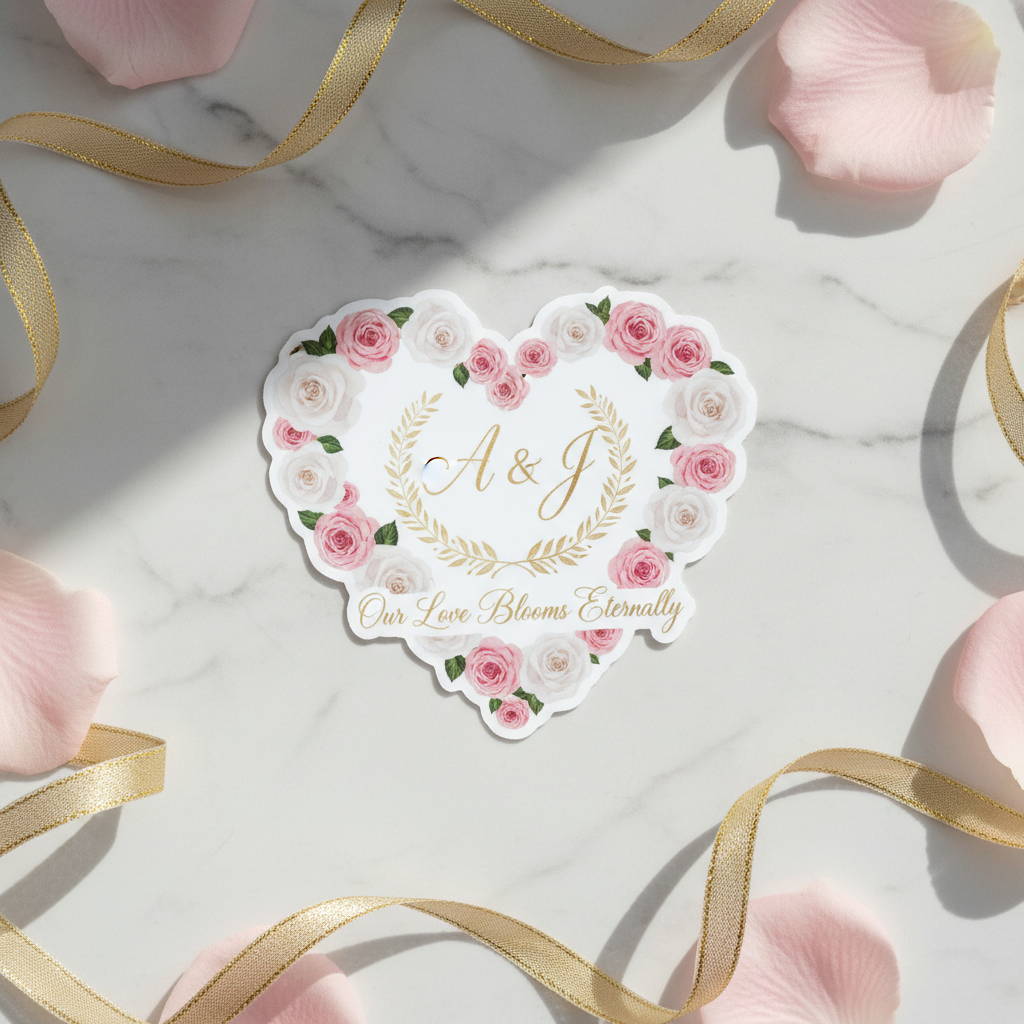
Whether you're covering an old design, protecting one, or starting from a clean surface, these products are printed to your exact size and shipped ready to apply.


Ready to Print a Sticker That Covers, Protects, or Replaces?
Upload your design, select your preferred size and material, and we'll produce a high-quality vinyl sticker that's ready to cover existing graphics or stand out on its own. Most orders are printed within 3 business days before shipping.