
Understanding transparent background stickers, clear sticker backgrounds, and see-through sticker design
A transparent background sticker is printed so that only your artwork shows, while everything around it stays clear. Instead of a white or colored backing, the sticker material itself is see-through, so the surface underneath (glass, a water bottle, packaging) becomes part of the design. This guide breaks down how clear stickers are made, how they differ from standard vinyl, and when a transparent sticker design actually makes sense for your project.
Transparent Background Stickers: Common Buyer Questions
- What makes a sticker a "transparent background" sticker instead of a regular one?
- A regular die-cut or kiss-cut sticker is printed on an opaque white vinyl, so the backing color shows wherever there's no ink. A transparent background sticker is printed on clear film, so only the inked areas are visible and the rest of the sticker disappears into the surface it's applied to. That's why clear stickers look great on glass windows, tinted water bottles, or dark packaging where you want the design to float without a visible box around it.
- What's the actual difference between vinyl stickers and transparent stickers?
- Standard vinyl stickers use an opaque white base layer, which makes colors pop and works well for most laptop, bumper, and promotional applications. Transparent stickers use a clear polyester or vinyl film instead, so there's no white layer behind your art. This means your colors need a bit more vibrancy to stand out, but you get a no background sticker look that opaque vinyl simply can't replicate.
- How can I design my own transparent background sticker before ordering?
- Start with a PNG file that has a transparent (checkerboard) background instead of a white or colored one. Most design software, including Adobe Illustrator and Photoshop, lets you export artwork with an alpha channel for transparency. Keep text and fine details at least 0.0625 inches thick, and build in a small white outline or highlight around light-colored elements so they still read clearly once printed on clear film.
- Does Canva support transparent sticker design?
- Canva's free plan exports flattened backgrounds, but Canva Pro allows PNG downloads with a transparent background, which is what you need for a clear sticker background. If you're designing in the free version, you can still manually remove the background using a transparency or background-removal tool before uploading your art for printing.
- How durable are clear stickers outdoors?
- Clear stickers are designed for long-term outdoor use and can withstand exposure to sunlight, moisture, and changing weather conditions. They are a great option for vehicle windows, storefront glass, and other outdoor applications. Clear window clings, on the other hand, use a low-tack adhesive and are best suited for short-term graphics or temporary displays. For long-lasting outdoor applications, clear stickers are the better choice.
- What sizes are available, and how does bulk pricing work?
- Clear stickers print from 2" x 2" up to 12" x 12", with a minimum order of just one unit. Orders of 50 or more unlock tiered pricing, and you can select from preset quantities of 25, 50, 100, 250, or 500 at checkout. The more you order, the lower your per-unit cost, which makes larger runs practical for product labeling or retail packaging.
- How do I apply a see-through sticker once it arrives?
- Clean the surface first with glass cleaner or rubbing alcohol and let it dry completely, since any dust or residue will show through a transparent sticker more than it would on an opaque one. Peel the backing slowly, align the sticker, and smooth it from the center outward with a squeegee or card to push out air bubbles. For glass applications, decide upfront whether you need back-adhesive (sticks to the outside) or front-adhesive (sticks to the inside with print facing out) placement.
What Is a Transparent Background Sticker, Exactly?
This is different from simply exporting a PNG with a transparent background for digital use. A printed transparent sticker background has to account for physical material, lamination, and adhesive type, not just pixels. Our Clear Stickers are produced on clear vinyl with a glossy lamination, and you can choose between back-adhesive (sticks to the outside of a window) or front-adhesive (sticks inside, with the print facing out) depending on where you're installing it.
Types and Options for Clear Stickers
Die-cut clear stickers follow the exact outline of your artwork, so there's no visible border at all, just your shape sitting on the glass or surface. Kiss-cut clear stickers keep a thin clear edge around your design cut into a surrounding liner, which makes peeling and repositioning easier if you're applying several at once.
Lamination on clear stickers is glossy by default, which adds shine and sharpness to the printed areas while keeping the unprinted portions fully transparent. Application style matters too: back-adhesive sticks to the outer surface of glass, while front-adhesive sticks to the inside so the design reads correctly from outside the window.
If you're deciding between a printed clear sticker and a removable window cling, it's worth reading our breakdown on clear stickers versus window clings since the two look similar but behave very differently once applied.
When Should You Actually Use a See-Through Sticker?
Brands also reach for clear stickers when they want a more premium, minimal look on product labels or merch, since the design appears printed directly onto the material rather than stuck on top of it. Breweries and taprooms frequently use this effect for brewery stickers on glass growlers and tasting room windows, where a visible white backing would clash with the branding.
On the other hand, if you need maximum color saturation, high contrast against a dark surface, or you're applying stickers to laptops, helmets, or equipment where the background doesn't matter, standard opaque vinyl is usually the better (and more budget-friendly) choice.
Transparent vs. Opaque Sticker Options
Not sure whether a clear sticker background fits your project? Here's how transparent stickers stack up against the most common opaque alternatives.
| Sticker Type | Background Style | Best Use Case | Material Options | Typical Outdoor Durability |
|---|---|---|---|---|
| Clear Stickers | Transparent, prints only where ink is applied | Glass, windows, bottles, clear packaging | Clear vinyl with glossy lamination | 3-5 years |
| Die-Cut Stickers | Opaque white background cut to design shape | Laptops, logos, bumpers, promo giveaways | Economy, Standard, or Premium Vinyl | 3-8 years, depending on material |
| Custom Vinyl Stickers | Opaque or large-format custom shapes | Walls, vehicles, storefronts, signage | Vinyl in multiple finishes | Varies by size and material |
| Bumper Stickers | Opaque, rectangular format | Vehicles, political and brand messaging | Economy, Standard, or Premium Vinyl | 3-8 years outdoor rated |
Shop Transparent and Custom Sticker Options
 Stickers
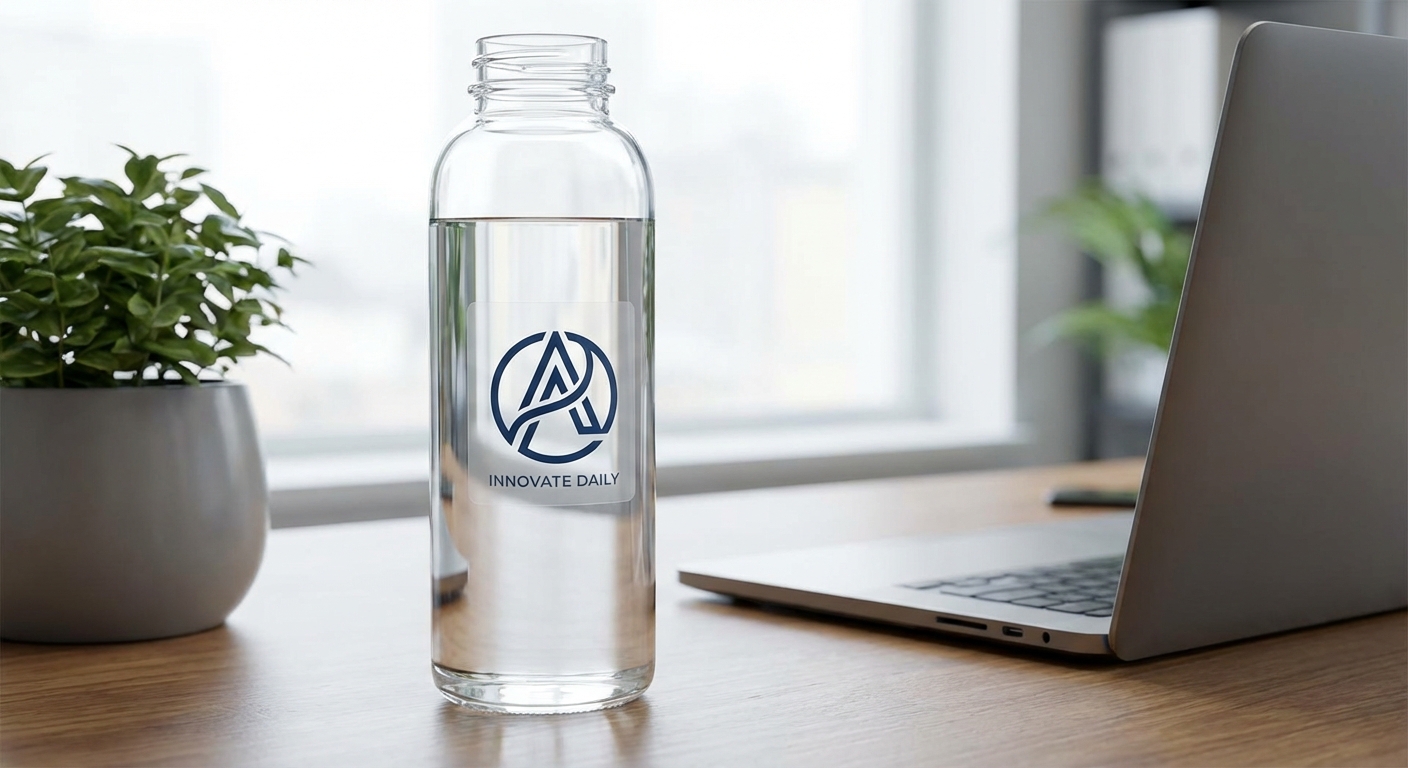
Clear Stickers
Starting around $0.50 per unit at higher quantities; pricing scales with size and order volume
Shop on Stickers.com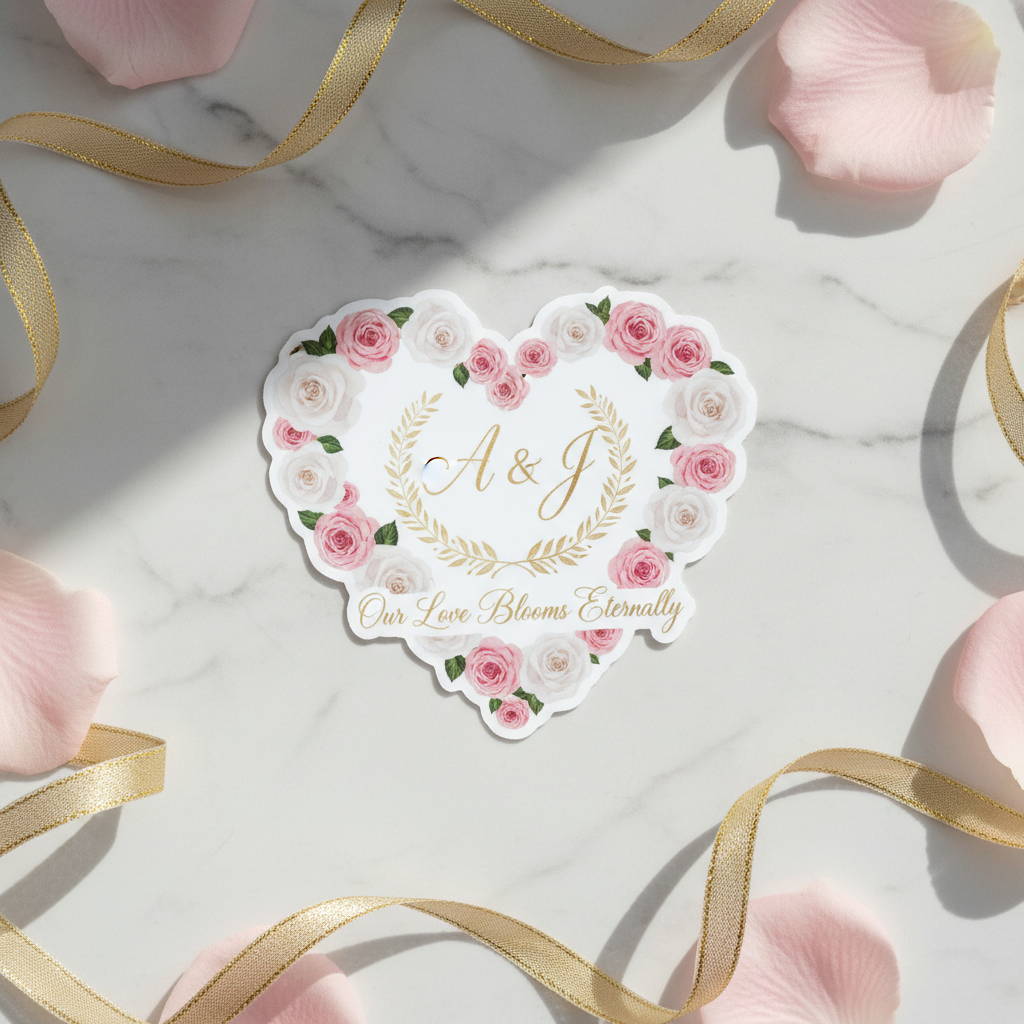 Stickers
Die-Cut Stickers
Pricing varies by size, material, and quantity, with discounts starting at 50+ units
Shop on Stickers.com Stickers
Custom Vinyl Stickers
Scales from small single-unit orders up to large-format runs; bulk pricing available
Shop on Stickers.com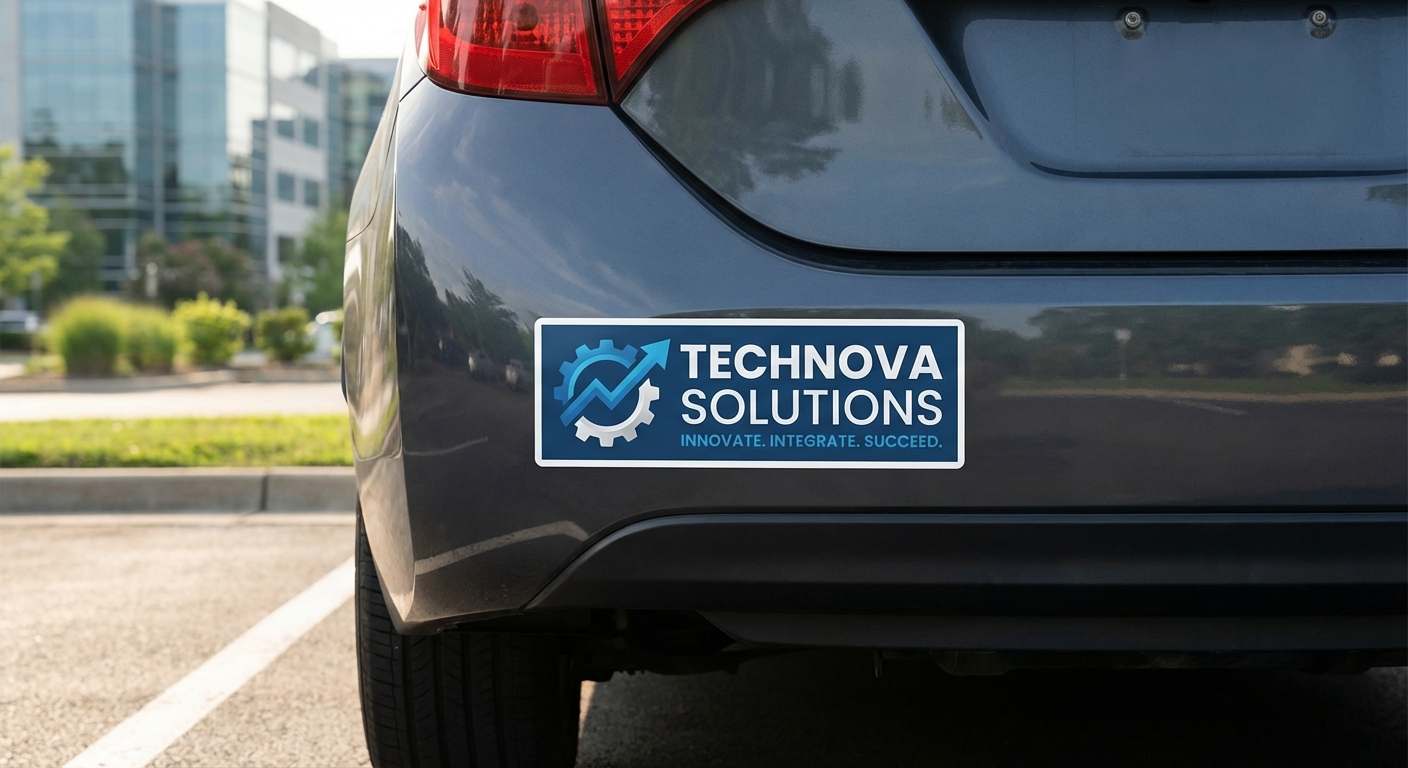 Stickers
Bumper Stickers
Affordable per-unit pricing with preset quantities of 1, 3, 5, or 10
Shop on Stickers.comReady to Print Your Transparent Background Sticker?
Upload your artwork, choose die-cut or kiss-cut, pick back-adhesive or front-adhesive, and get a real, see-through sticker shipped to your door in as few as 1 to 5 business days. Not sure how your design will look on clear film? Order a clear sticker sample first and check the transparency before committing to a full run.
Design Your Clear Stickers