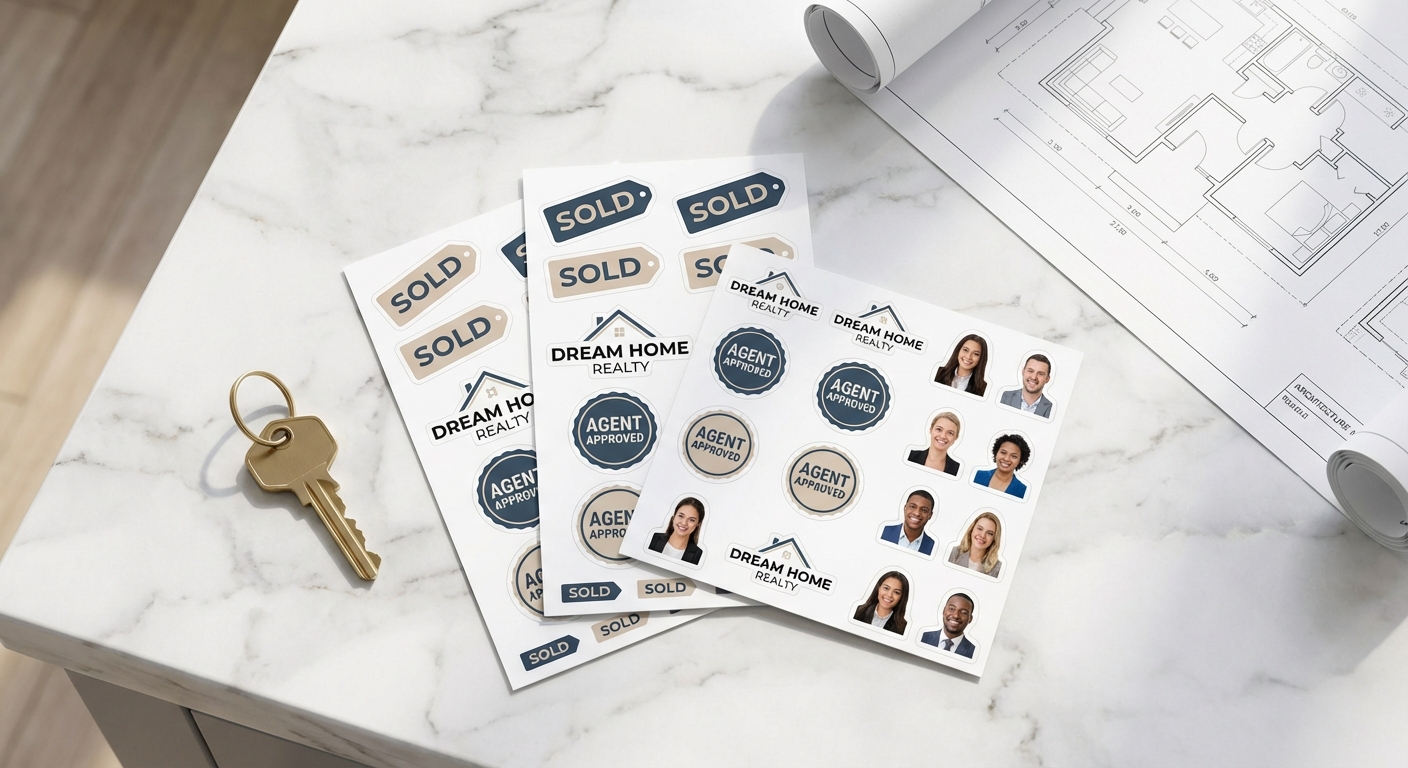
Turn a text prompt into a real, waterproof sticker on your laptop, product packaging, or car bumper
AI sticker designs have made it possible for anyone to generate original artwork in seconds, no drawing skills required. Tools like ChatGPT, Gemini, and Canva's AI sticker generator can produce everything from cartoon mascots to abstract patterns based on a simple prompt. The part most guides skip is what happens after the image appears on your screen: cleaning it up, sizing it correctly, and getting it printed on real material that survives sun, water, and daily handling. This guide walks through the full process, from writing a good AI sticker prompt to choosing the right custom stickers product for your finished artwork.
Picking the Right AI Tool for Your Sticker Prompt
Turning an AI Image Into a Print-Ready Sticker File
Sticker Design Ideas Worth Generating with AI
If you're planning to sell what you generate, it's worth reading up on how to sell stickers on Etsy before you print in bulk. Copyright and originality matter here: AI tools can accidentally produce designs that resemble existing trademarked characters or logos, so review your artwork carefully if you intend to resell it commercially.
Comparing Popular AI Tools for Sticker Design
| Tool | Best For | File Output | Cleanup Needed Before Printing | Typical Cost |
|---|---|---|---|---|
ChatGPT | Detailed, descriptive prompts and iterative revisions | PNG, usually with a plain background | Background removal, resolution check | Free tier with limits; paid plans for higher volume |
Gemini | Bold, graphic styles and quick variations | PNG, moderate to high resolution | Background removal, color check | Free tier with limits; paid plans available |
Canva AI Sticker Generator | Beginners who also want layout and text tools | PNG with built-in background removal option | Minimal, mostly resizing | Free tier; Pro plan for more generations |
Common Questions About Ordering AI-Generated Sticker Artwork
- Can I really use AI-generated art on a printed sticker, or does it need to be redrawn?
- You can print AI-generated stickers directly from the image file the tool produces, as long as the resolution is high enough. Most AI sticker generators, including ChatGPT and Gemini, export PNG files. For a sticker up to 3 or 4 inches, aim for at least 1000x1000 pixels. For larger sizes like a 12x12 inch die-cut sticker, ask the AI tool to generate at its maximum resolution setting, or upscale the file before uploading it to your order.
- What's the best AI sticker generator for someone who has never used one before?
- For beginners, Canva's AI sticker generator is the easiest starting point because it includes built-in background removal and cropping tools in the same workspace. ChatGPT and Gemini are better if you want more control over style and detail through specific prompts, but you'll usually need a separate background remover before the file is print-ready.
- How do I get a clean cutout from an AI image for a die-cut sticker?
- Most AI sticker generators produce images on a white or colored background rather than a true transparent cutout. Run the file through a background remover (many are free online), then check the edges closely at 200% zoom for stray pixels or halos before uploading it for a die-cut sticker order. A clean, high-contrast edge is what allows the cutting machine to trace the shape accurately.
- Can I generate a sticker design from a photo of myself or my pet?
- Yes. Uploading a photo and asking an AI tool to convert it into a sticker-style illustration is one of the most common uses right now, especially for pet portraits and personalized gifts. The output usually needs some cleanup (simplifying the background, boosting edge contrast) before it prints well on materials like circle stickers or sticker sheets.
- What size and material should I choose for an AI-designed sticker?
- It depends on where the sticker will live. Laptop and water bottle stickers typically run 2 to 4 inches on standard vinyl. Outdoor applications like car windows or coolers do better on premium vinyl, which is rated for up to 8 years outdoors. If you're printing several AI designs from the same prompt session, a custom cut sticker sheet lets you fit multiple shapes on one 8.5x11 inch page.
- How much does it cost to print AI-generated stickers, and is there a minimum order?
- Minimum order quantity is 1 unit, so you can test a single AI design before committing to a batch. Pricing scales with size, material, and finish, and orders of 50 or more unlock tiered bulk pricing, which matters if you're selling AI sticker designs on Etsy or handing them out at events.
- How long does production and shipping take once I upload my AI artwork?
- Standard production runs 3 business days after your file is approved, plus FedEx or UPS transit time. Rush and express production options are available if you need AI-designed stickers faster, such as for a product launch or pop-up event.
Print Your AI Sticker Designs on These Materials
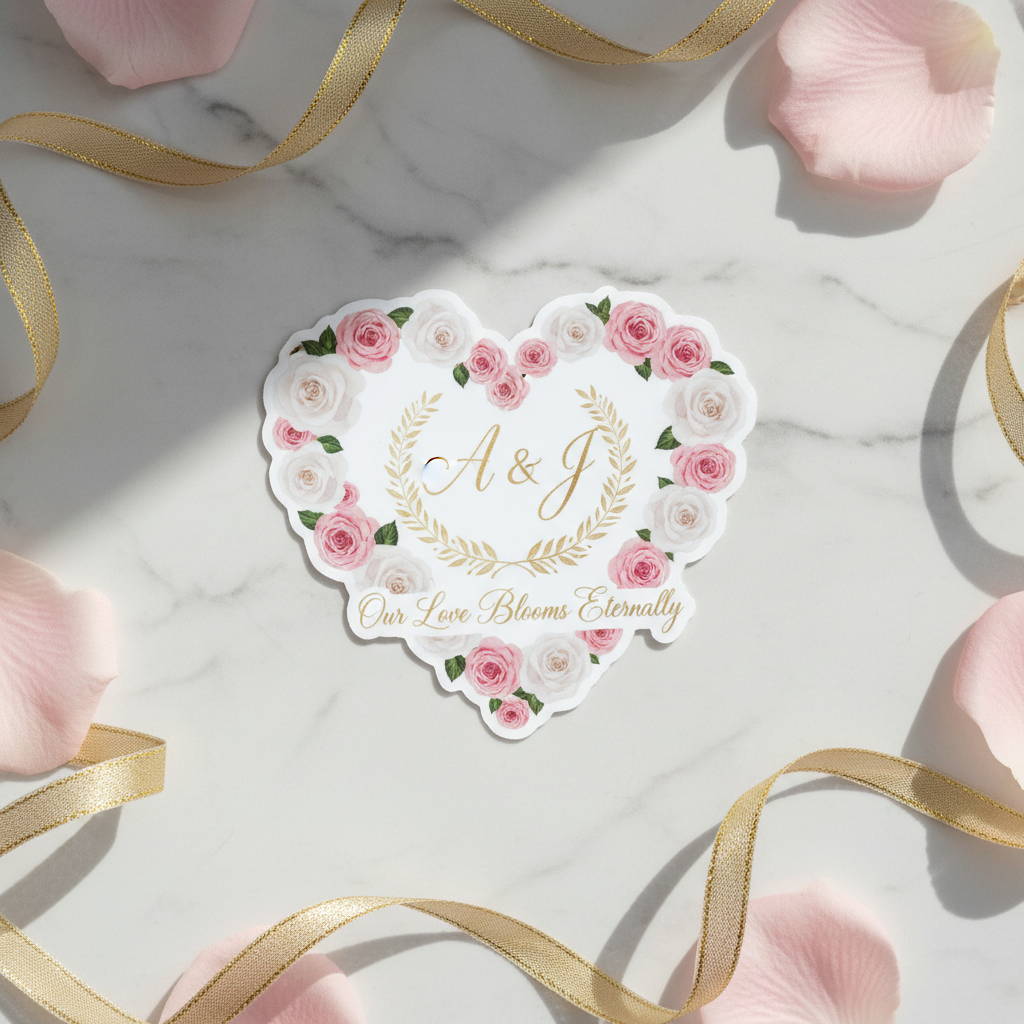
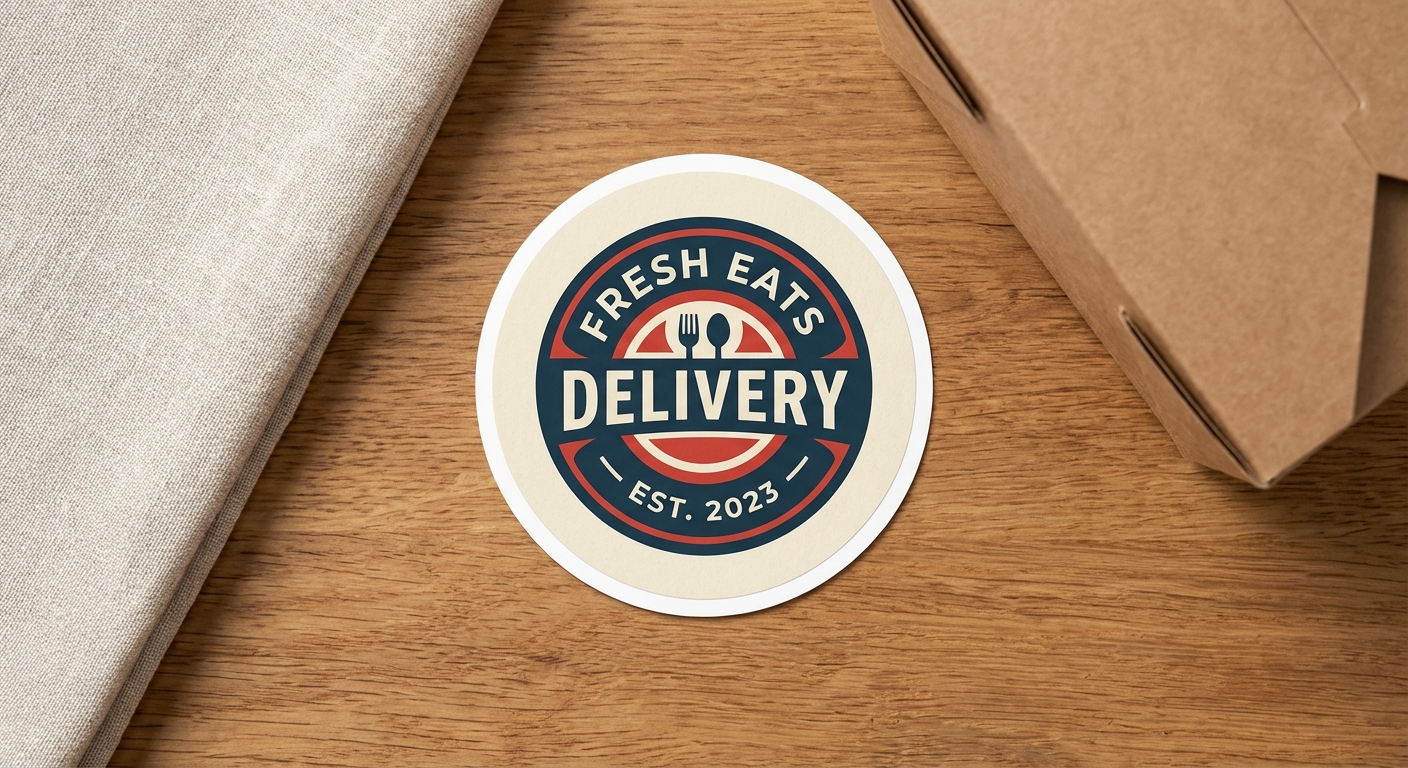
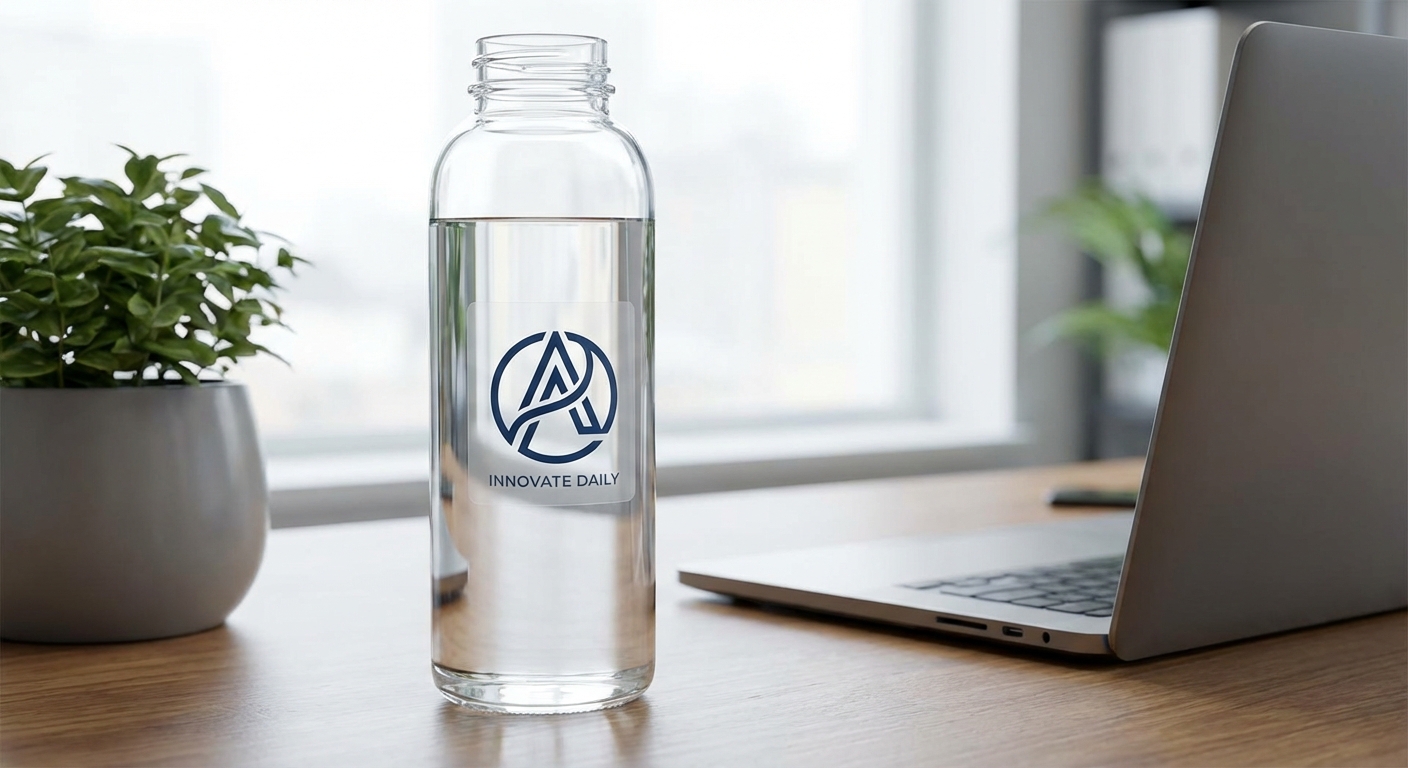
 Custom Vinyl Stickers
Large Vinyl Stickers
Starts low per unit, up to 120"x52" available
Shop on Stickers.com