Find the right sticker font size before you send your artwork to print
Small text looks fine on a screen at 100% zoom, but shrink that same design down to a 2-inch die-cut sticker and it can turn into a blurry smudge. Sticker text size is one of the most common reasons artwork gets flagged during file review, and it's an easy problem to avoid once you know the minimums. This guide breaks down readable font sizes, spacing rules, and material choices so your logo, ingredient list, or QR code prints crisp every time, whether you're ordering one proof or a bulk batch of custom stickers.
Why Sticker Text Size Matters More Than You Think
This matters most for three categories: product labels with ingredient or compliance text, QR codes that need to stay scannable, and small promotional stickers meant for laptops or water bottles. In each case, the difference between a professional-looking sticker and a hard-to-read one usually comes down to font size, font weight, and material choice made before the file ever reaches print.
Minimum Readable Sizes by Sticker Type
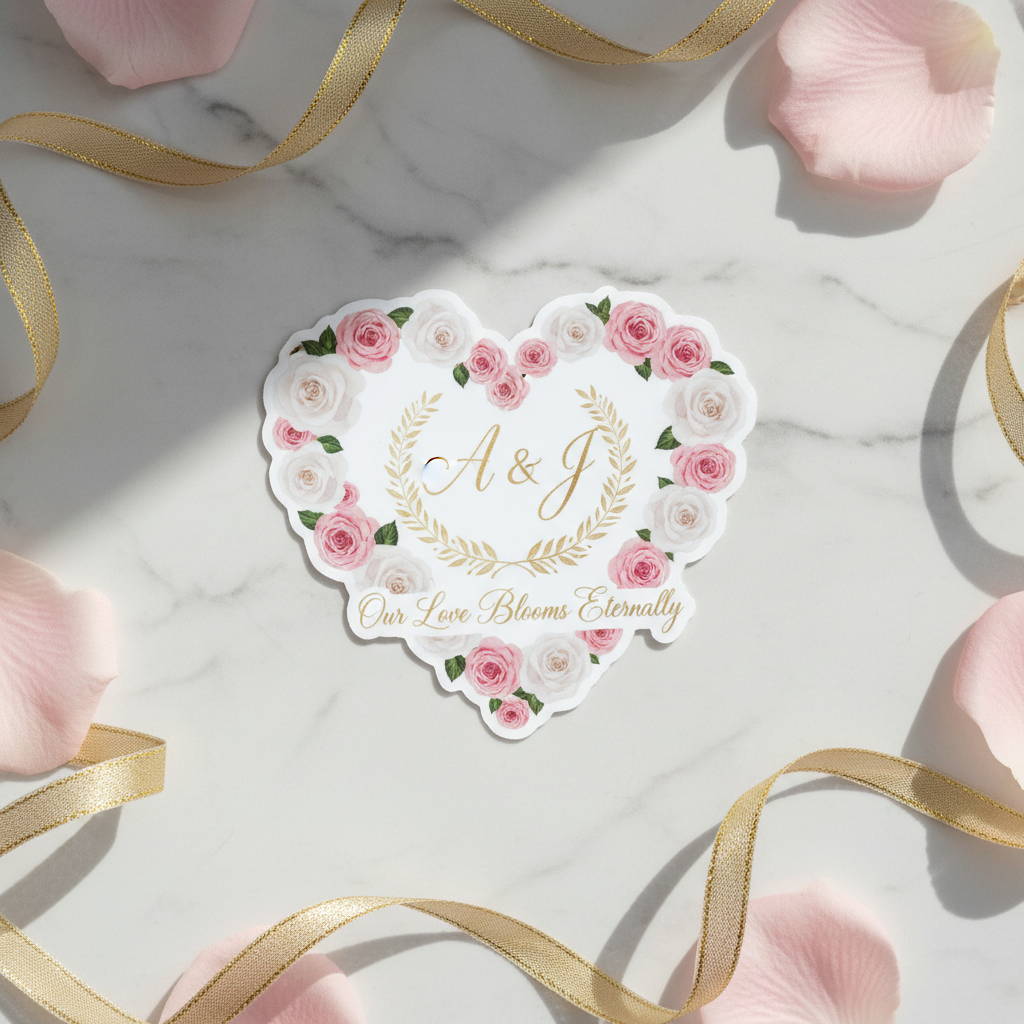
Small stickers (1 to 3 inches): Stick to short headlines or single words at 10pt or larger. These sizes work well for laptop stickers, package seals, and branded custom stickers where the design is meant to be seen up close.
Medium stickers (3 to 6 inches): This is the sweet spot for most product labels and logo stickers. Body text can safely run 8-10pt, with headlines at 14pt or larger.
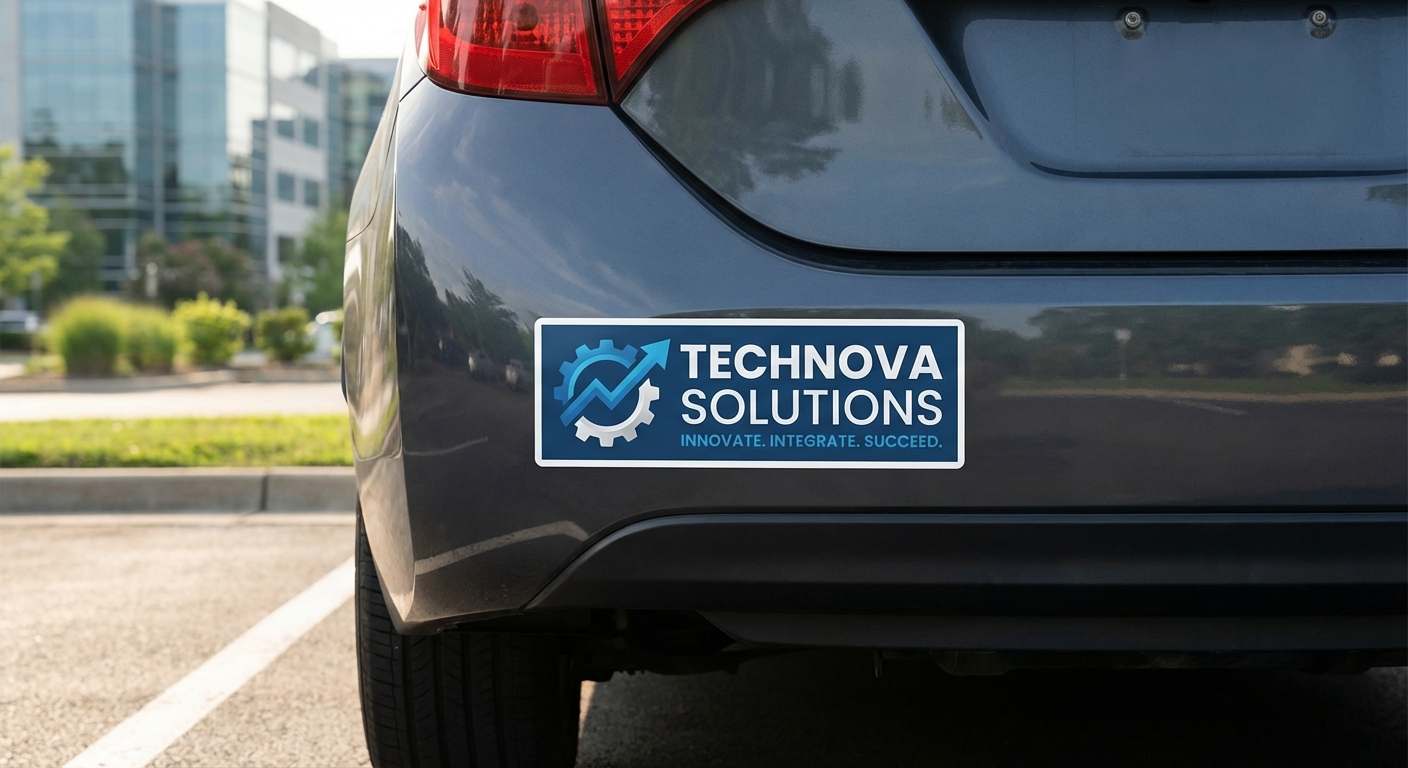
Large format (bumper stickers, banners, signage): Since these are viewed from farther away, text needs to scale up dramatically. A bumper sticker viewed from ten feet needs letters at least 1 inch tall to read comfortably at a glance.
Sticker sheets: Because custom cut sticker sheets often include multiple small designs on one 8.5x11 sheet, each individual sticker still needs to follow small-sticker sizing rules even though the overall sheet is larger.
Choosing Fonts That Stay Legible at Small Sizes
Avoid letter spacing that's too tight, since compressed kerning makes small text harder to separate visually, especially on busy or colorful backgrounds. If your design includes a mix of text and imagery, like on a clear sticker meant to show through glass, leave extra white space (or negative space) around small text so it doesn't compete with the artwork behind it.
Preparing Print-Ready Artwork With Small Text
Sticker Text Size Guidelines by Use Case
| Sticker Type | Typical Size | Minimum Body Text | Minimum Headline Text |
|---|---|---|---|
Laptop/water bottle sticker | 2" to 3" | 8pt | 14pt |
Product label | 1" to 4" | 6pt | 10pt |
Window/clear sticker | 2" to 6" | 8pt | 12pt |
Bumper sticker | 3"x10" to 4"x12" | 18pt | 1" tall letters |
Sticker sheet (multi-design) | 8.5"x11" sheet | 8pt per design | 14pt per design |
Common Questions About Sticker Text Size
- What is the minimum text size for a sticker?
- For most vinyl stickers, keep body text at 8pt or larger and fine print (like legal disclaimers or ingredient lists) no smaller than 6pt. Anything below 6pt risks becoming unreadable once ink spreads slightly during printing, especially on matte finishes. If your sticker will be viewed from a distance, like a bumper sticker or window sticker, size text up to at least 24pt for comfortable readability from several feet away.
- Why did my small text look fuzzy after printing?
- This usually happens for one of three reasons: the artwork file was low resolution (under 300 DPI), the font weight was too thin for the material, or the text size dropped below the minimum for your chosen finish. Glossy vinyl holds fine detail better than matte, so if you need small text, a glossy or clear sticker material is usually the safer bet.
- What size works best for QR codes on stickers?
- QR codes need enough resolution and contrast to scan reliably, not just a legible font size. As a rule, print QR codes at a minimum of 0.8 inches by 0.8 inches, and always test-scan a printed proof before running a full order. If your QR code sits next to text, keep any accompanying label at 10pt or larger so it doesn't get lost.
- Can I fit a lot of text on a small sticker?
- You can, but readability suffers fast. A good rule of thumb is to limit small stickers (under 3 inches) to a headline, a short phrase, or a single call to action. If you need to pack in ingredient lists, warnings, or multiple lines of copy, size up to a 4x6 or larger label, or consider a custom cut sticker sheet that gives you more surface area to work with.
- Does the sticker material affect how small my text can go?
- Yes. Glossy vinyl reproduces fine lines more sharply than matte or textured materials because there's less light diffusion at the surface. If your design leans on small type, review our size guide before finalizing dimensions, and consider glossy lamination for any sticker with text under 10pt.
- What file format keeps small text sharp?
- Vector files (AI, EPS, or PDF with outlined fonts) preserve crisp edges at any size, which matters most for small text. Raster files (JPG, PNG) can work if they're saved at 300 DPI or higher at final print size, but text edges will always look sharper from vector artwork. If you're not sure your file is print-ready, our design services team can review it before production starts.
- How do I know if my text will still be readable after die-cutting?
- Keep small text at least 1/8 inch away from any cut line. Die-cutting has a small margin of tolerance, and text placed too close to the edge can get clipped or crowded once the blade follows your artwork's outline.